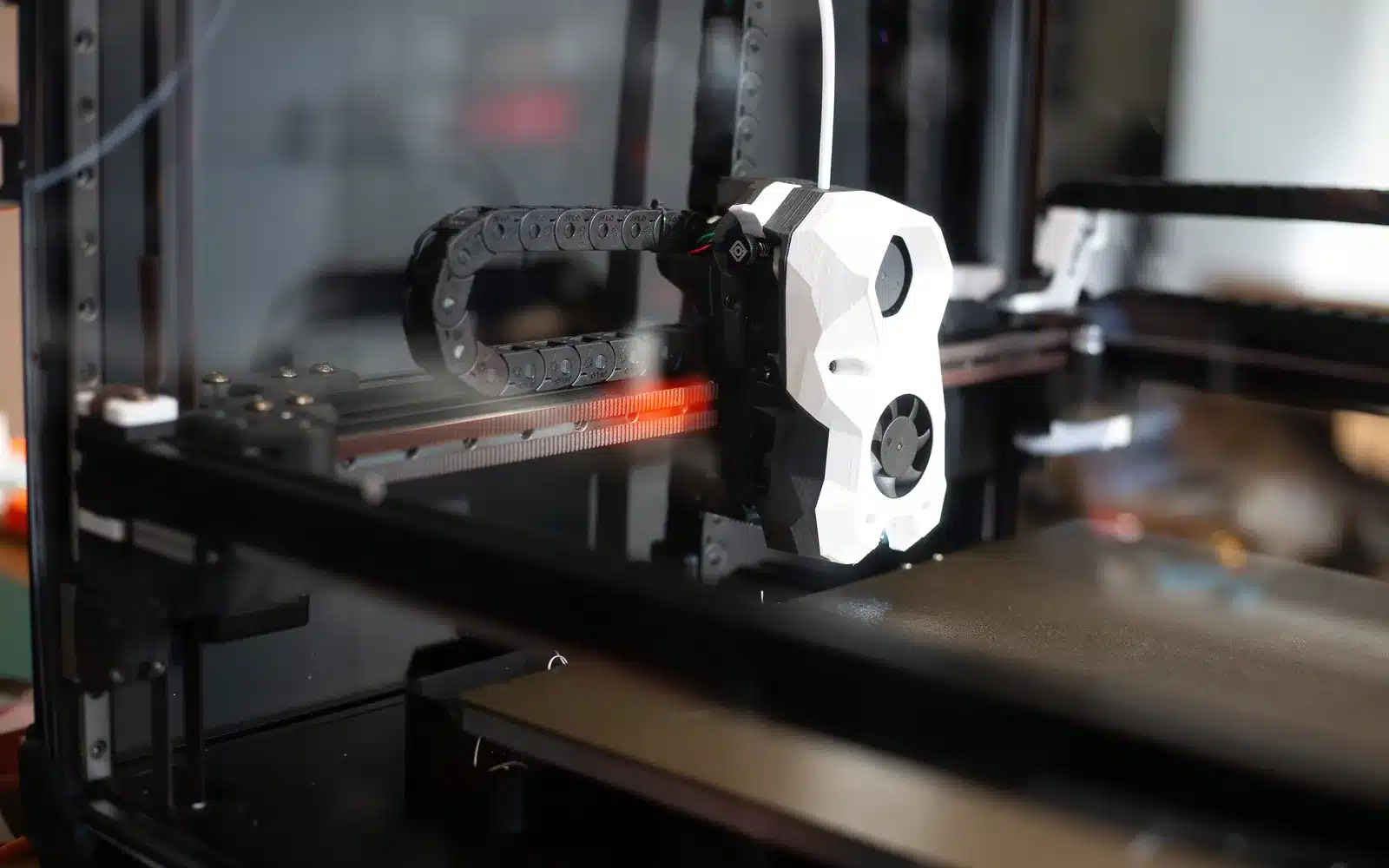
Quick diagnosis
Under-extrusion appears as thin, separated or missing lines. A clicking extruder means the drive is meeting resistance; it does not prove that the drive itself is defective. For a sound-by-sound breakdown of what’s causing it, see our extruder clicking guide.
1. Inspect the spool path
Make sure the spool turns freely, filament is not crossed under another winding and the guide path is not sharply bent. Check that the selected filament diameter and nozzle size match the machine.
2. Confirm the hotend is actually ready
Use the temperature range for the material. A target that is too low for the speed can exceed the hotend’s useful flow. If the temperature reading jumps or the printer reports a heater fault, stop and follow the manufacturer’s repair process.
3. Inspect the extruder
With the printer in a safe service state, look for filament dust, a loose tension mechanism or a worn drive path. Too little grip slips; too much can crush filament. Use the printer’s documented adjustment rather than an arbitrary spring position.
4. Test for a partial clog
Extrude slowly in free air at the normal material temperature. A strand that curls immediately is not proof of a clog, but inconsistent flow, repeated clicking and a restricted purge justify the printer maker’s cleaning procedure. Use cold pulls or cleaning needles only when supported for that hotend.
5. Reduce demand before changing flow
Lower print speed or maximum volumetric flow to see whether the hotend was being asked to melt material faster than it can. Raising the flow multiplier while the path is restricted increases pressure and hides the cause.
Under-extrusion checklist
- Spool and filament path move freely.
- Nozzle and filament diameter match the profile.
- Temperature is stable and within guidance.
- Extruder gear is clean and correctly tensioned.
- Slow manual extrusion is consistent.
- Speed is within the hotend’s useful flow.