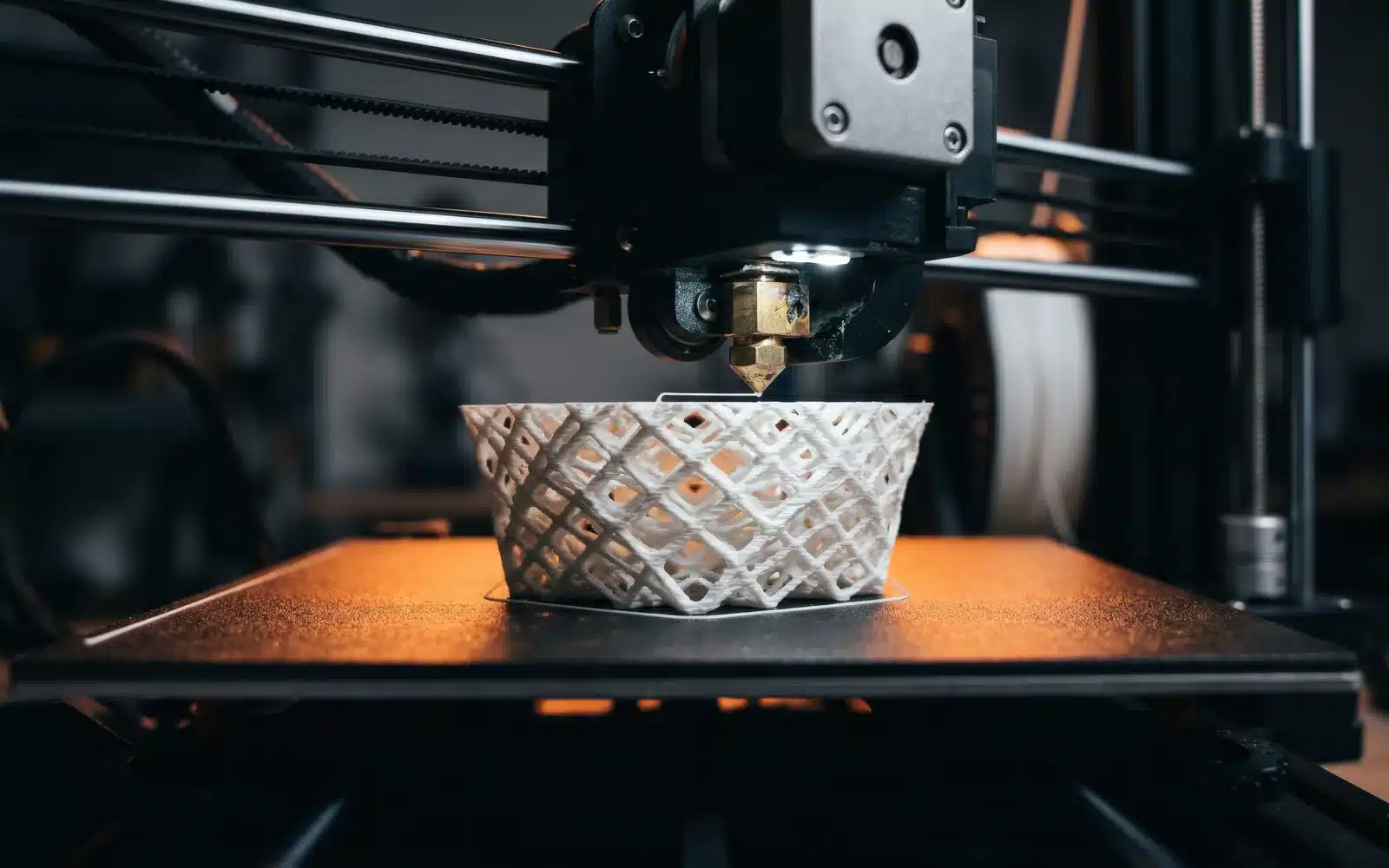
3D printer ghosting appears as fading ripples after a sharp corner, letter or hole. The nozzle changes direction, the machine vibrates, and those vibrations leave a repeating pattern on the wall. You may also hear it called ringing.
Confirm that the pattern is ghosting
Look for waves that begin beside a distinct feature and become weaker with distance. Evenly spaced vertical lines across the entire model may come from the motion hardware or extrusion instead. A single bulge at a seam belongs in a different diagnostic.
1. Stabilize the printer’s base
Place the machine on a rigid surface and make sure all feet contact it. Remove objects that rattle against the frame. A soft foam pad may reduce noise transmitted into furniture, but an unstable table can still let the machine sway.
2. Inspect the frame and toolhead
Power off and let the printer cool. Check user-serviceable frame fasteners, toolhead mounting and bed mounting as described in the manual. Unexpected play adds motion after the motors have changed direction. Do not tighten covers or electrical components that are outside the service instructions.
3. Check belts and pulleys without guessing tension
A visibly slack or damaged belt can introduce position error. A loose pulley can move on its shaft. Use the manufacturer’s tension method and fastener order. A guitar-string-tight belt is not a goal; excess tension loads bearings and motor shafts and can make motion less smooth.
4. Return motion settings to baseline
Use the tested profile for the exact printer. Reduce outer-wall speed and acceleration, then repeat the same small model. If the ripples shrink, motion demand was part of the problem. Change one value at a time so the result remains useful.
5. Consider moving mass
Bed-slinger printers move the printed part on one axis, so a tall heavy model may show more ringing as it grows. Orienting the part, reducing acceleration or using a wider stable footprint can help. Do not add braces or frame modifications before confirming the basic machine is assembled correctly.
Ghosting checklist
- Ripples begin after corners or surface features.
- The printer sits firmly on a rigid surface.
- No serviceable frame or toolhead part has unexpected play.
- Belts and pulleys match manufacturer guidance.
- A baseline acceleration test was compared with the same model.