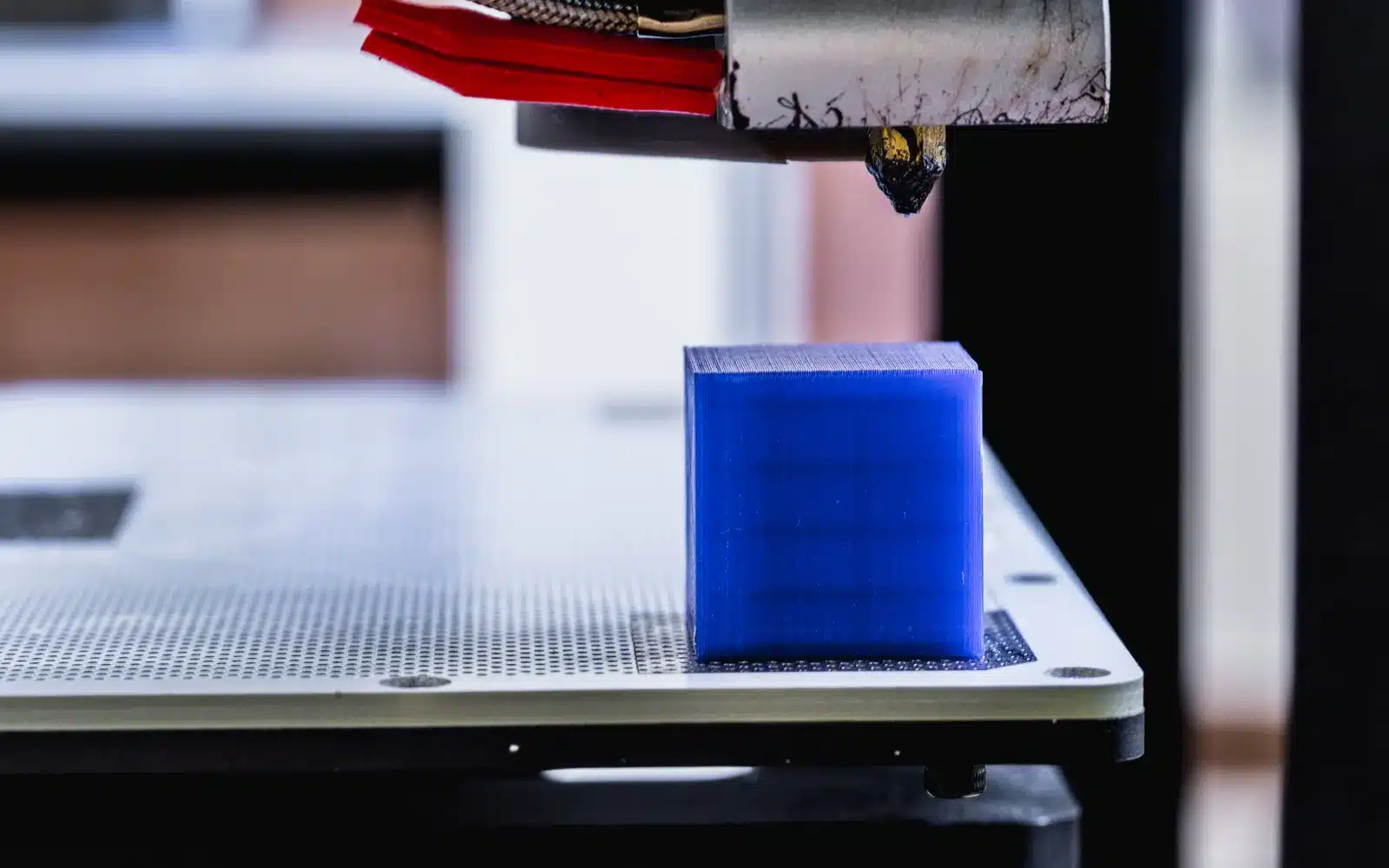
3D printer bridging is the process of stretching filament between two supported points with nothing directly underneath. A good bridge anchors at both ends and stays reasonably straight while it cools. Long gaps, wet filament and a poor line direction make the task harder.
Inspect bridge direction in the preview
The shortest span is usually the easiest. Rotate the model or adjust the slicer’s bridge direction so lines cross between close, solid anchors. Check that each line actually begins and ends on printed material. A decorative opening may need no support after a simple rotation.
Use a small repeatable bridge test
Choose a model with several labeled gap lengths and start from the standard material profile. The goal is not the longest possible bridge. Find the distance that remains reliable for the surfaces your part needs.
Give the strand time to cool
PLA often benefits from strong bridge cooling. PETG usually needs a more measured fan setting to preserve layer bonding. Confirm that the fan and duct are clean and operating, then stay within the material profile’s guidance. Enclosed high-temperature materials require a different approach.
Balance bridge speed
If the nozzle moves too slowly, the strand stays hot and droops. If it moves too quickly, it may stretch thin or fail to anchor. Change bridge speed in a modest step and compare the same gap. General print speed is less useful than the slicer’s dedicated bridge value.
Check temperature and bridge flow
A temperature near the hot end of the filament range can worsen sagging, while too little heat can prevent a firm anchor. Test a small reduction only after confirming ordinary walls still bond well. Bridge flow should form a continuous strand without piling up; extreme under-flow creates weak broken lines.
Know when support is the better tool
A broad flat ceiling needs more than a few bridge lines, and a long cosmetic underside may not meet the finish requirement without support. Split the part, add a designed chamfer or use a support interface when geometry exceeds the tested span.
Bridge tuning checklist
- Lines cross the shortest useful span.
- Both ends anchor on solid printed regions.
- The filament extrudes smoothly without popping.
- Cooling matches the material.
- Speed, temperature and flow were tested one at a time.