PETG
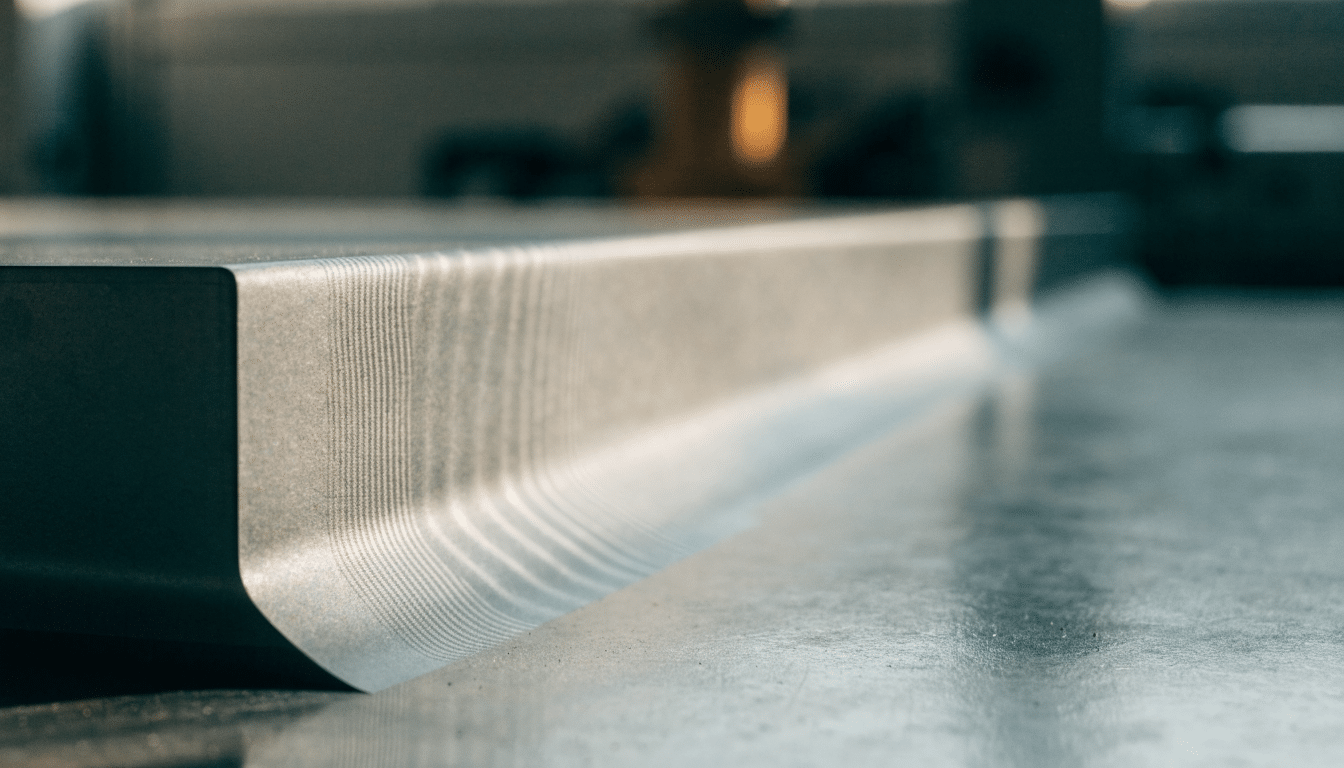
How to Fix Ghosting on 3D Prints Without Overtightening Belts
Trace repeated ripples near corners to motion, frame stability and acceleration before tightening every belt on the printer.
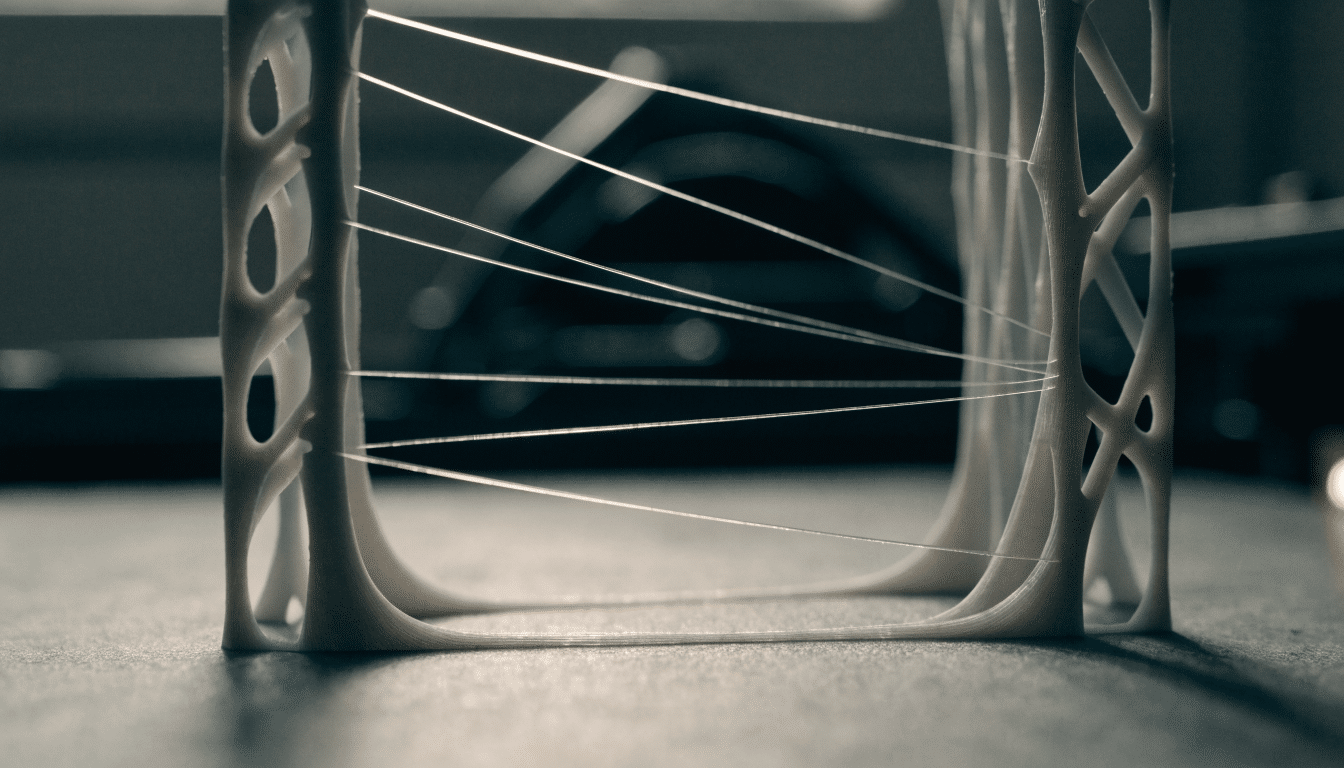
3D Printer Bridging: Fix Sagging Lines Over Open Gaps
Improve short spans with direction, cooling, flow and speed tests before covering the entire model in support material.
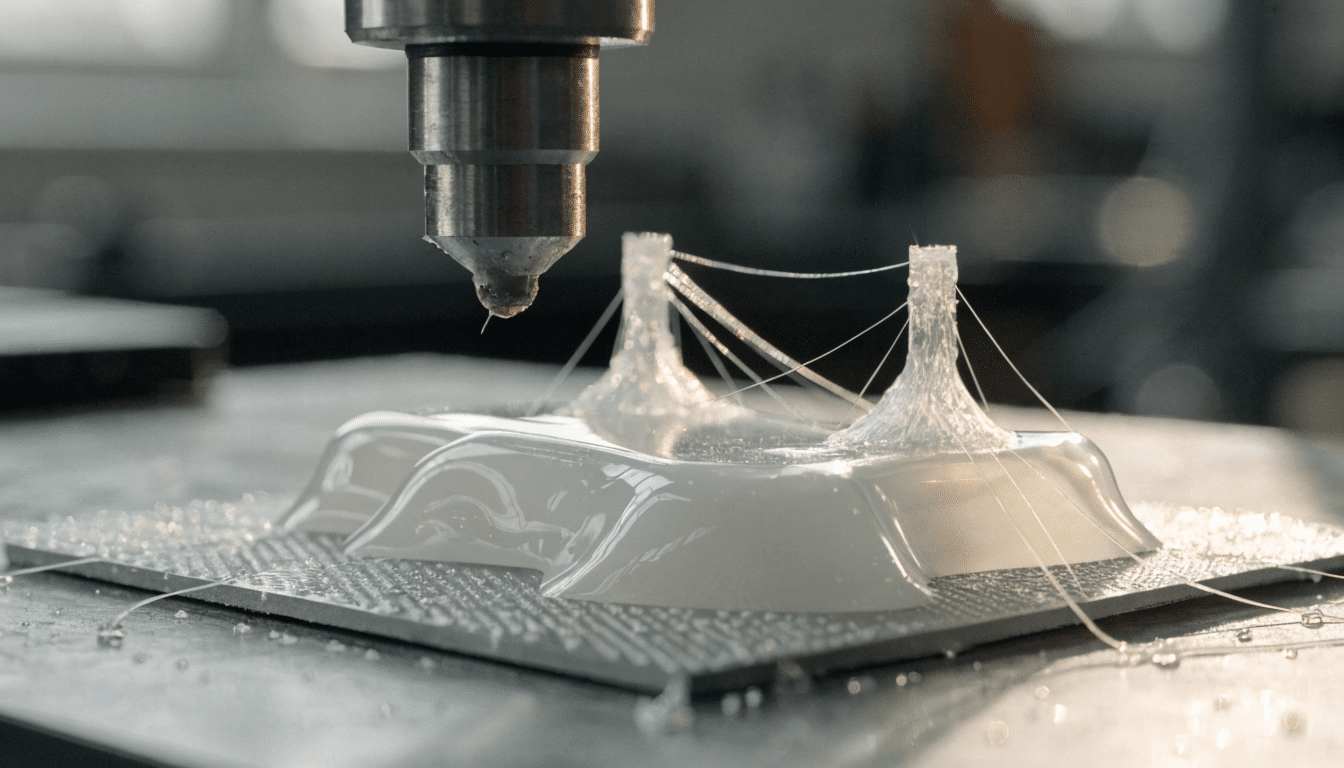
PETG Print Settings: A Calm Starting Profile for Beginners
Begin with the printer maker’s PETG profile, protect the build surface and tune temperature, cooling and retraction from visible evidence.
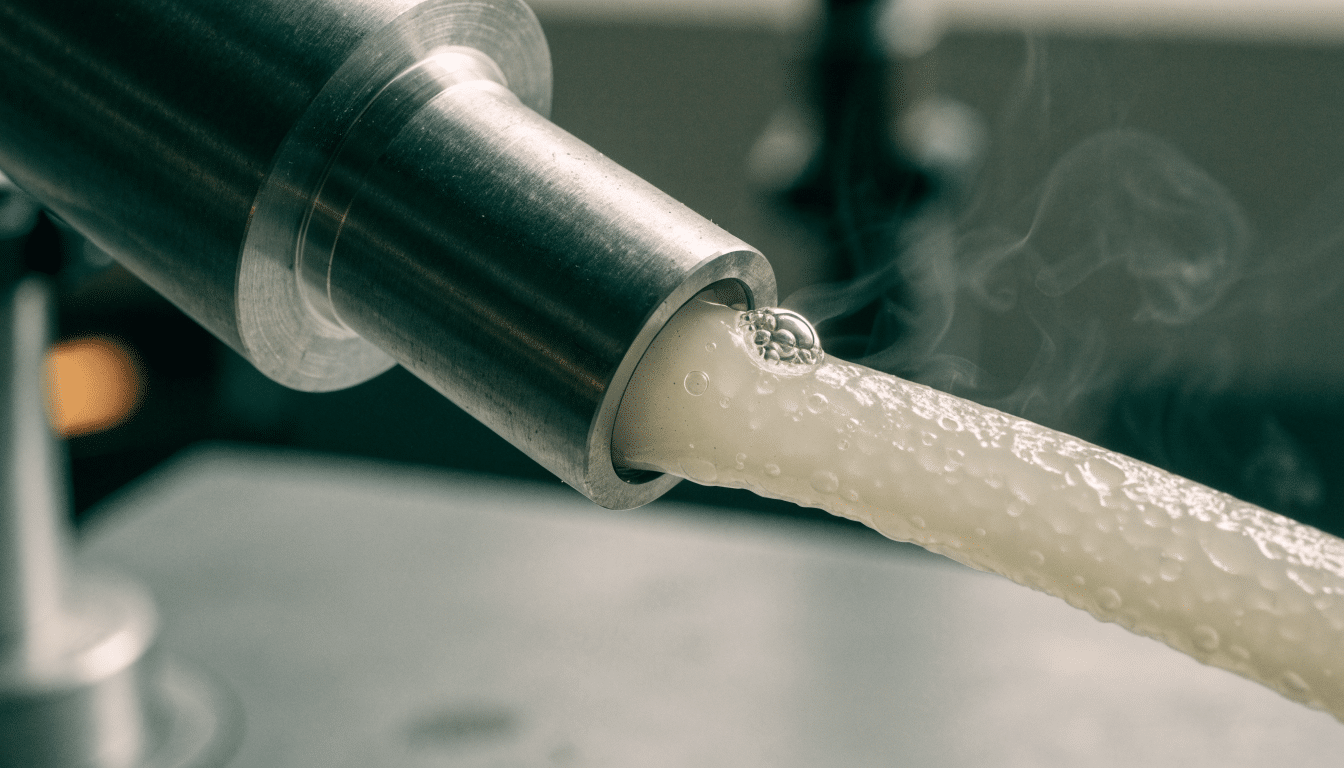
Wet Filament Symptoms: How to Tell Before You Retune the Printer
Recognize popping, bubbles and rough inconsistent flow, compare with known dry material and dry the spool without guessing temperatures.
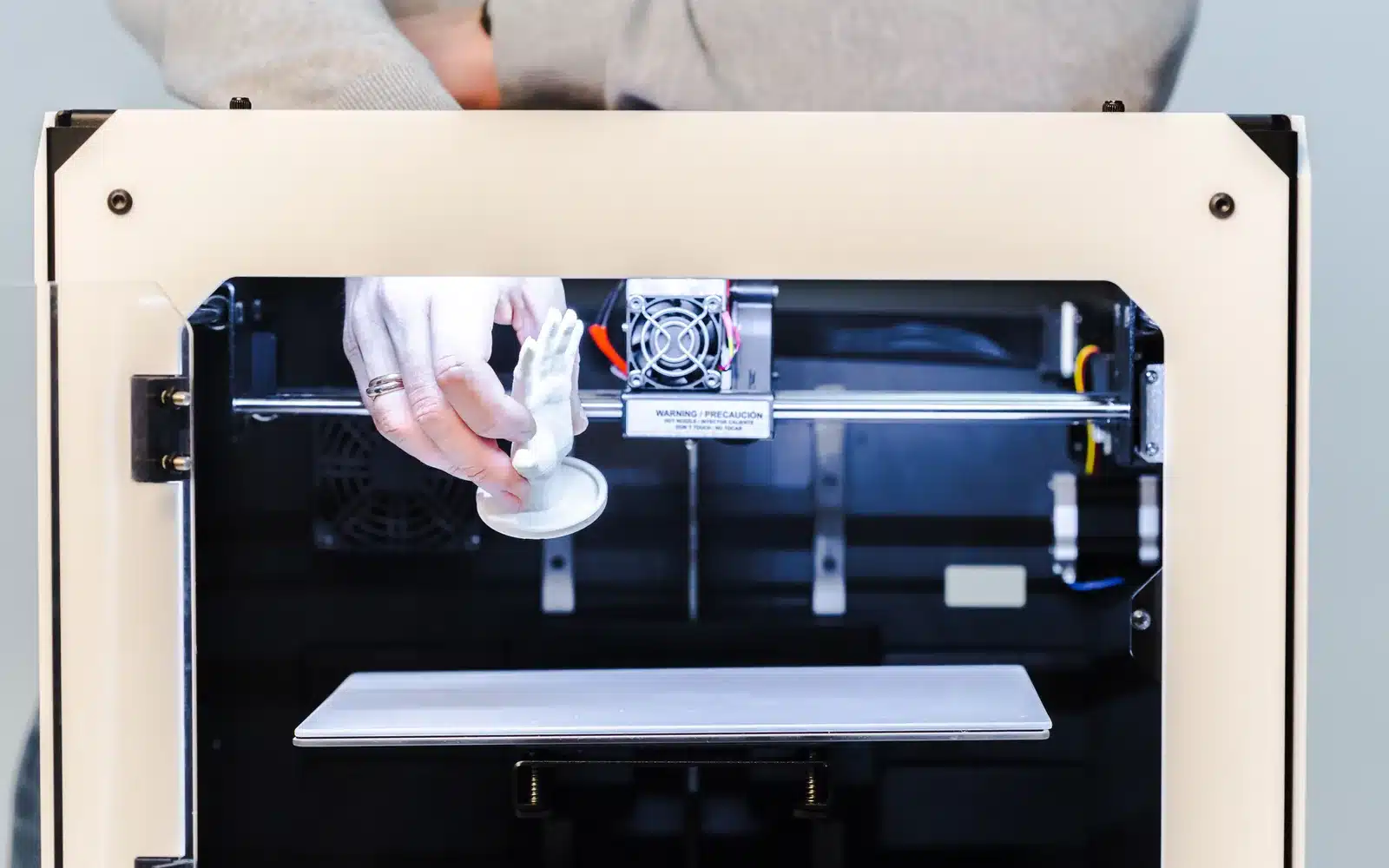
First Layer Not Sticking: A Safe Diagnostic Sequence
A first layer that will not stick almost always comes down to a dirty plate, a nozzle sitting too far away, or temperatures that…
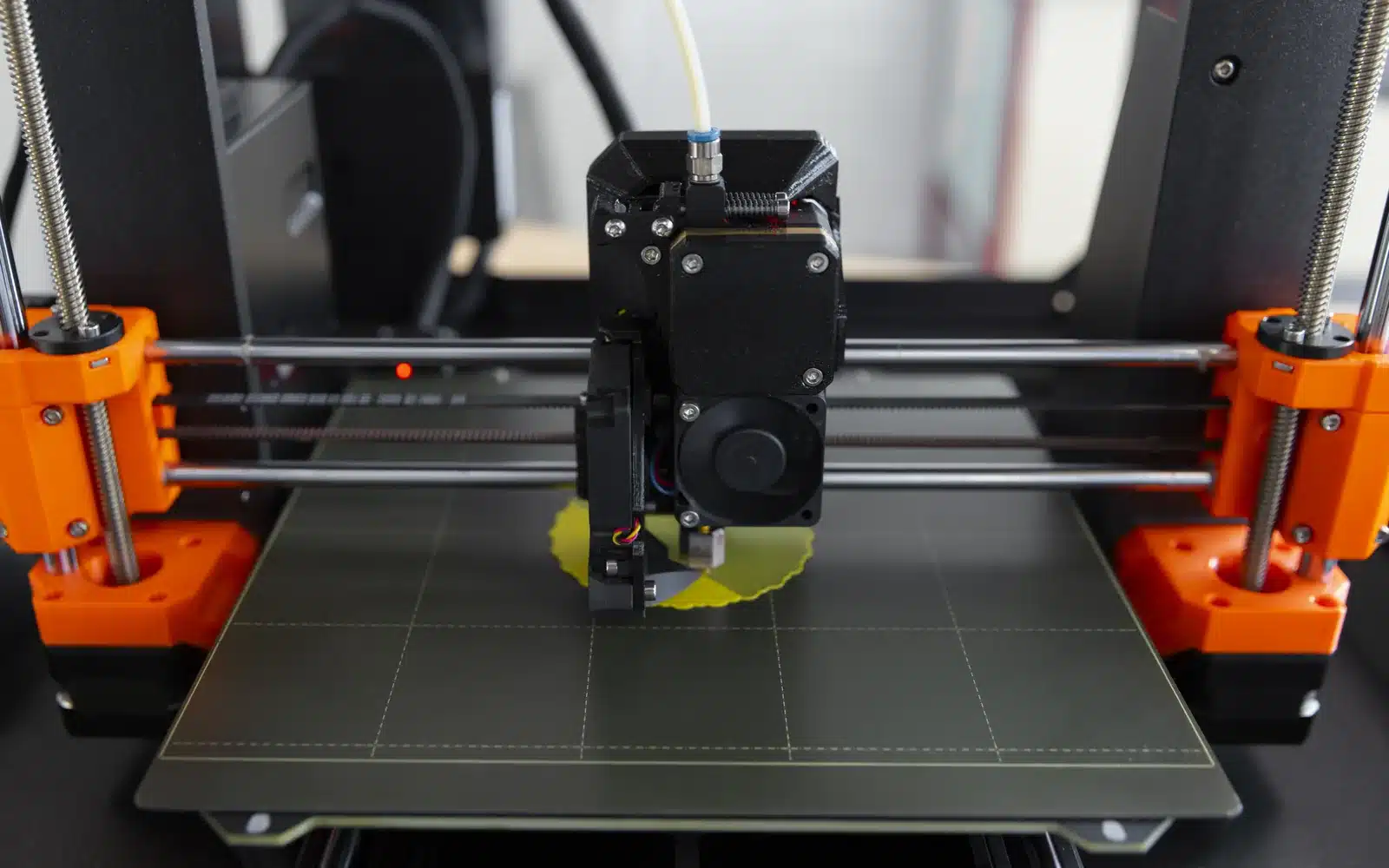
Reduce Stringing Without Hiding the Real Cause
Stringing looks like one problem but it rarely has one cause. Test filament moisture, nozzle temperature, retraction, and travel separately, in that order, so…
Stop Corners Lifting: A Practical Warping Checklist
Corners lift because the plastic shrinks faster than the bed can hold onto it. Fix the first-layer foundation, control drafts, and save the brim…
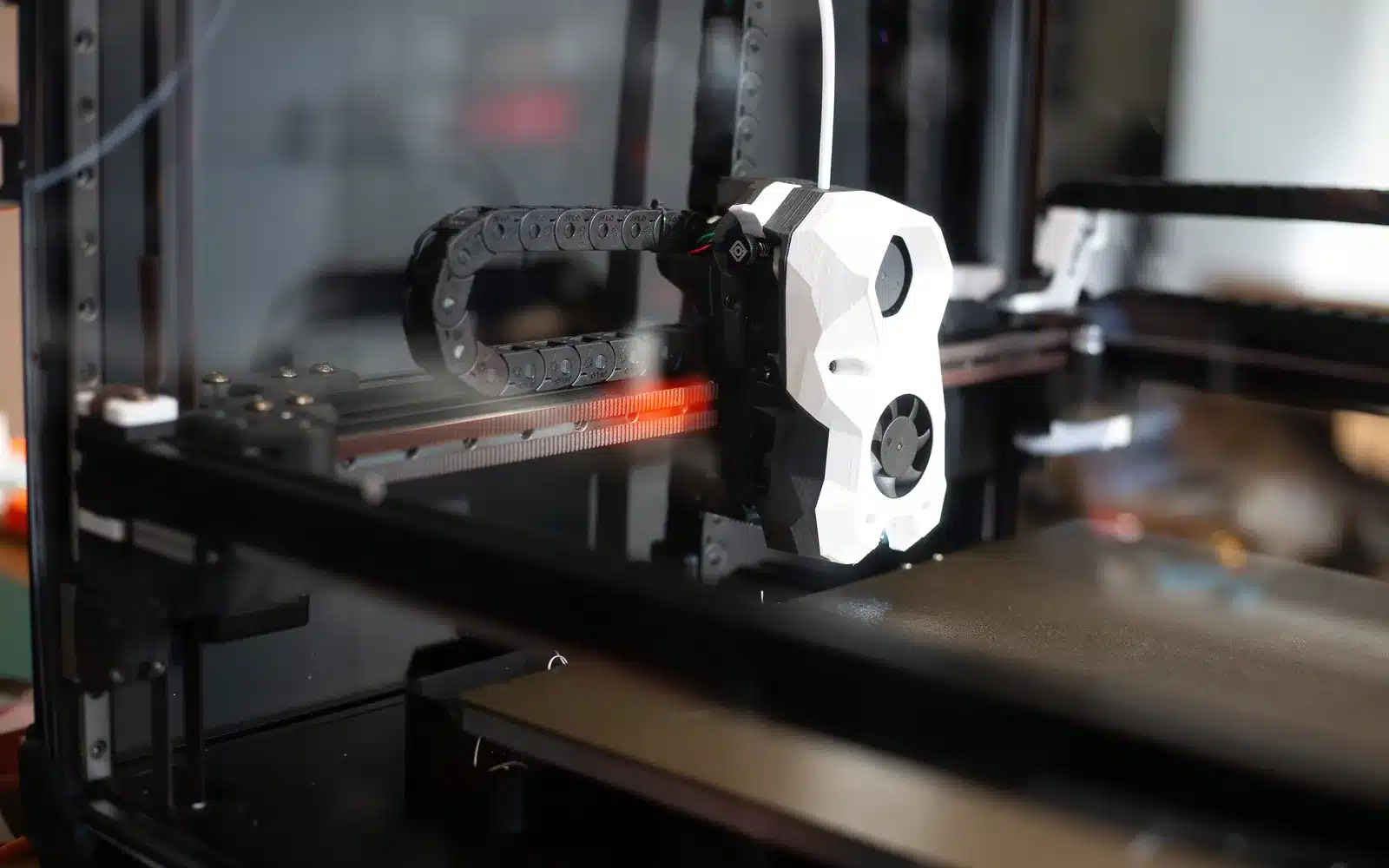
Fix Under-Extrusion: Thin Lines, Gaps and Weak Parts
Find whether restricted flow comes from the spool, extruder, temperature, nozzle or an incorrect profile before raising flow.
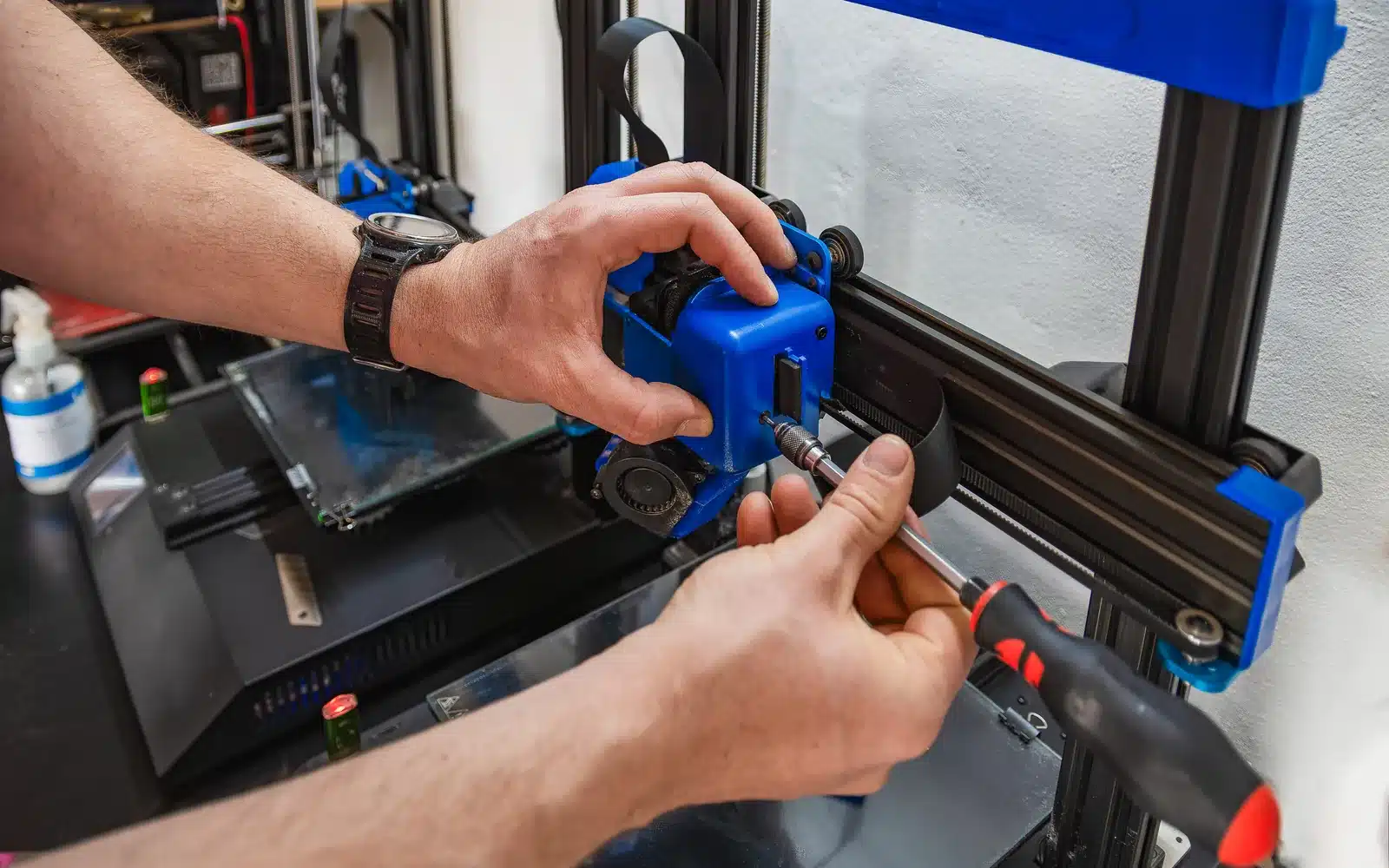
Clear a Clogged 3D Printer Nozzle Safely
Confirm a restricted flow, try the least intrusive cleaning steps and know when hotend disassembly is not appropriate.
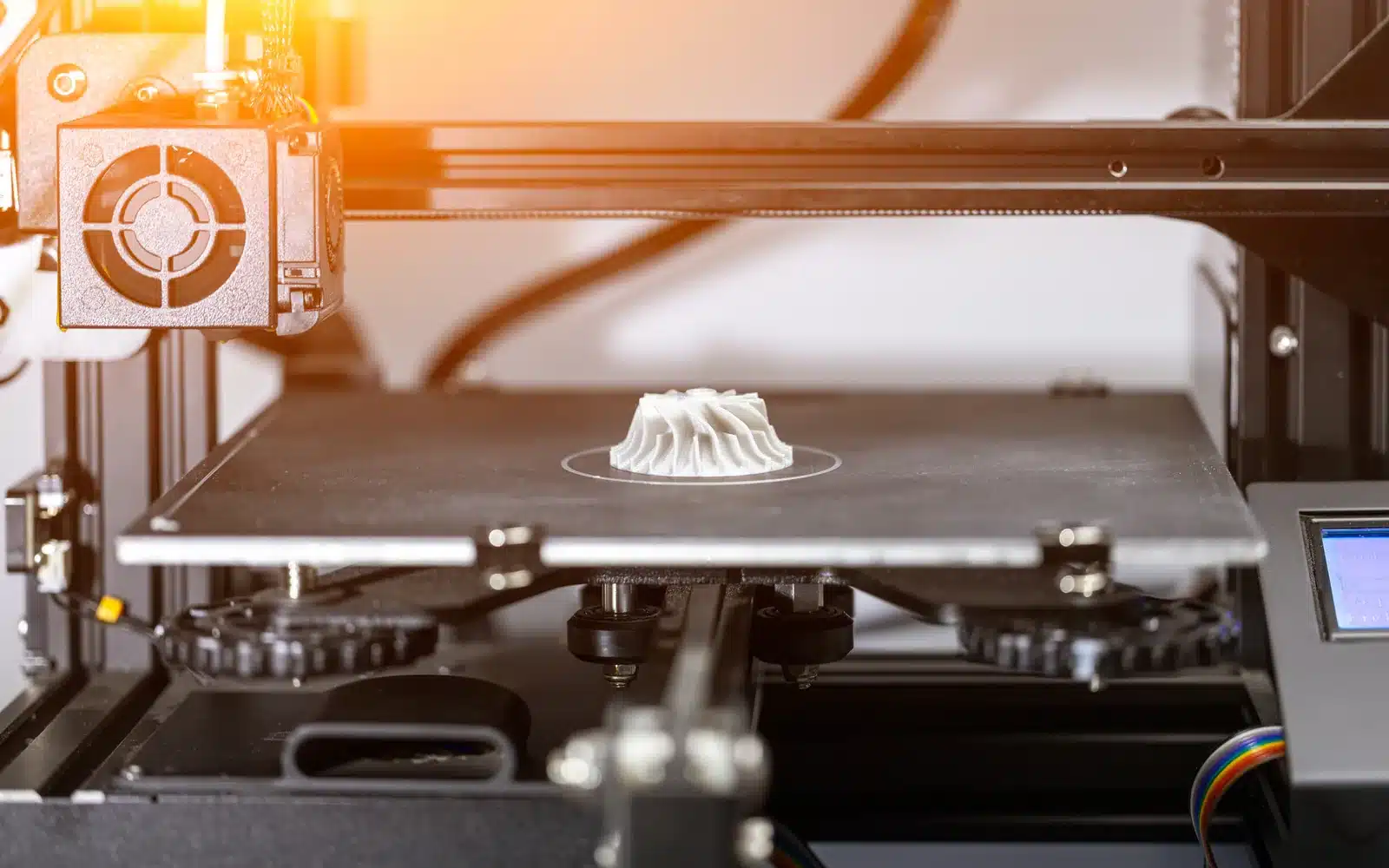
Fix Layer Shifts Without Overtightening the Printer
Trace a sudden sideways offset to a collision, obstruction, loose drive component or motion demand in a safe order.


