Anycubic
Anycubic guides for the Kobra 3 and Kobra 3 Max, Kobra S1, Kobra 2, Kobra 2 Pro and Kobra X, plus the Photon Mono 4 resin printer. Most pages are error-code lookups by model. The rest cover Kobra 3 calibration and upkeep, ACE Pro feeding problems, and getting started in Anycubic Slicer Next and Photon Workshop.
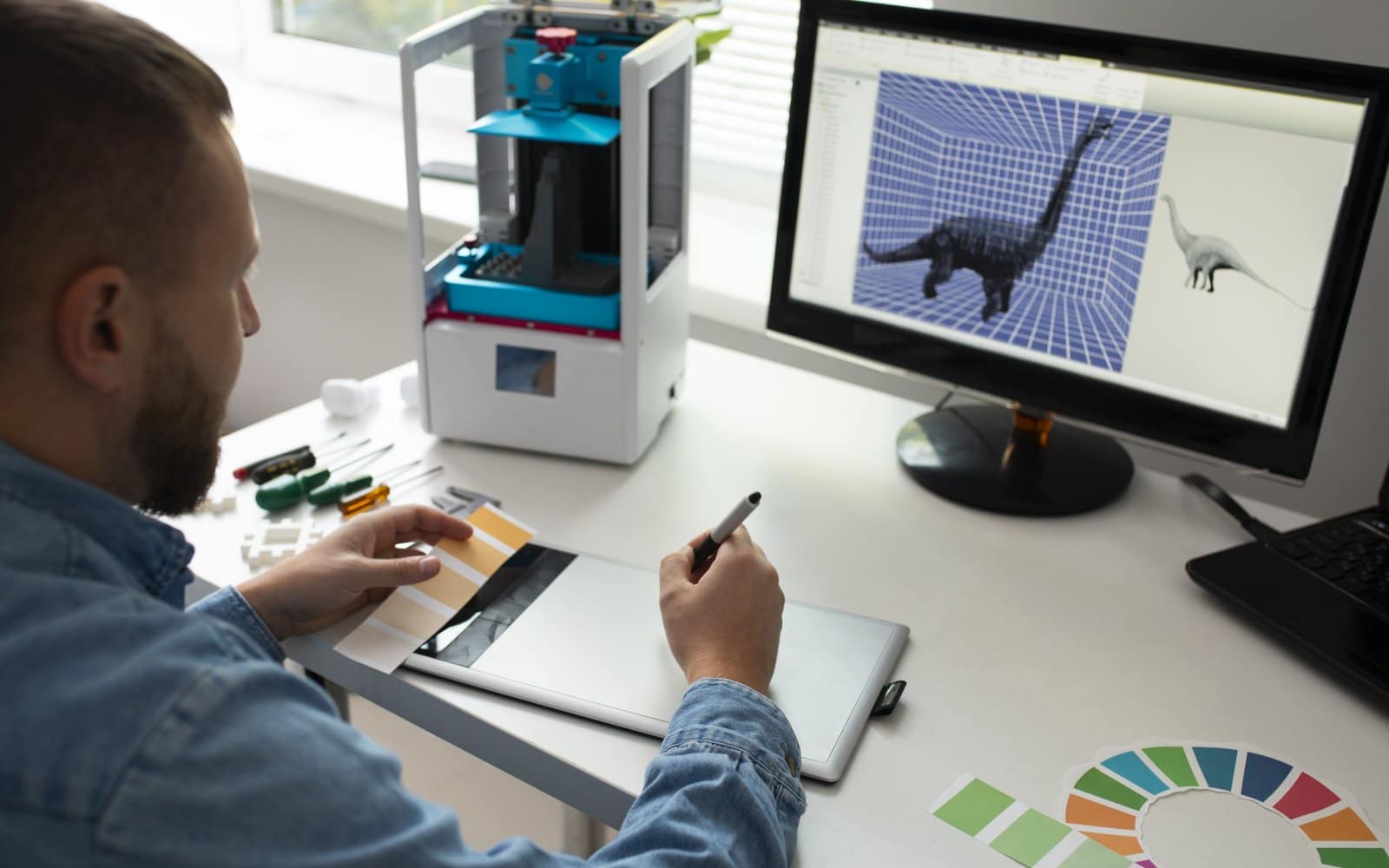
Anycubic Kobra 3 error code index
Find and read Anycubic Kobra 3 error codes correctly, check the obvious causes first, and know when a fault needs manufacturer support.
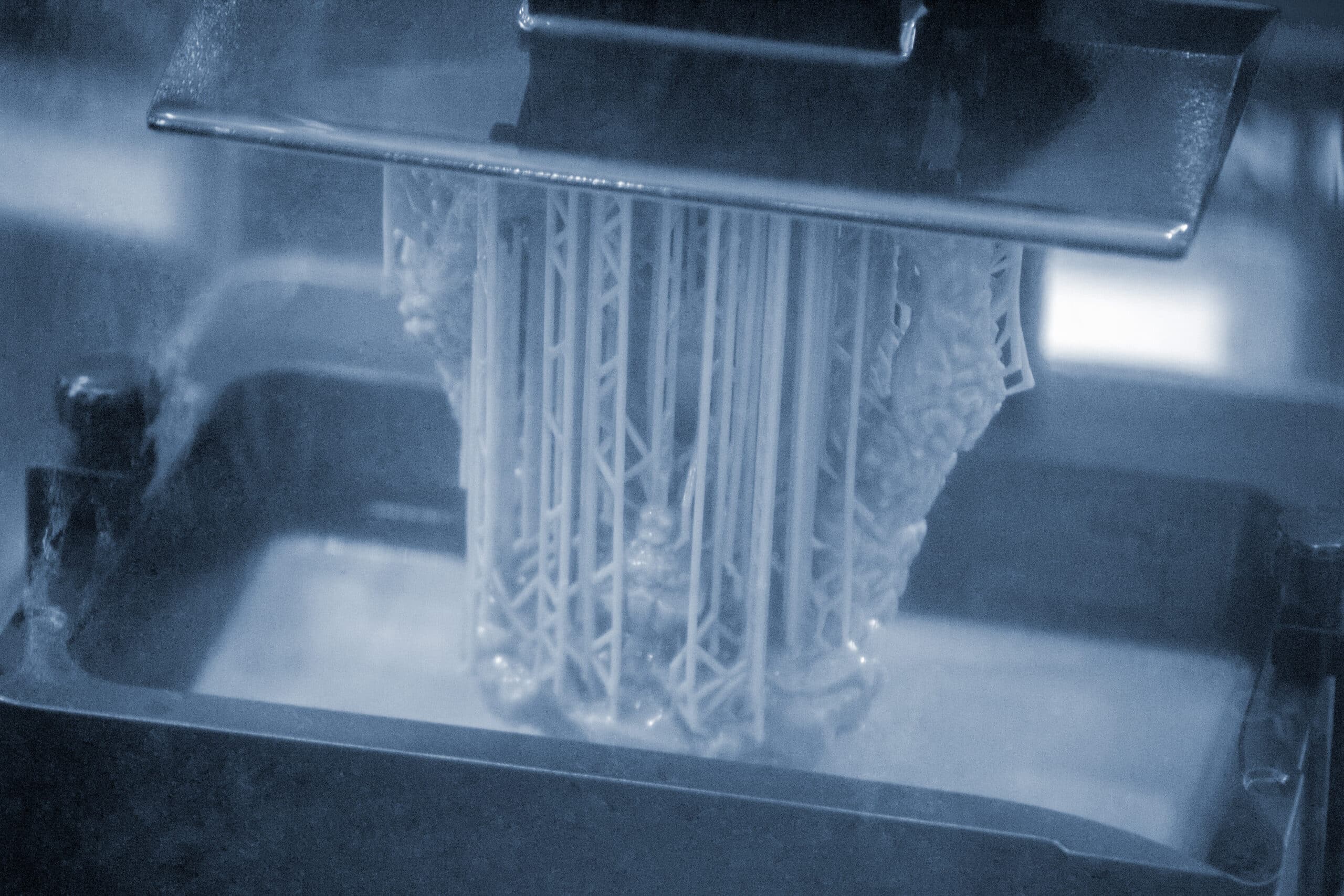
Photon Workshop setup for the Anycubic Photon Mono 4
Install Anycubic Photon Workshop, add the Photon Mono 4 printer profile and set the basic exposure values before slicing a first resin file.
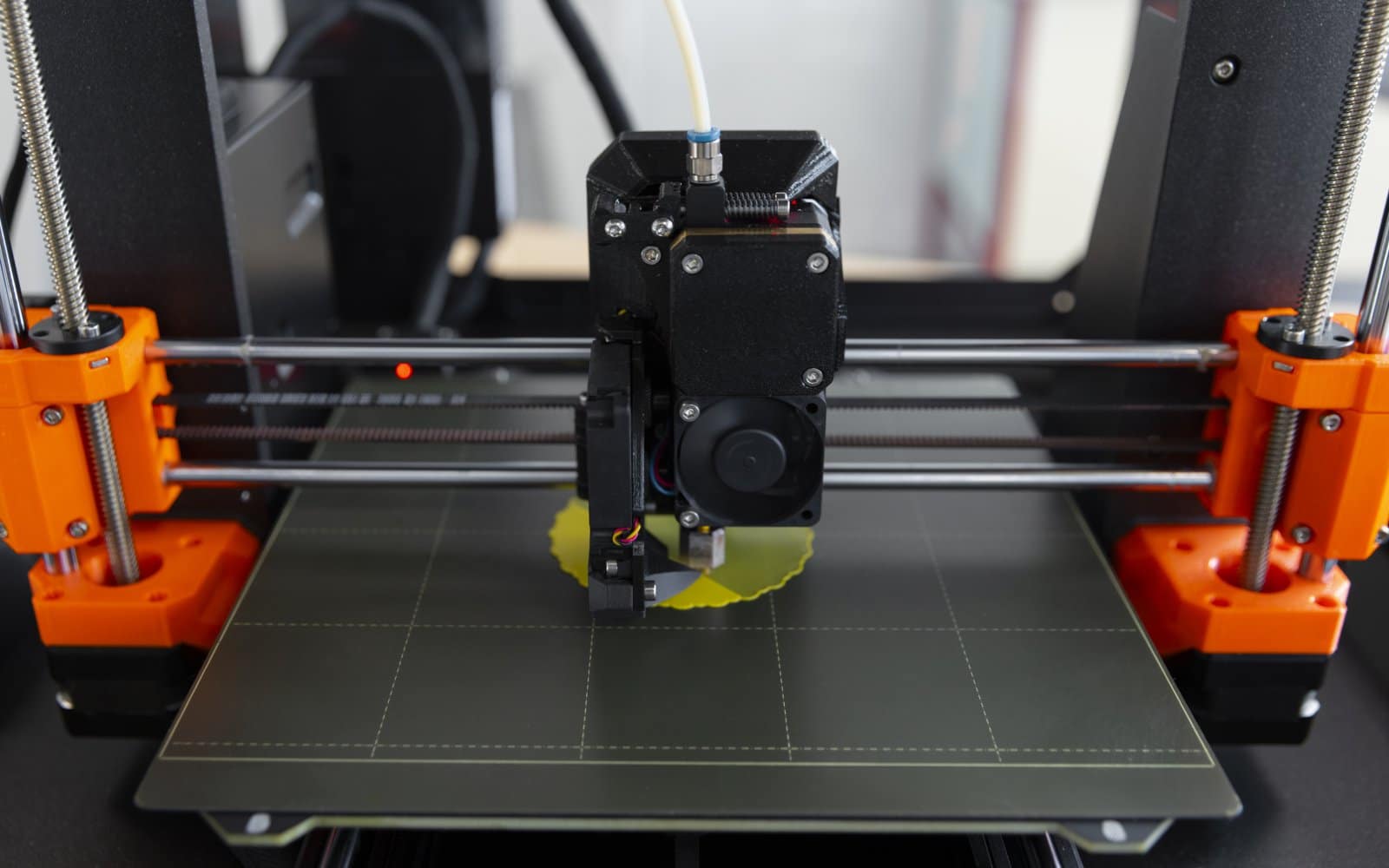
Anycubic Kobra 3 nozzle replacement: procedure and limits
Replace a Kobra 3 quick-release brass nozzle safely, pick the right diameter and update both the printer and the slicer before printing again.
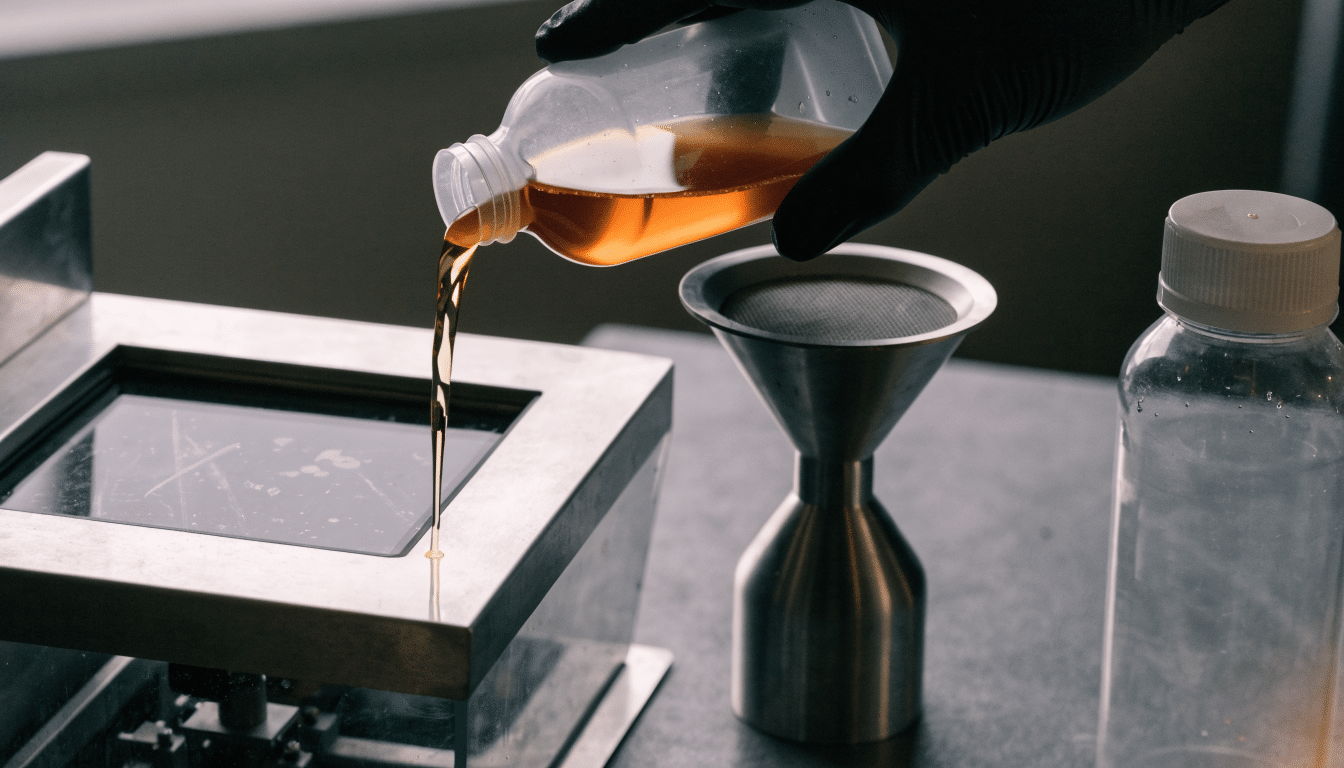
Filling, changing and storing resin on the Anycubic Photon Mono 4
Fill, change and store resin safely on the Anycubic Photon Mono 4, from pouring the vat to keeping leftover resin usable between prints.
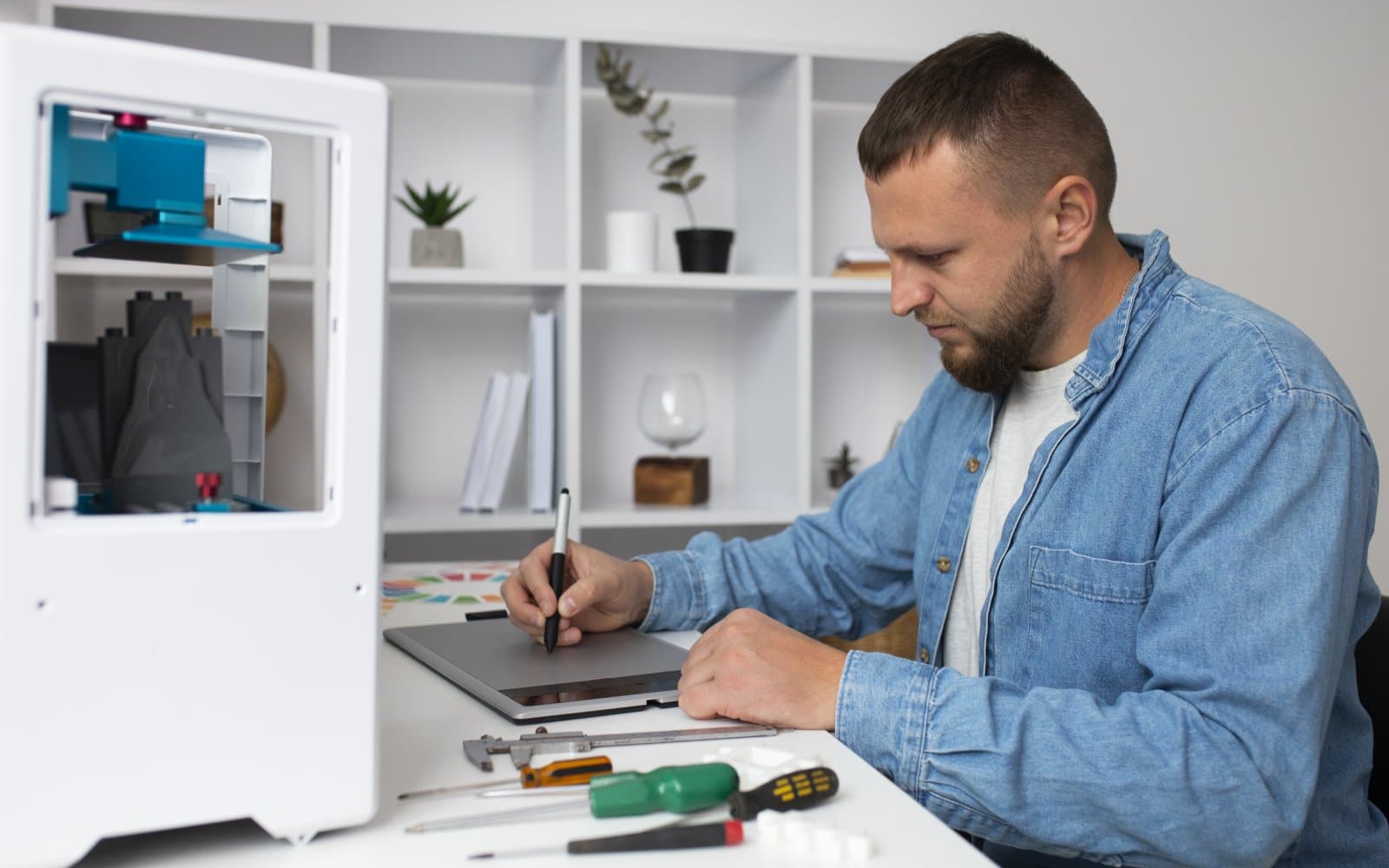
Anycubic Kobra 3 maintenance schedule
Maintain an Anycubic Kobra 3 with routine plate care, sensor checks and leveling recalibration, without guessing at lubrication points.
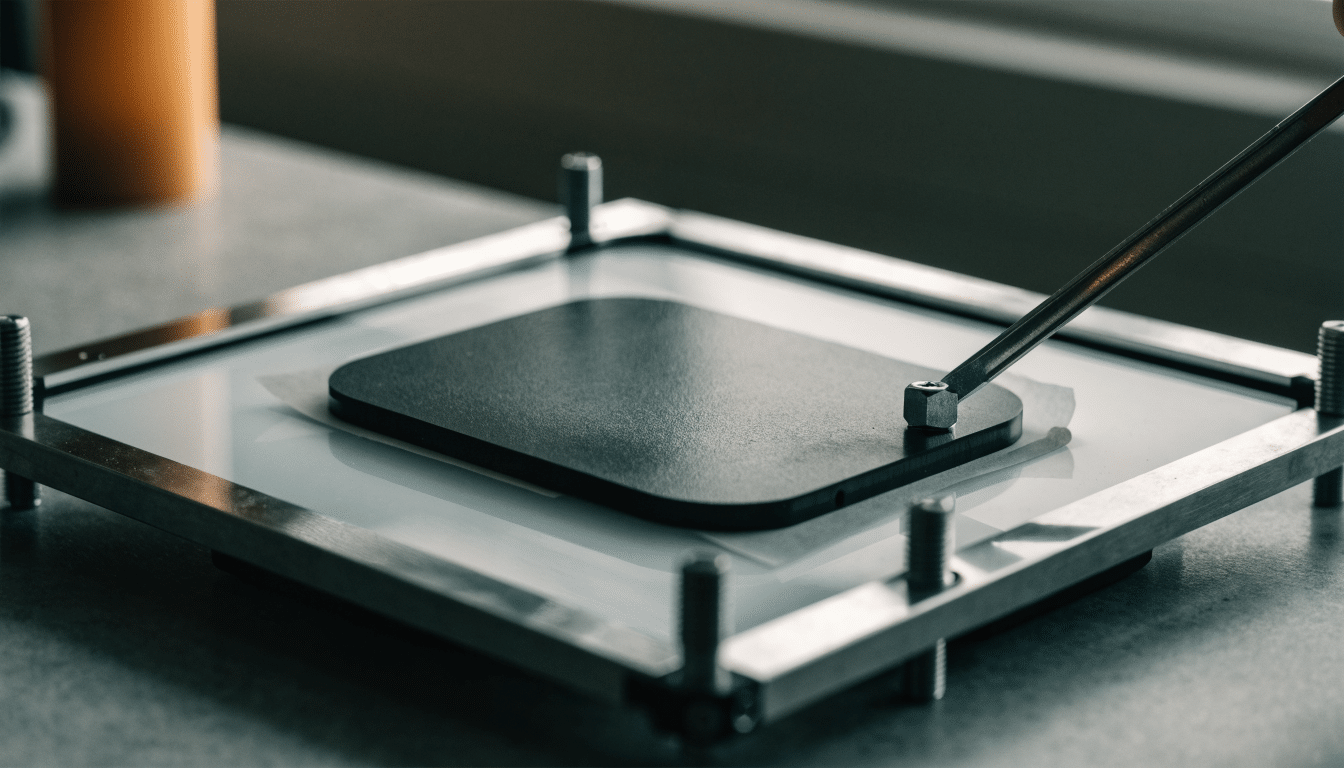
Anycubic Photon Mono 4 calibration: leveling and exposure basics
Calibrate the Anycubic Photon Mono 4 with correct plate leveling and exposure time settings, and know when to repeat the process.
Anycubic Slicer Next setup for the Kobra 3
Set up Anycubic Slicer Next for a Kobra 3 with the correct printer profile, nozzle diameter and build volume before the first real print.
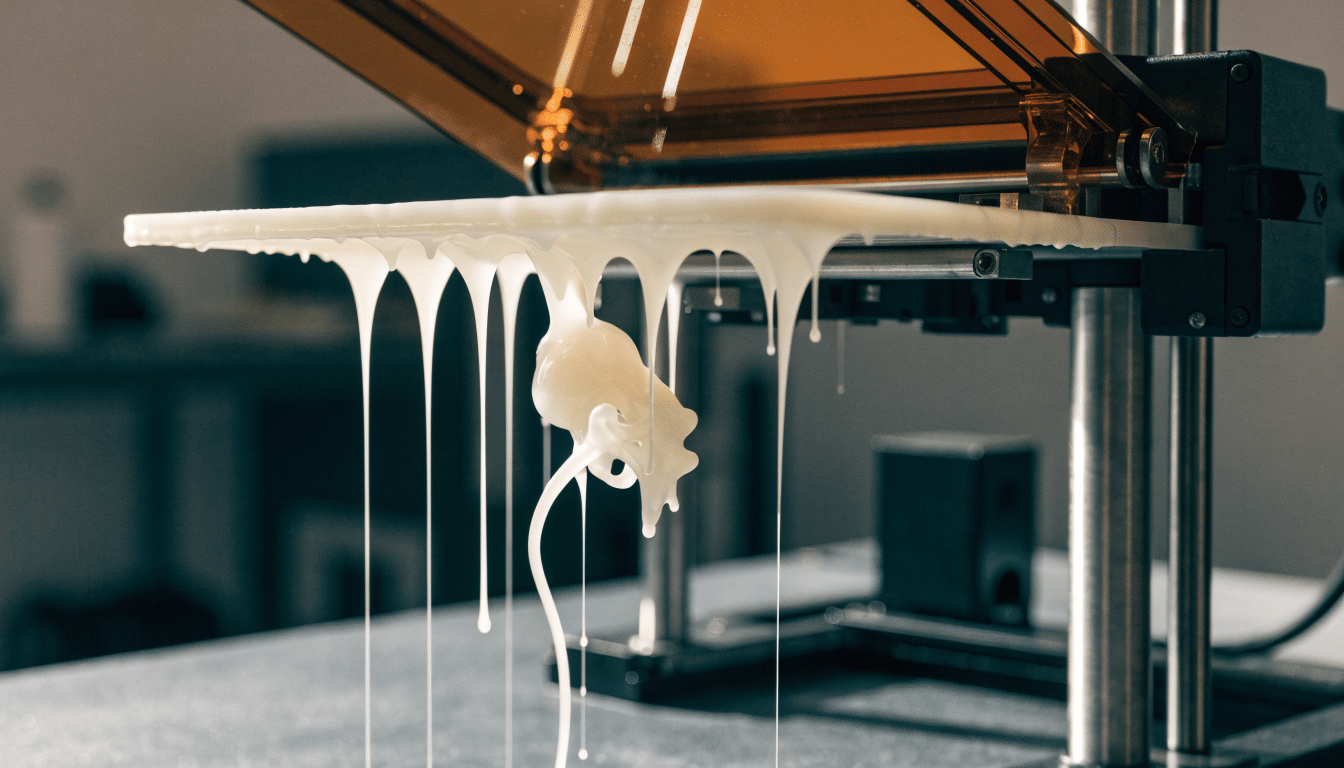
Anycubic Photon Mono 4 first print: a controlled first run
Run a controlled first print on the Anycubic Photon Mono 4, from pouring standard resin to safely removing the finished part.
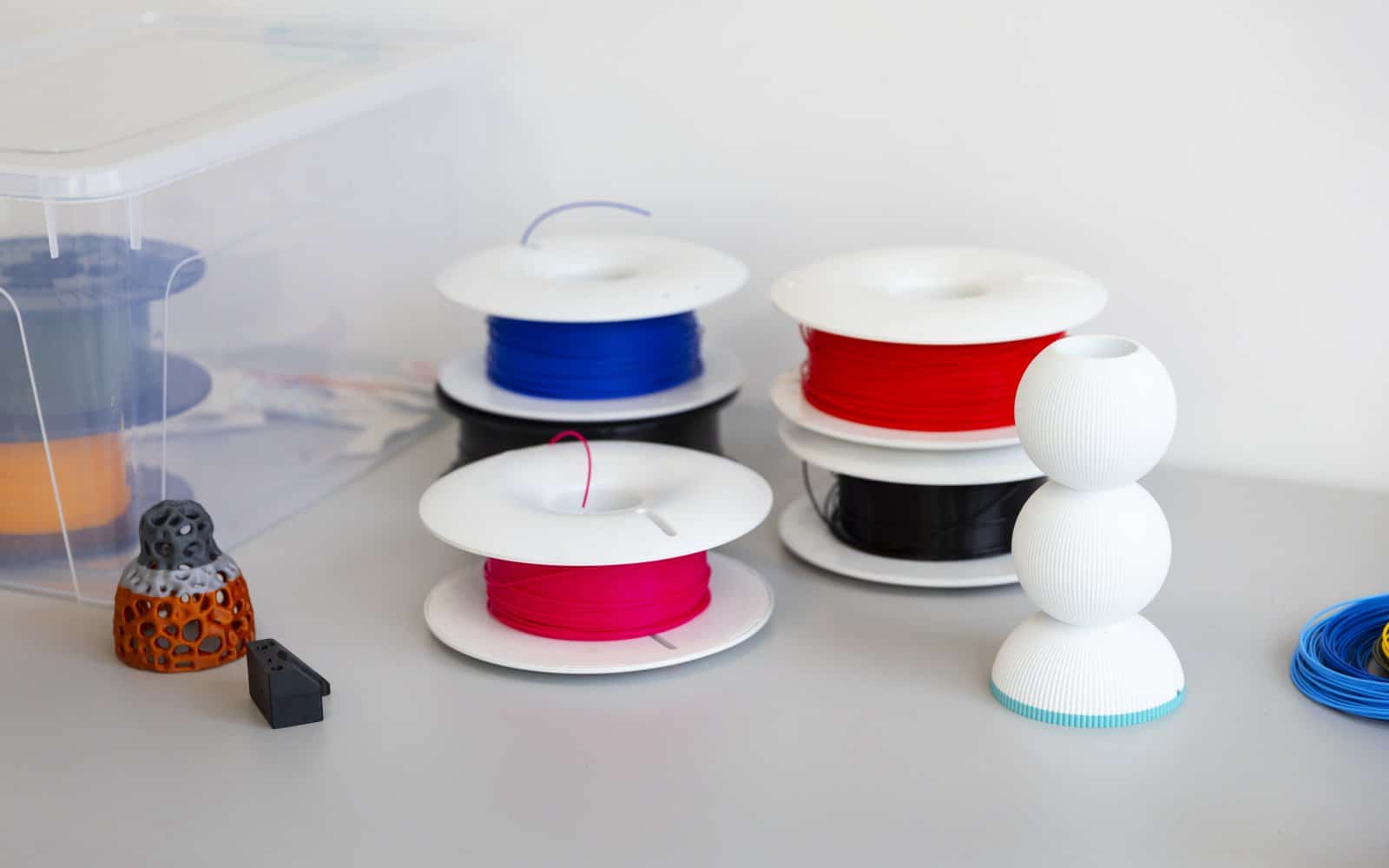
How to load and unload filament on the Anycubic Kobra 3
Load and unload filament on the Anycubic Kobra 3’s direct drive extruder, including spool sizing, ACE Pro multicolor setup and the on-screen preheat routine.
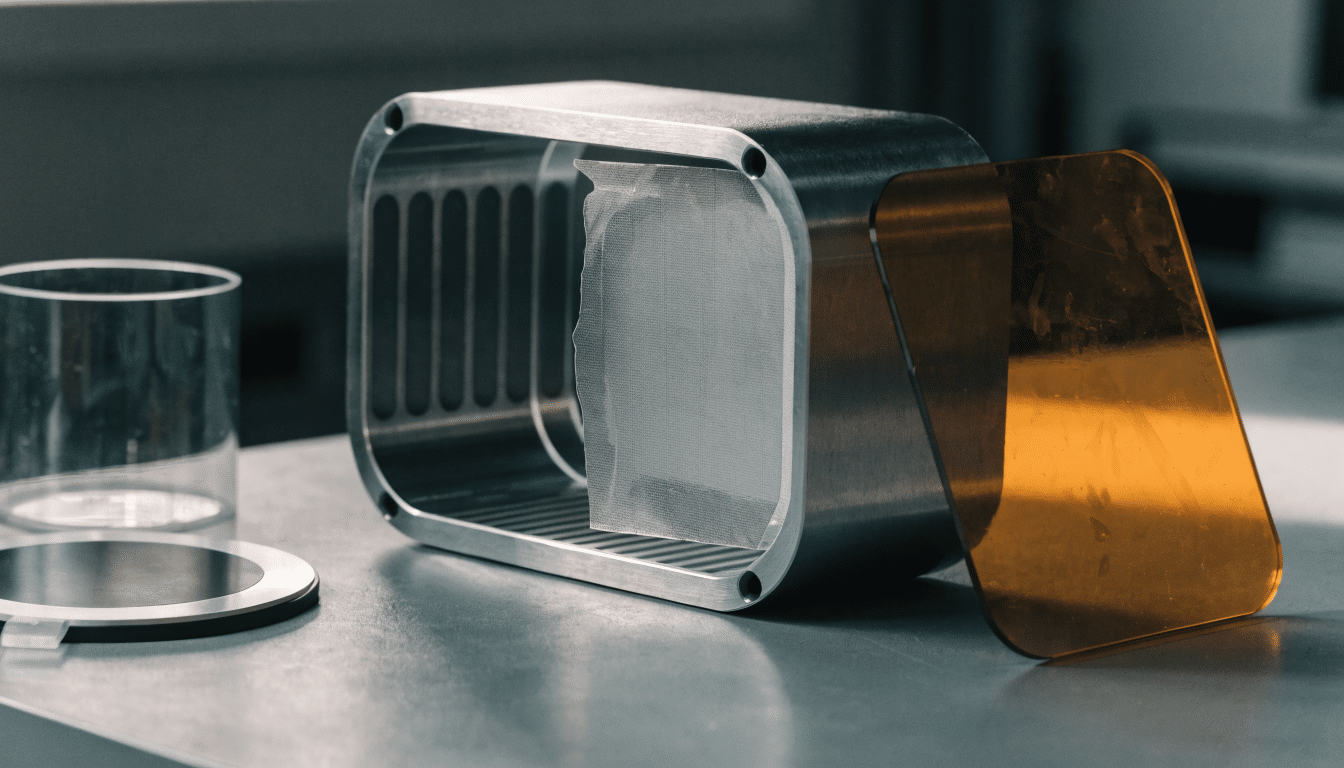
Anycubic Photon Mono 4 setup: from the box to a ready printer
Set up the Anycubic Photon Mono 4 safely, from unboxing and vat placement to your first resin-ready startup.


