Sovol
Sovol guides built around the SV08: setup, first print, calibration, filament, slicer profile, maintenance and nozzle replacement. The SV06, SV07 and SV08 each have an error-code page.

Sovol SV07 Error Message Index
The Sovol SV07 runs Klipper, not Marlin, so there is no manufacturer error code table to look up. This guide catalogs the actual shutdown…
Sovol SV06 Error Message Index
Sovol has never published a numbered error code table for the SV06. What actually appears on the printer’s screen is plain Marlin firmware text,…
Sovol SV08 error and alert index: what each numbered code means
A quick reference for the SV08’s four documented error codes, what each one points to, and the two-step pattern Sovol uses to resolve almost…
Sovol SV08 nozzle replacement: removing the cover and swapping the nozzle
Learn how to remove the SV08’s magnetic nozzle cover, loosen the three M3x12 screws holding the nozzle mounting plate, and swap in a new…
Sovol SV08 maintenance schedule
Know what actually needs regular attention on the Sovol SV08, from belts and the nozzle to the four Z motors and firmware updates.

Sovol SV08 slicer and printer-profile setup with Sovol-OrcaSlicer
Install Sovol’s own OrcaSlicer build for the SV08, match the right printer, filament and process presets to the nozzle in use, and see where…
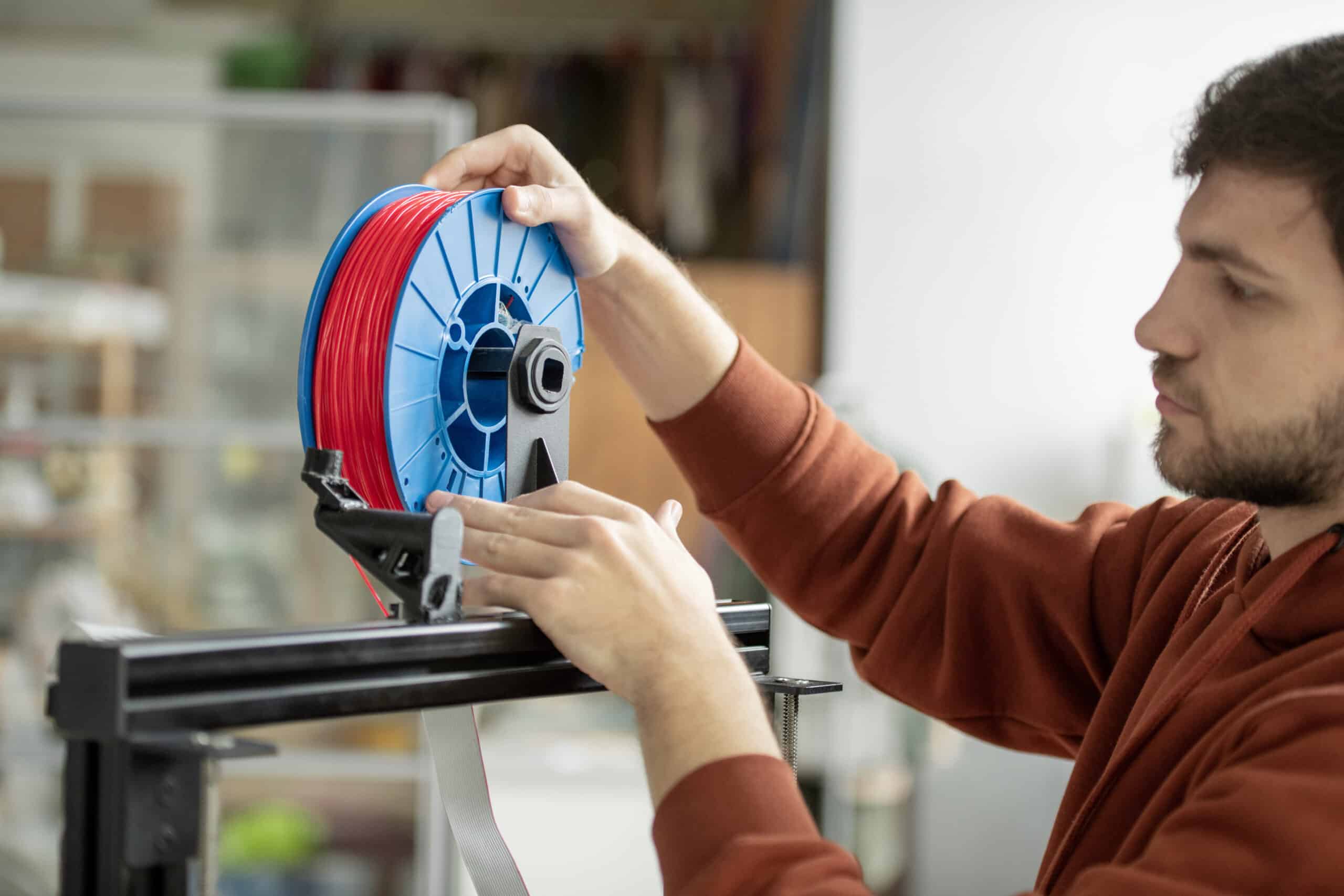
How to load, unload and change filament on the Sovol SV08
Load filament on the Sovol SV08 with the knob menu’s Load Fil function, and see what the manual does and does not document about…
Sovol SV08 bed and plate calibration: running the Z offset routine
Run the Sovol SV08’s automatic Z offset calibration from the knob screen, understand what the roughly six-minute process actually does, and know where to…
Sovol SV08 first print walkthrough: slicing and sending your first job
Install Sovol’s OrcaSlicer build for the SV08, pick the right printer and filament presets, and send your first print over the WiFi connection set…

Sovol SV08 unboxing and first setup: from crate to first connection
Position the Sovol SV08’s CoreXY flying gantry with room to move, power it on, check the firmware version, and connect to WiFi so Mainsail…


