Beginner
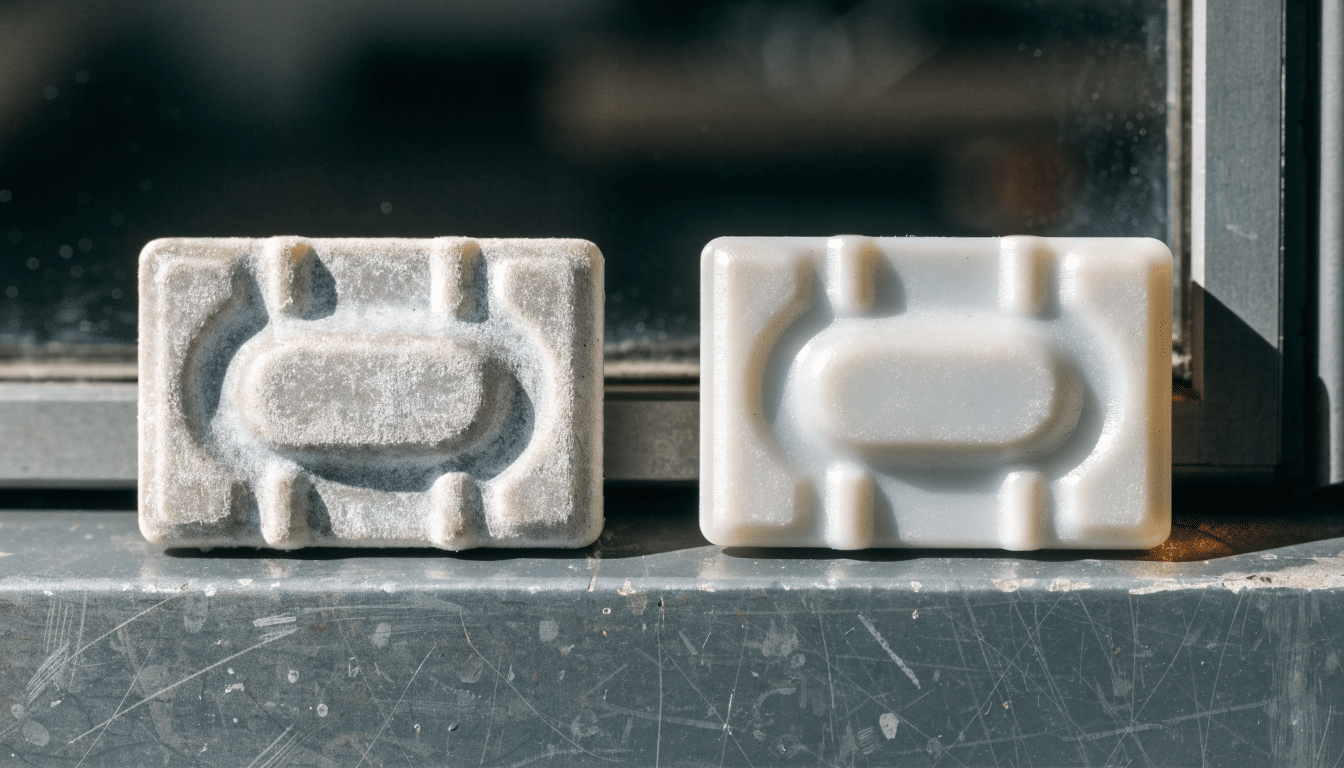
PETG vs ASA: Easy Printing or Years in the Sun
PETG and ASA both get pitched as the next material to try once PLA starts feeling too fragile, and buyers’ guides often lump them…
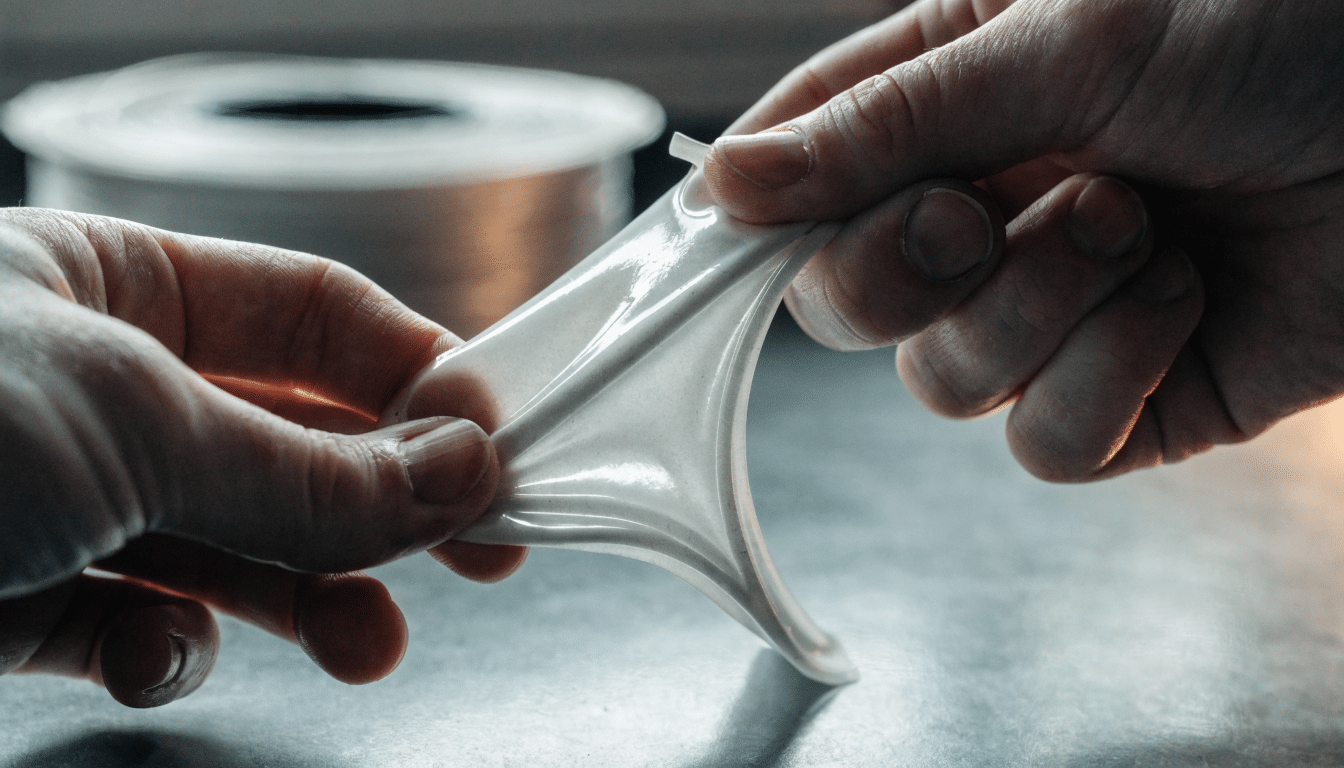
TPU Print Settings: Speed, Retraction and Bed Temp
TPU nozzle, bed, retraction and speed settings for stringing-free flexible prints, and how Shore hardness changes them.
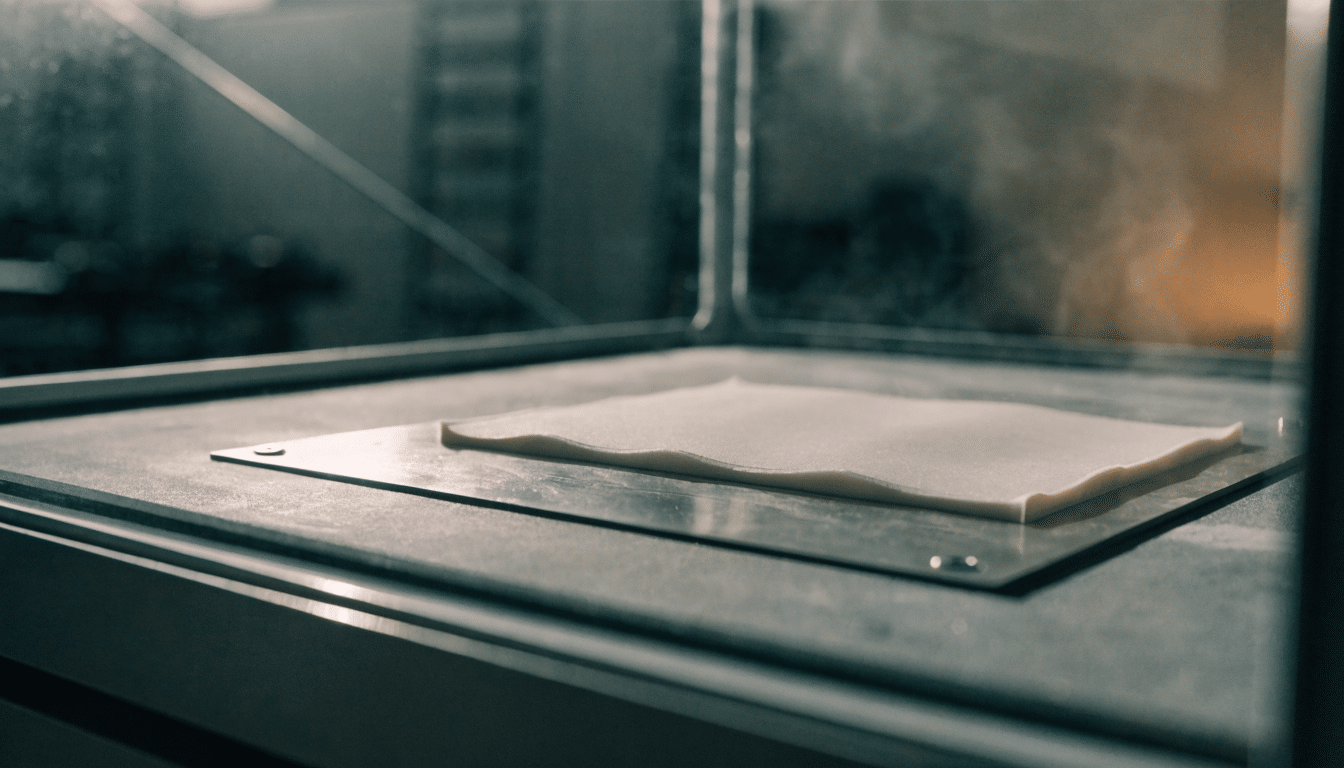
ABS Print Settings: Bed Temp, Nozzle Temp and Enclosure
ABS nozzle, bed, enclosure and fan settings for warp-free prints, including why the cooling fan runs opposite to PLA.
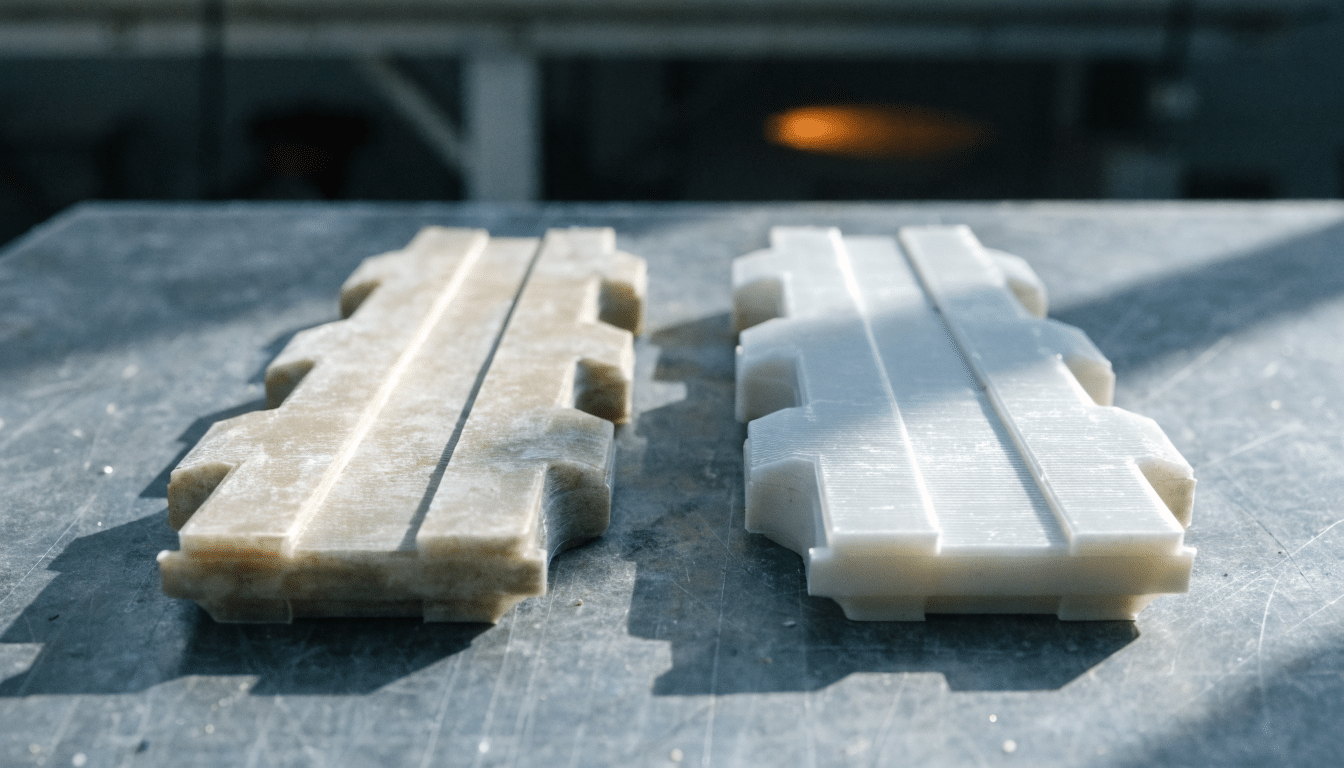
ABS vs ASA: When UV Resistance Matters
ASA gets described as ABS’s outdoor-durable sibling often enough that it is easy to assume the two are nearly the same material with a…
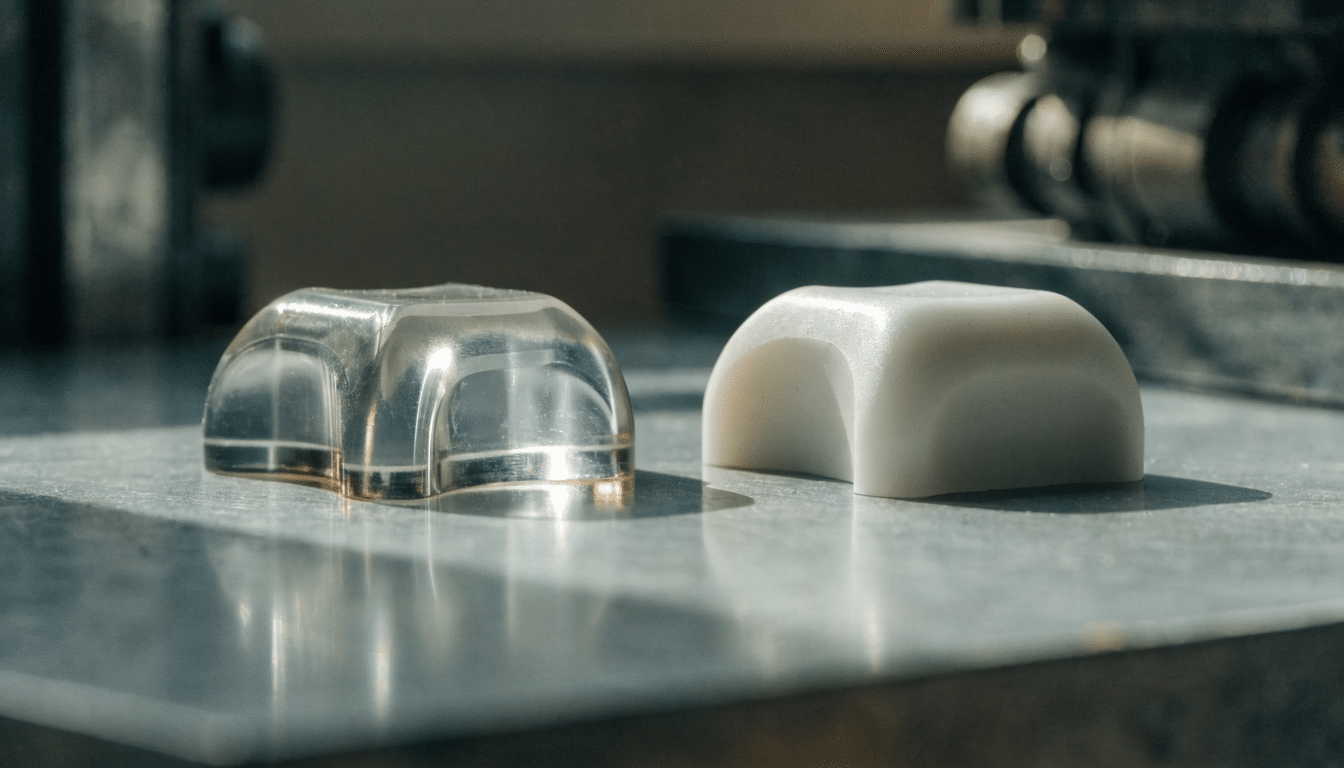
PETG vs ABS: Choosing Between the Two
PETG and ABS both get recommended as the step up from PLA once a project needs more heat resistance or durability, and that shared…
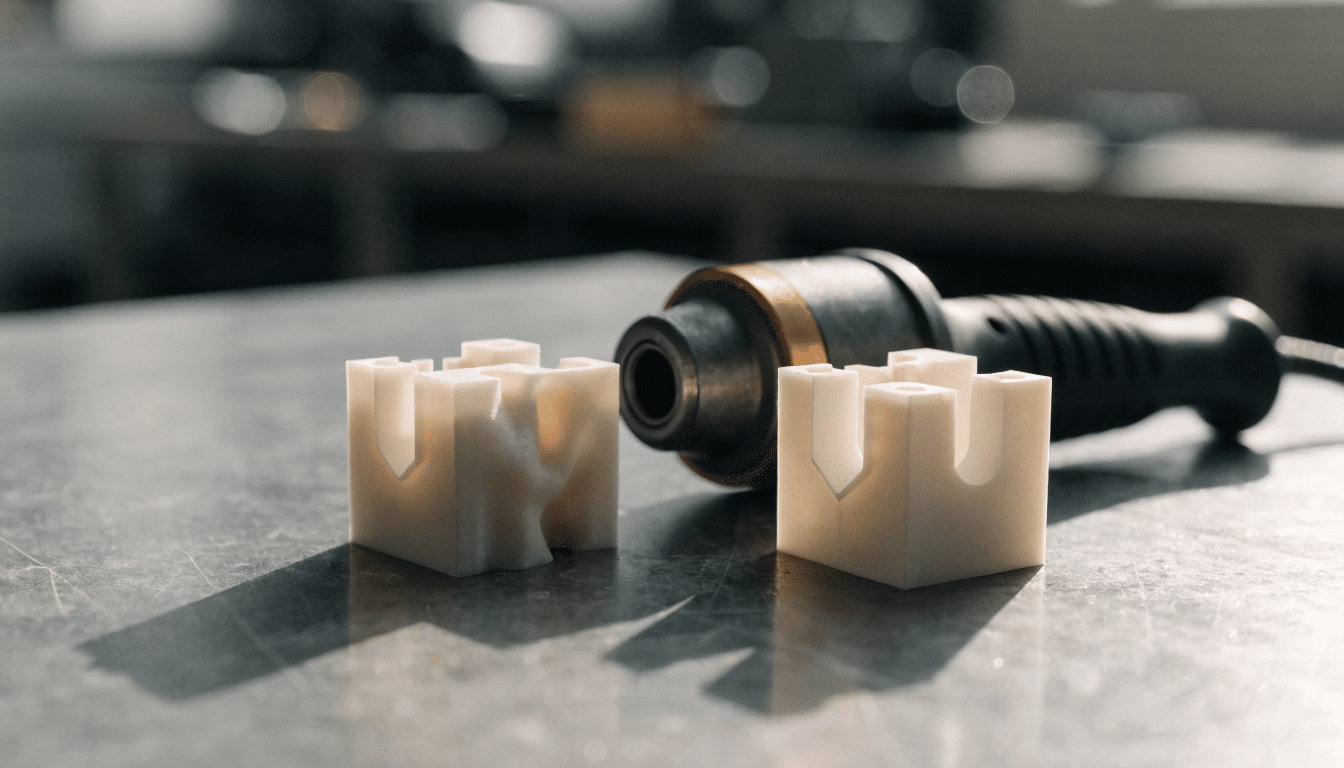
PLA vs ABS: Strength, Heat and Ease of Use
ABS was the standard 3D printing material long before PLA became the default beginner recommendation, and it still gets picked for a specific reason:…
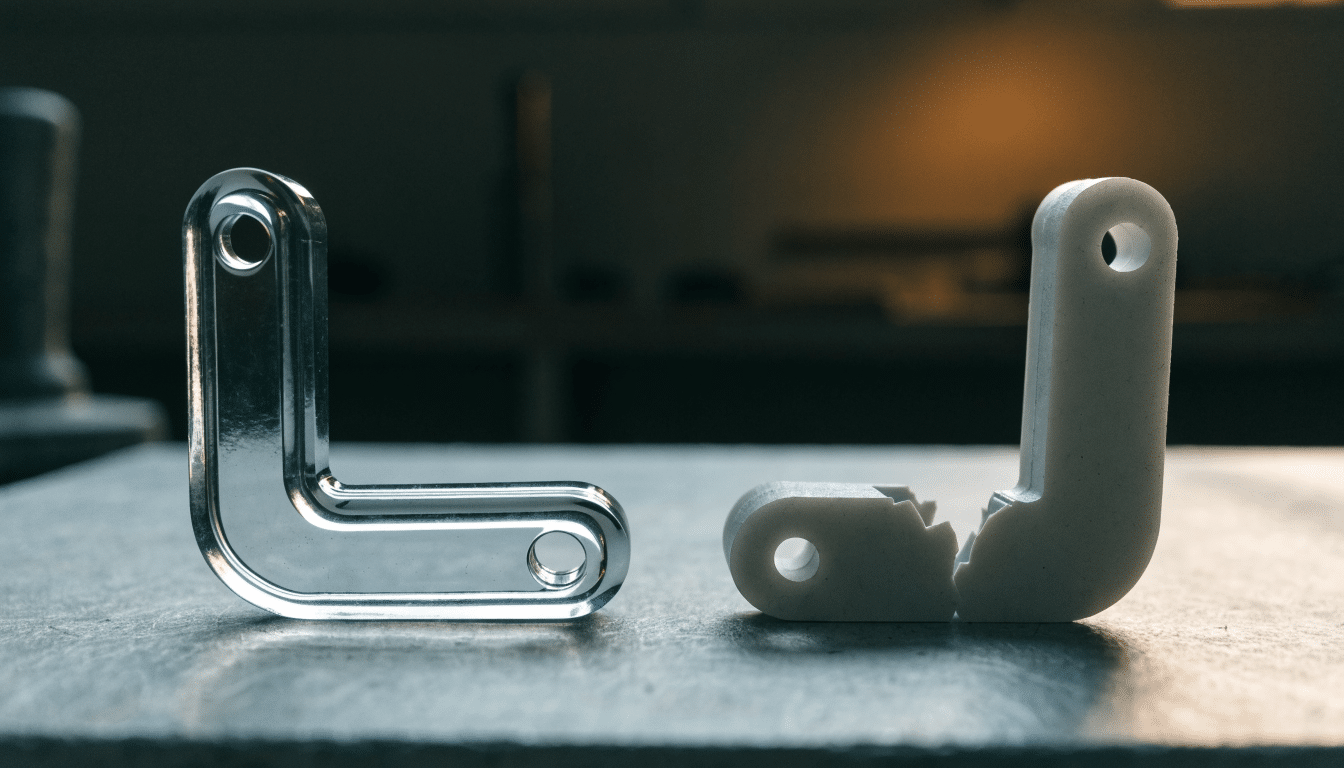
PLA vs PETG: Which to Print First
PLA and PETG are the two materials almost every beginner reaches for, and the choice between them for a specific print comes down to…
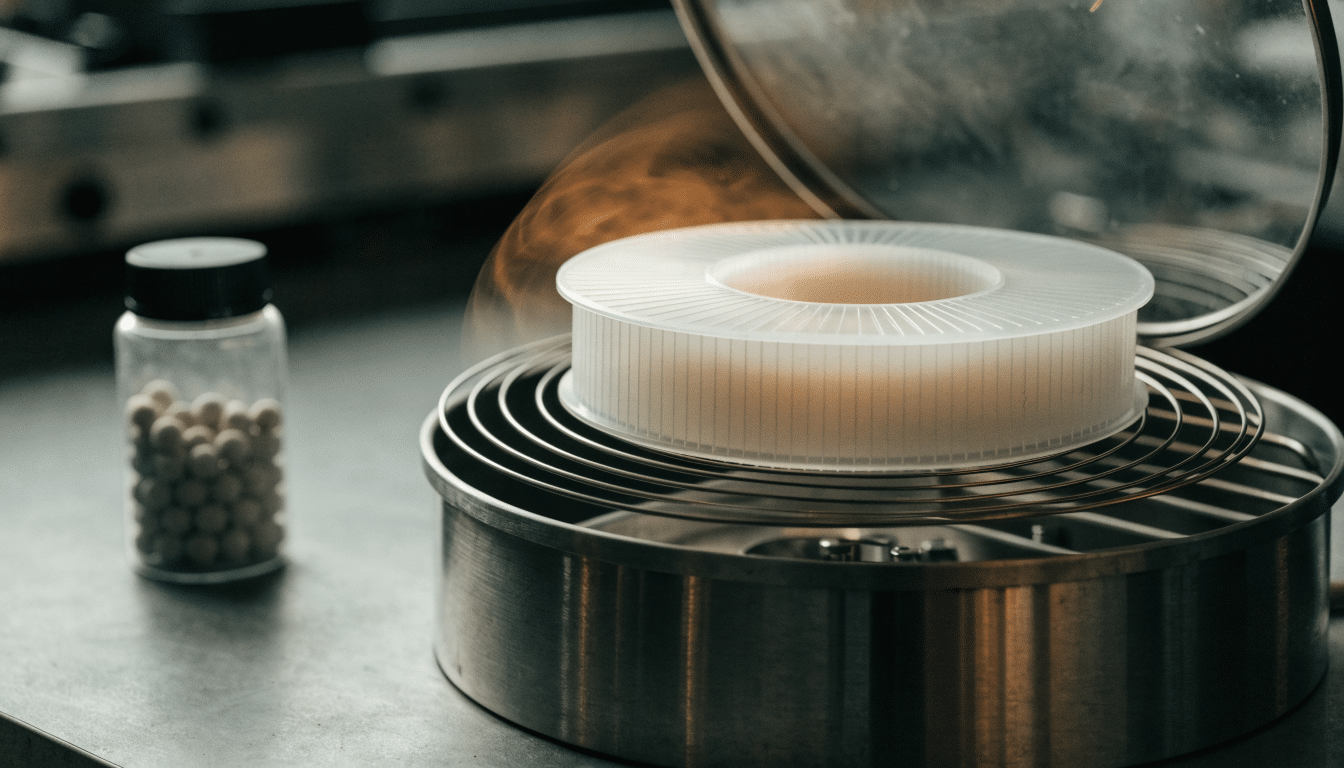
How to Dry 3D Printer Filament (Oven, Dehydrator and Dry Box Methods)
This guide covers active drying: the actual process for driving moisture back out of a spool that has already absorbed it. That is a…
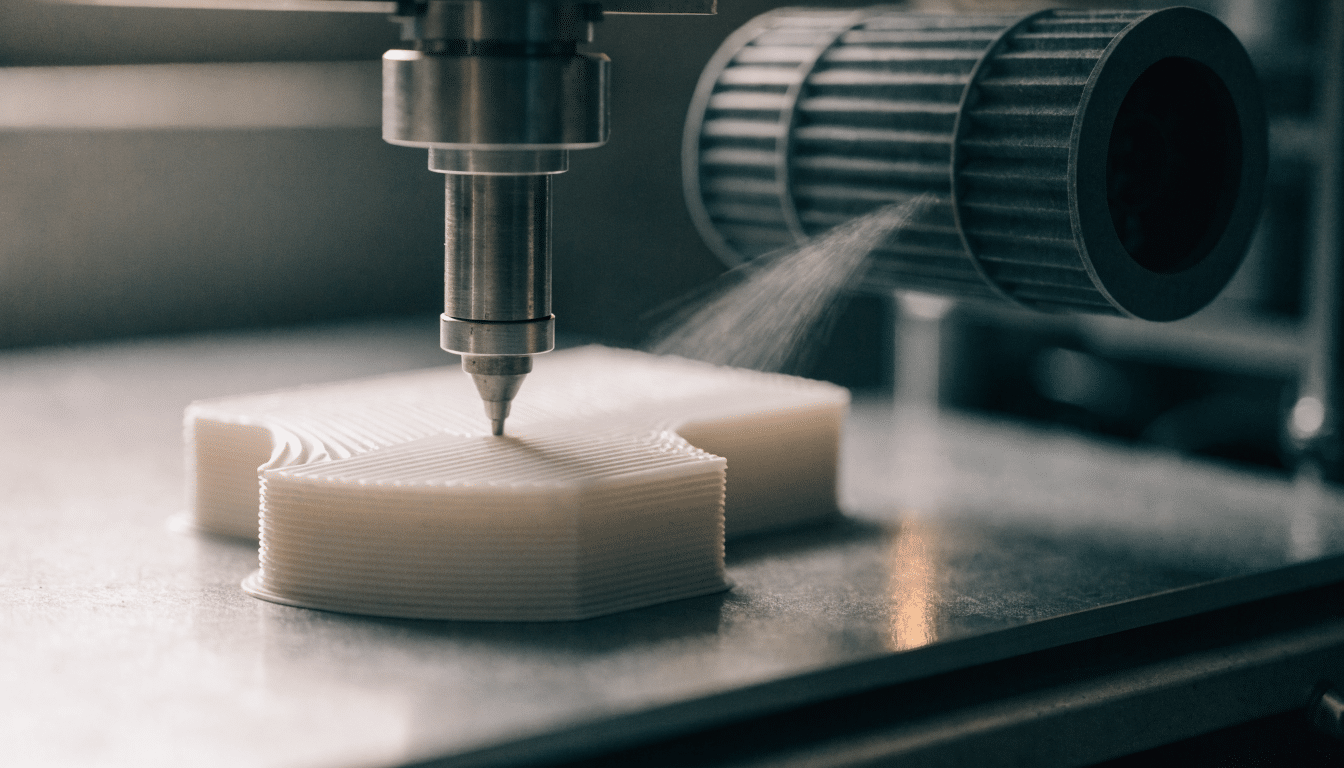
PLA Print Settings: Bed Temp, Nozzle Temp and Speed
PLA is the most forgiving common filament to print, but the settings that make it forgiving are specific to PLA and do not carry…
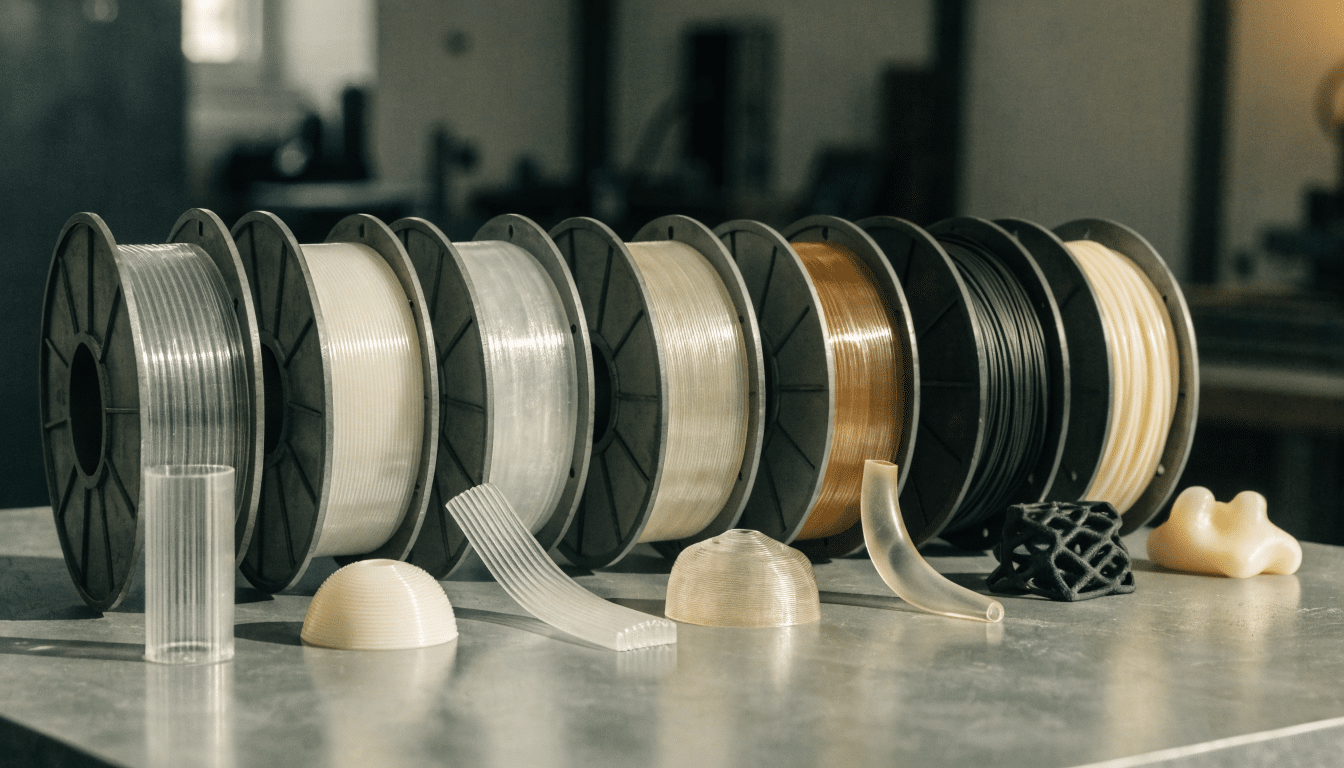
3D Printer Filament Types: A Complete Guide
This guide surveys the filament types you will actually run into on a desktop FDM printer: PLA, PETG, ABS, ASA, TPU, nylon and PC.…


