Beginner
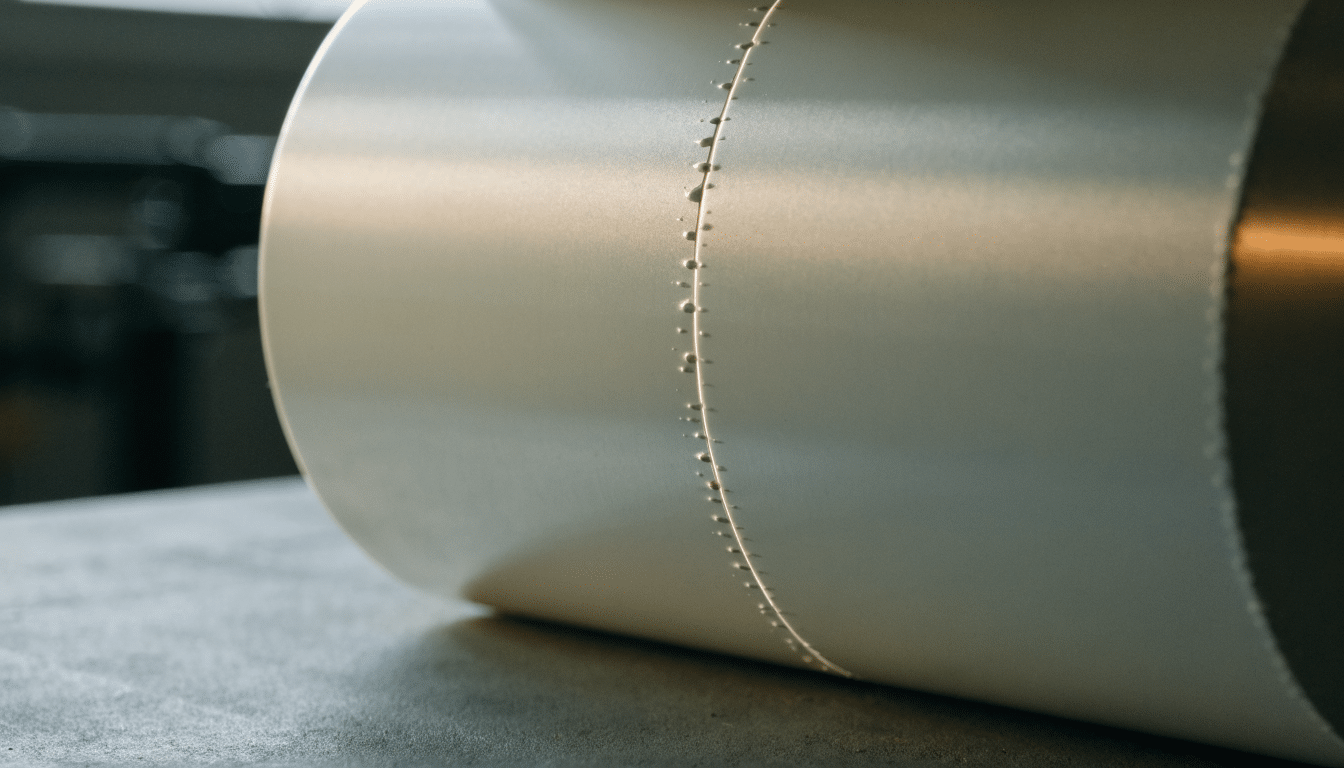
Fix the Z-Seam: Seam Position, Coasting and Painted Seams
Hide the vertical seam line with seam position, coasting and wipe settings, or paint it manually where it matters most.
Bambu Lab P2S HMS error index
A guide to reading Bambu Lab P2S HMS error codes correctly, checking simple causes first, and knowing when to stop and contact support.
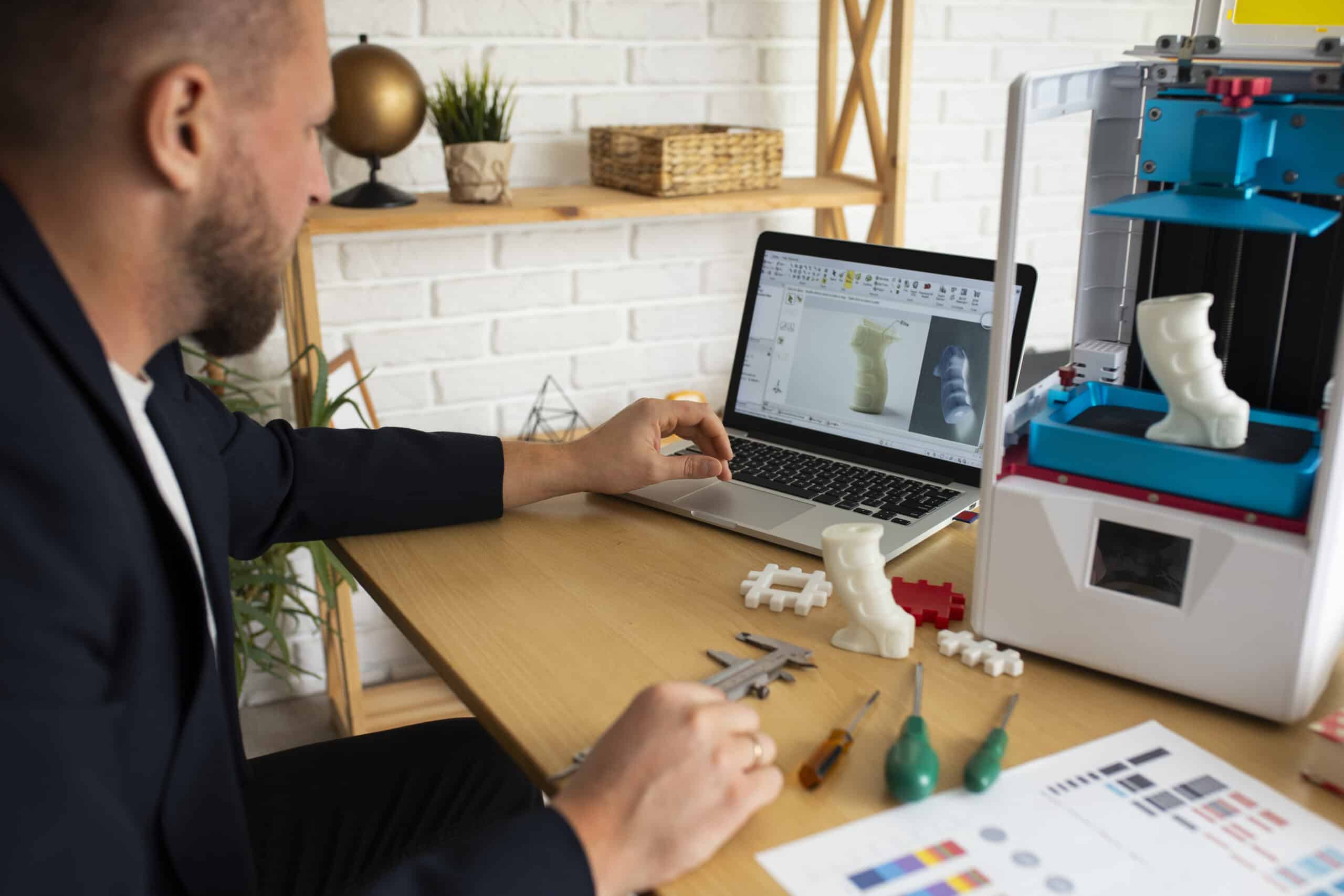
Bambu Studio profile setup for the P2S
Set up printer, nozzle, and material presets in Bambu Studio for the Bambu Lab P2S, including engineering filaments and enclosure-aware settings.
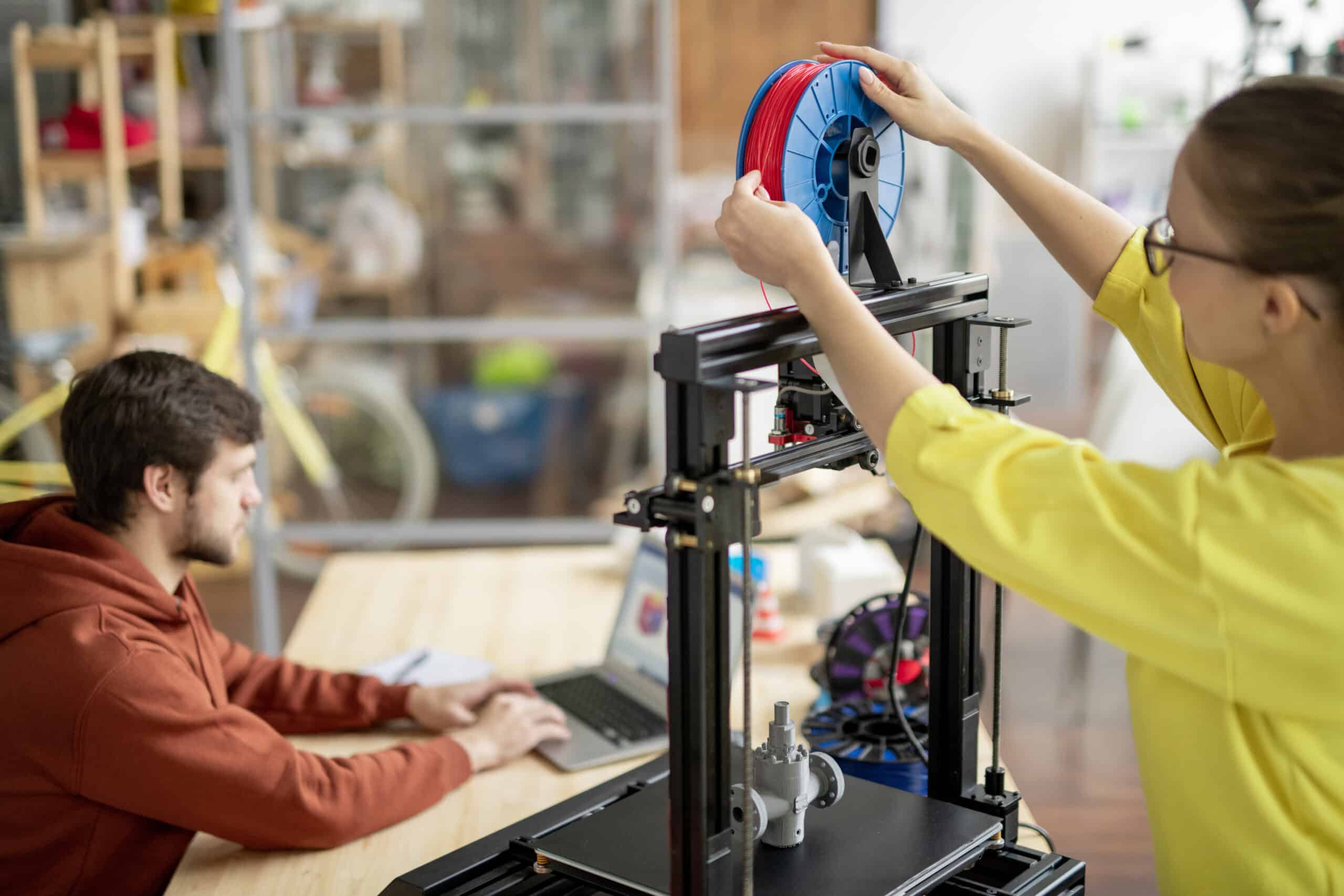
Loading and unloading filament on a Bambu Lab P2S
Load and unload filament on a Bambu Lab P2S from an external spool or AMS, with clean tips, correct mapping, and a full purge.
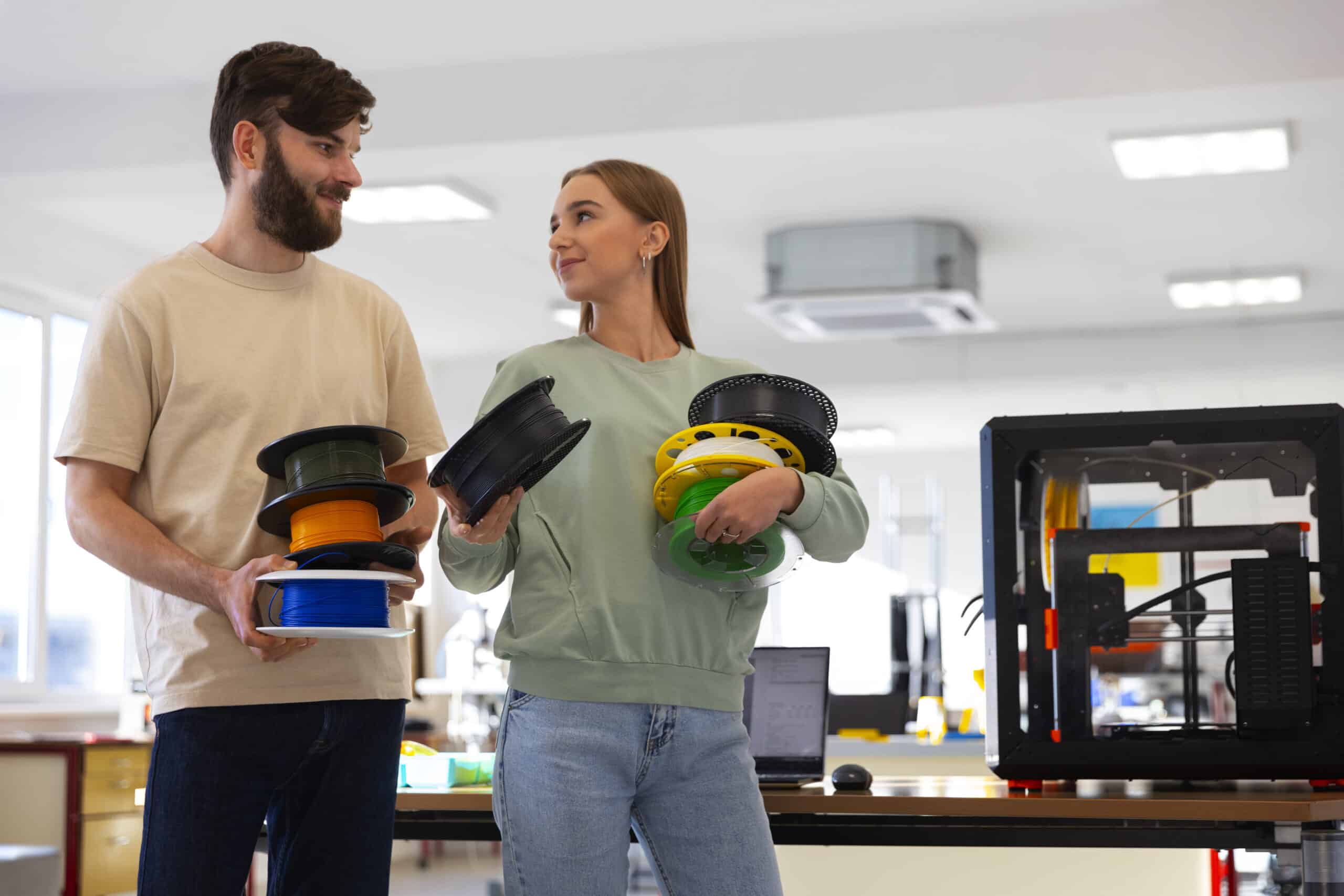
Bambu Lab P2S first print: settings worth checking
Check plate and filament settings in Bambu Studio, use the P2S live camera’s AI detection as a safety net, and judge the first layer…
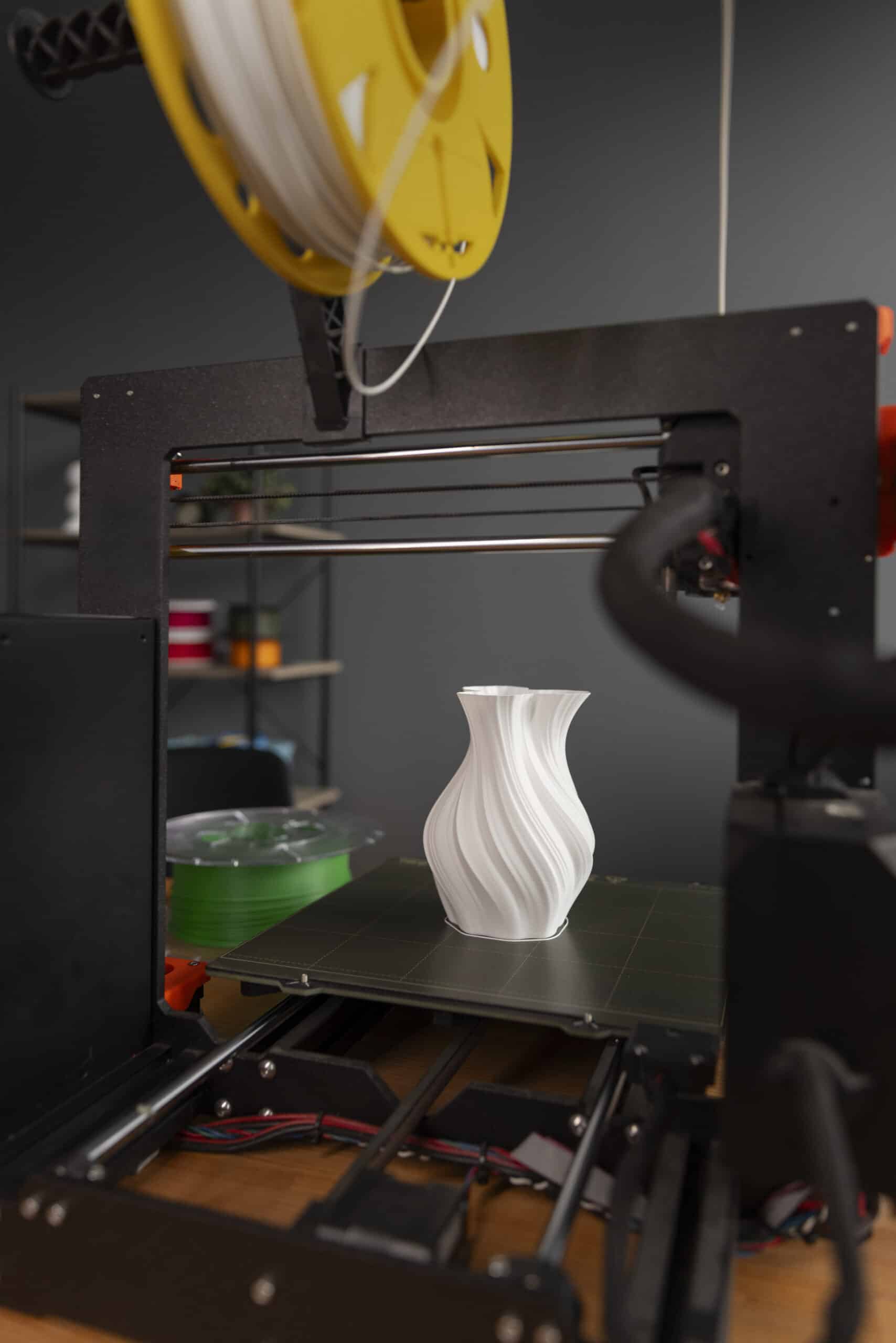
Bambu Lab P2S setup: unpacking without missing a restraint
Set up a Bambu Lab P2S, clear its internal shipping restraints, place it correctly, connect an AMS 2 Pro if fitted, and complete the…
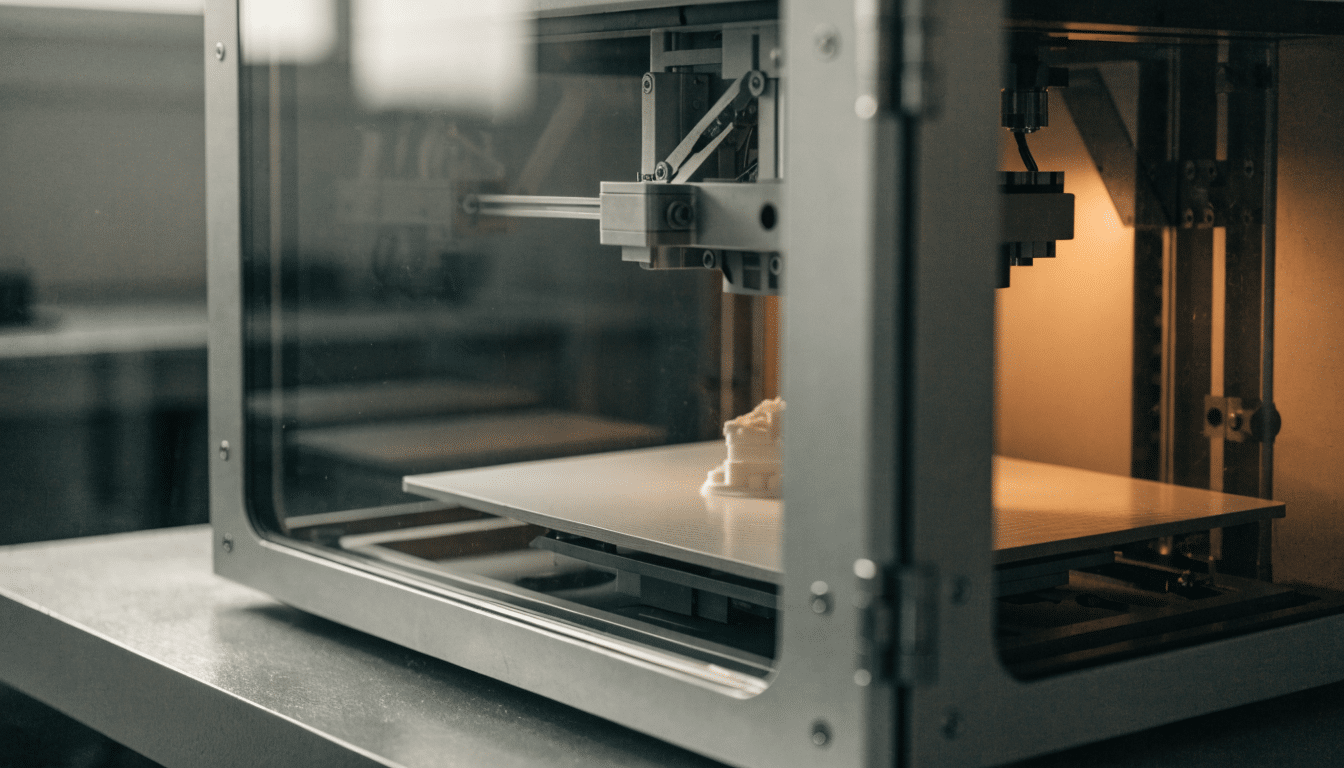
Best Enclosed 3D Printer
An enclosed 3D printer is one built with a real chamber around the print area from the factory, not a tent or box added…
Best 3D Printer for Toys
Printing toys for kids is a different job than printing for yourself. The parts need to survive being dropped, chewed on at the edges,…
Best Bambu Lab Printer for Beginners
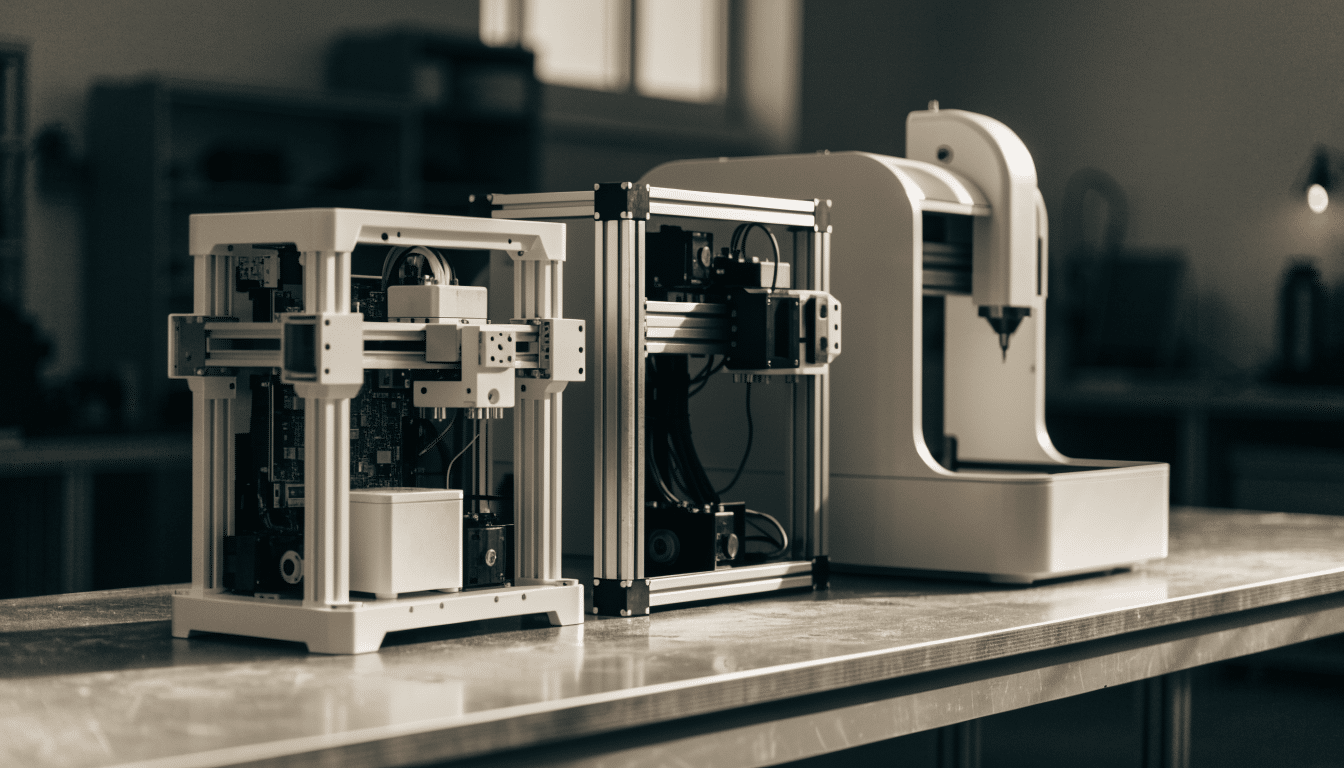
Bambu Lab’s lineup has grown enough that “which Bambu Lab printer” is no longer an obvious question, even before comparing it to any other…
Best 3D Printer for Teens
A printer bought for a teenager has to survive a different kind of use than one bought for an adult hobbyist: less supervision than…


