Slicer settings
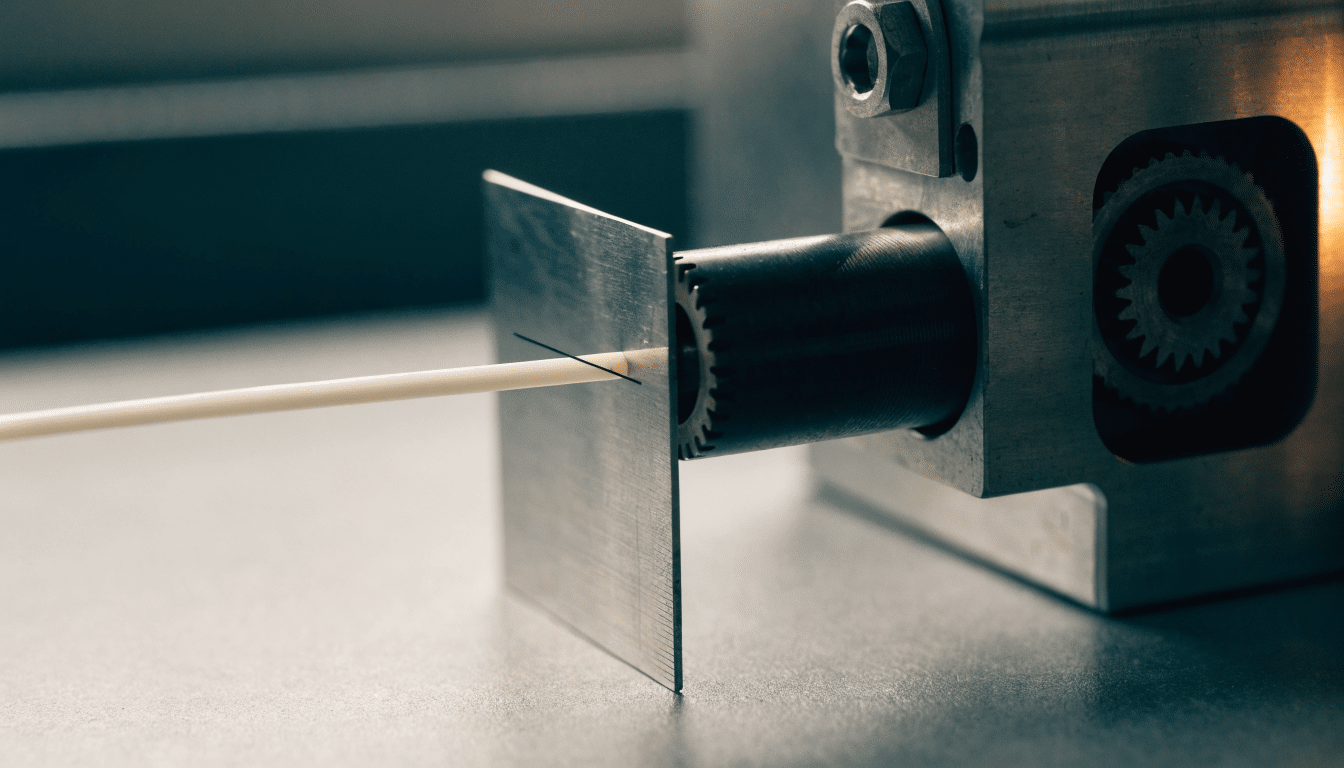
E-Steps Calibration: Getting Your Extruder’s Steps-Per-mm Right
E-steps is a firmware value, not a slicer setting, and no amount of flow rate tweaking fixes it once a gear swap or a…
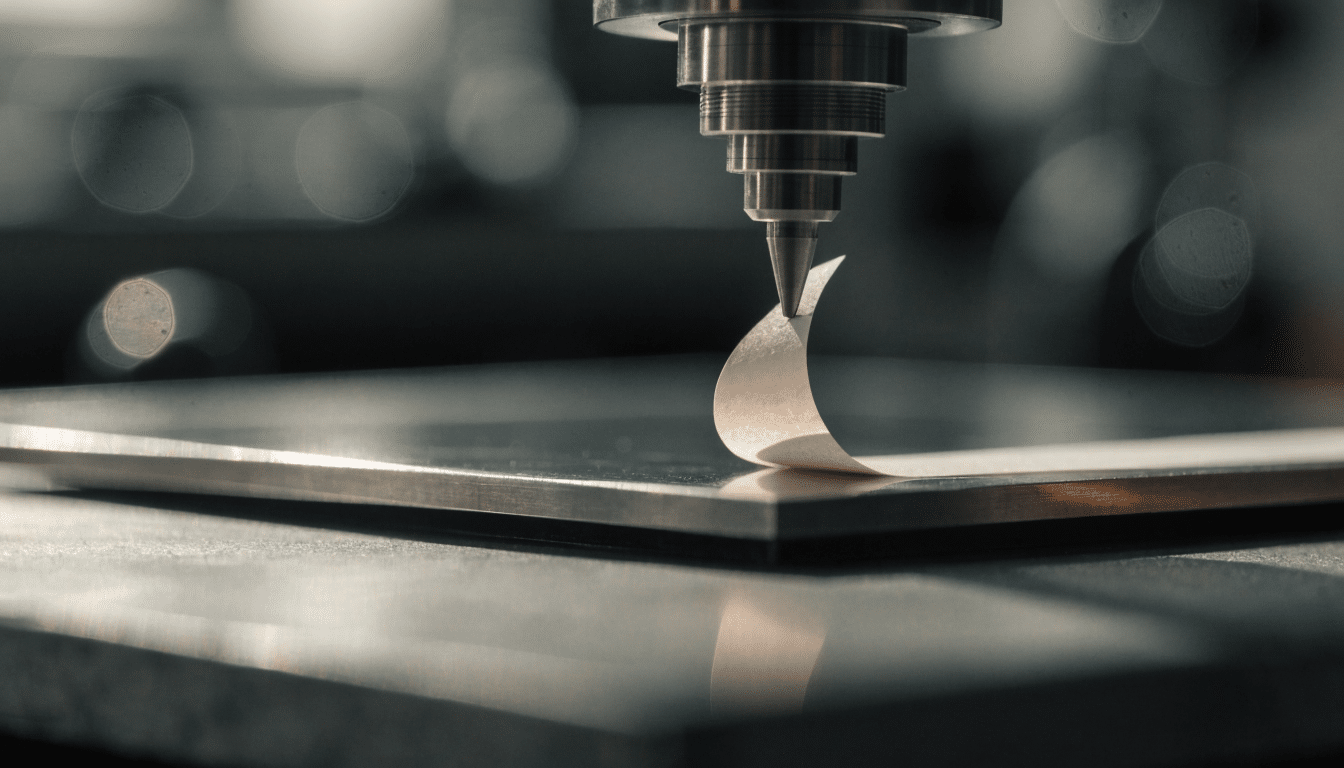
Z-Offset Calibration: Setting the Exact Gap Between Nozzle and Bed
Why the printer’s idea of Z=0 rarely matches where the nozzle tip actually needs to sit, and how to close that gap with the…
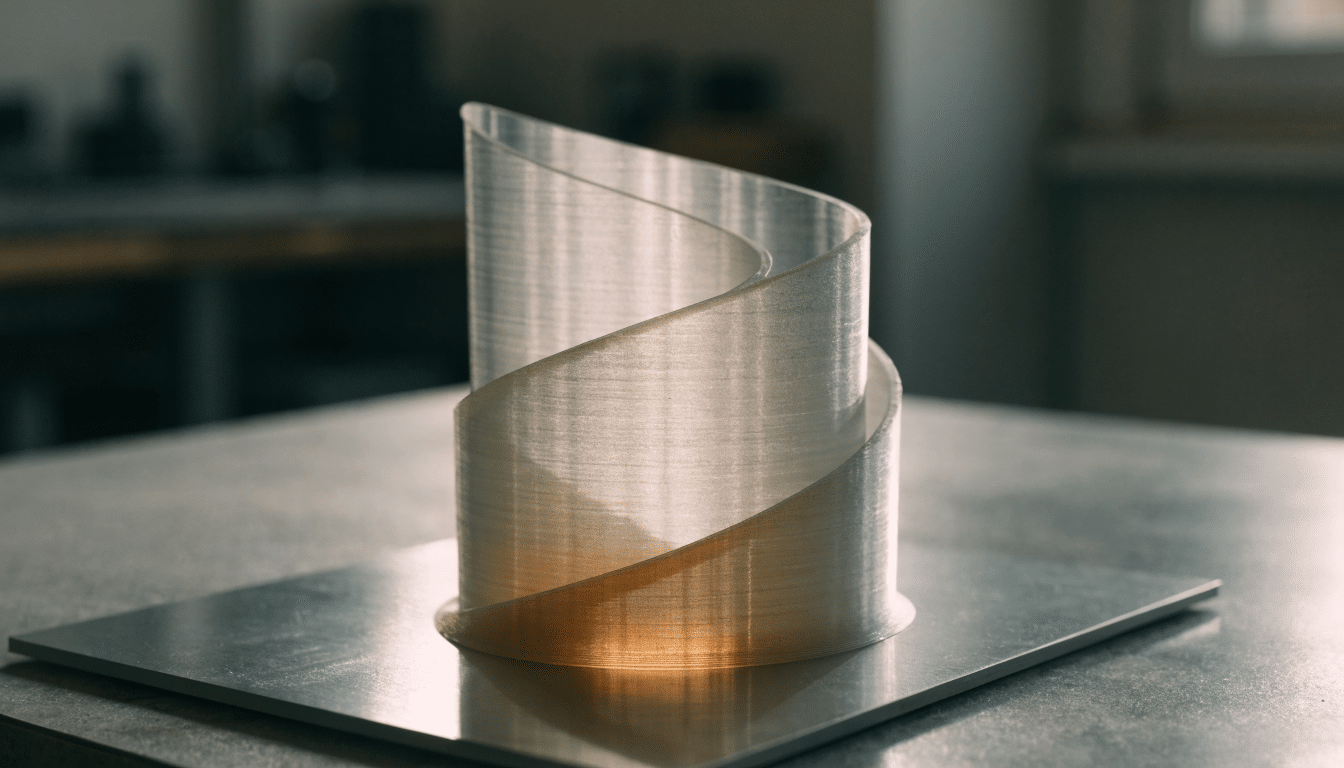
Spiral Vase Mode: How Slicers Print One Continuous Wall Without Layers
Spiral vase mode turns a model into a single wall that rises without ever stopping or restarting a loop, trading every bit of infill…
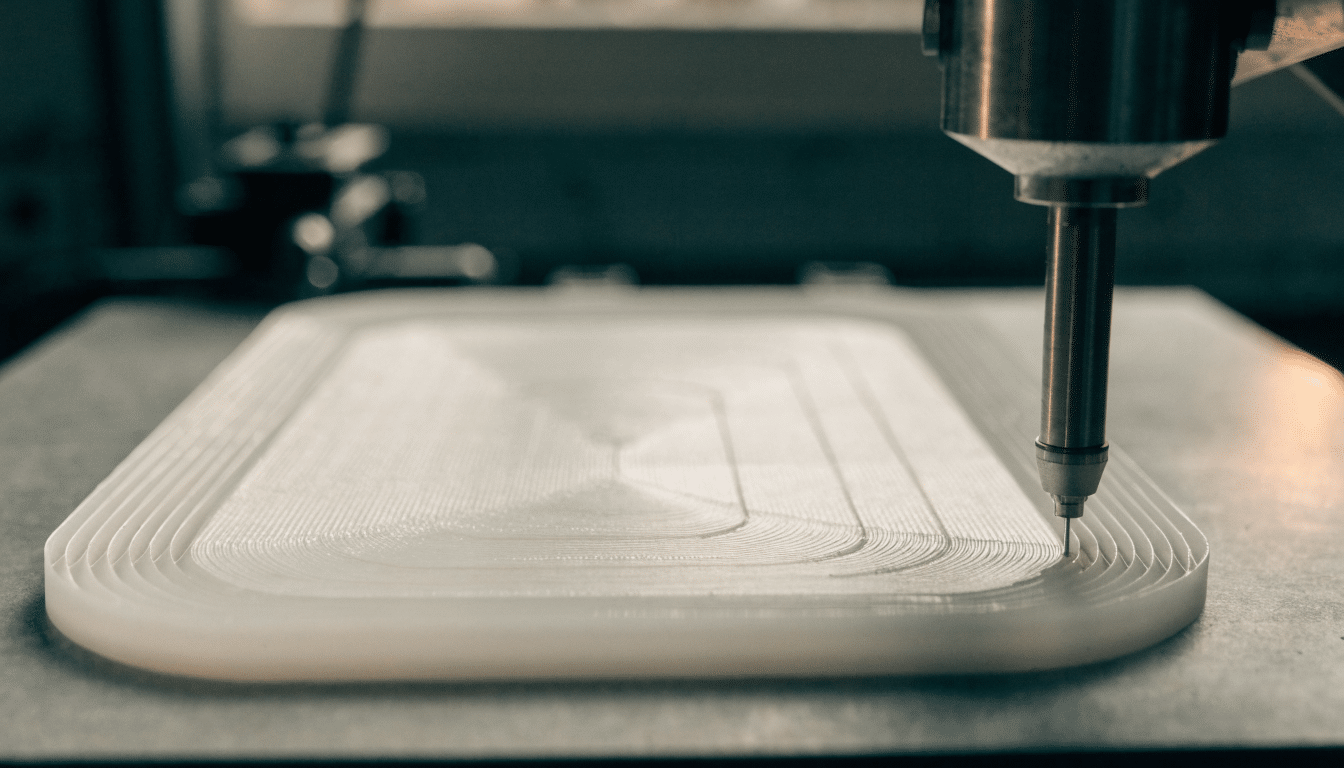
Cura Combing Mode: What Each Option Actually Does
Combing routes the nozzle through already-printed plastic instead of retracting over open air, and picking the wrong mode is why some prints get clean…
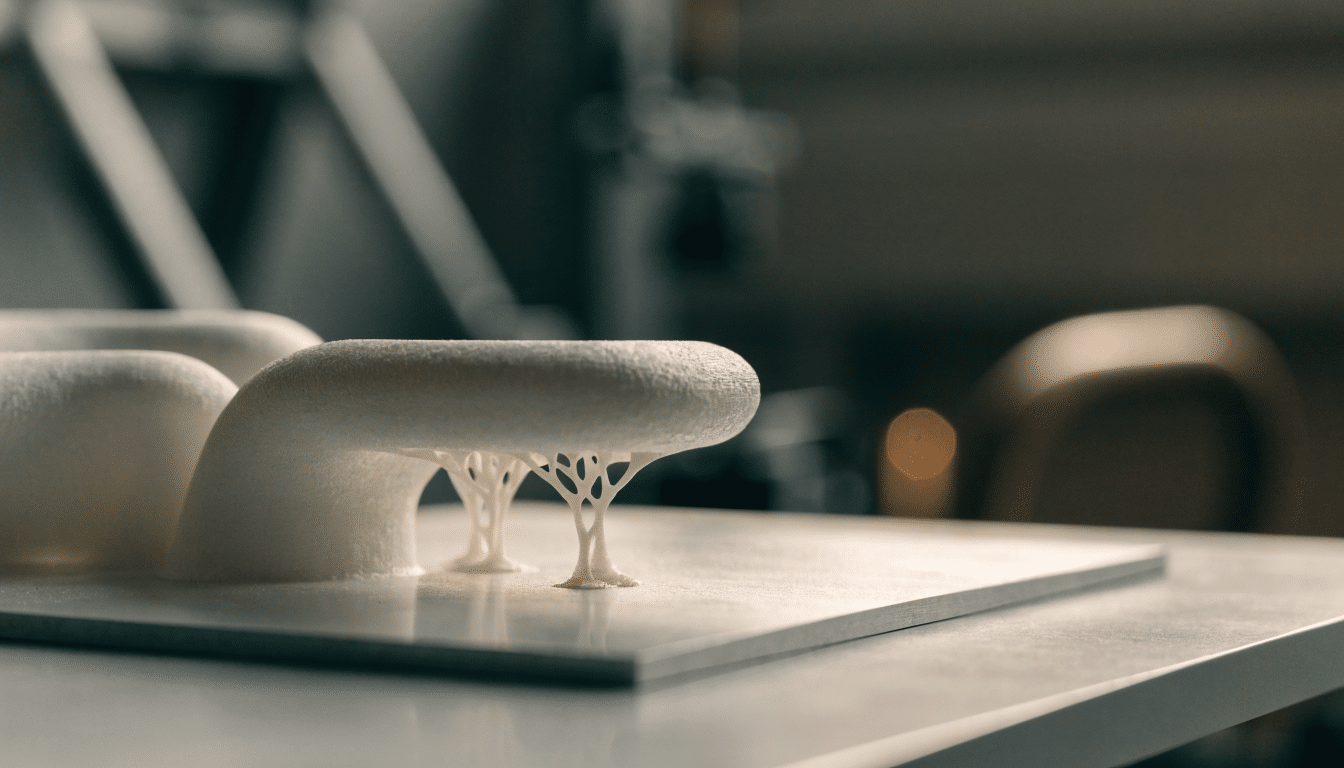
PrusaSlicer Paint-on Supports: Manual Support Placement Explained
Auto-generated supports guess where your model needs help. The paint-on brush lets you tell PrusaSlicer exactly where, down to the triangle, so you stop…
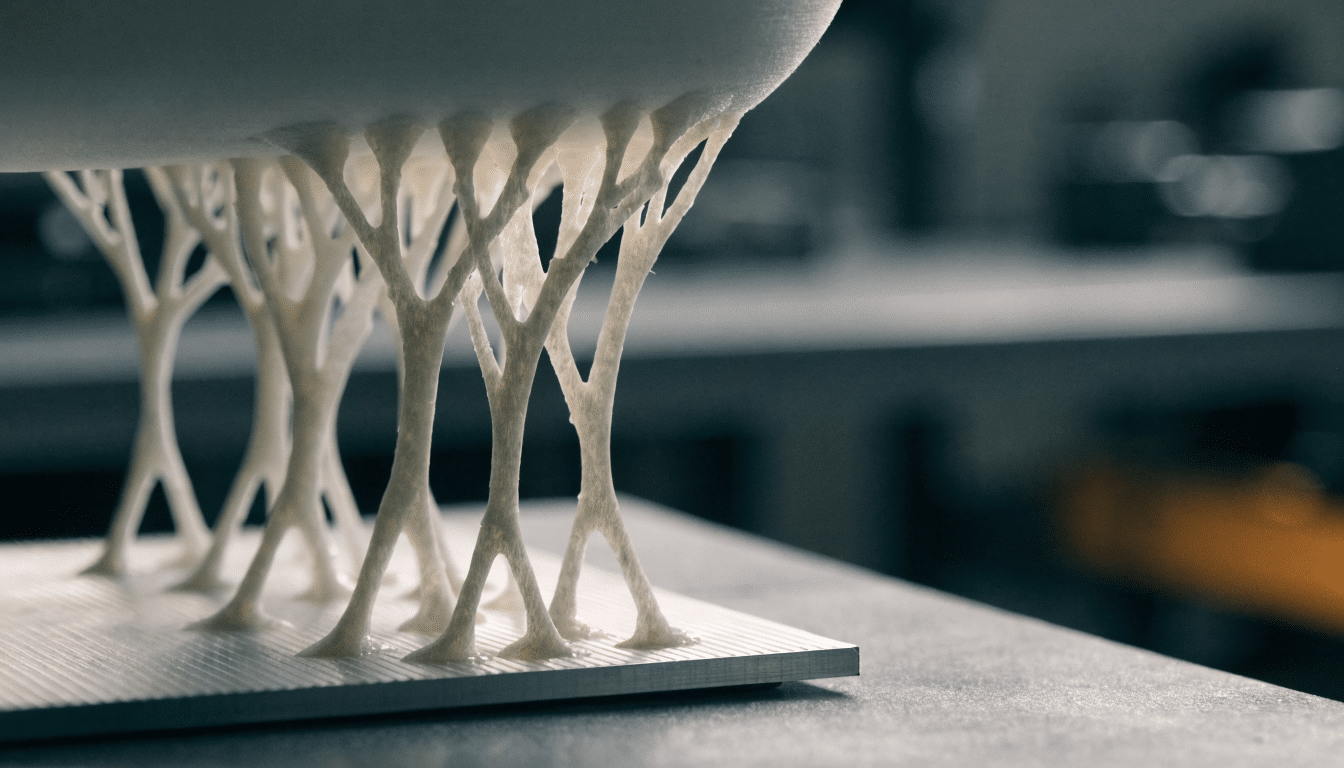
PrusaSlicer Organic Supports: How Branch-Style Settings Work
Organic supports grow like tree branches from the bed and off the model itself, thinning out at the tip and thickening at the base.…
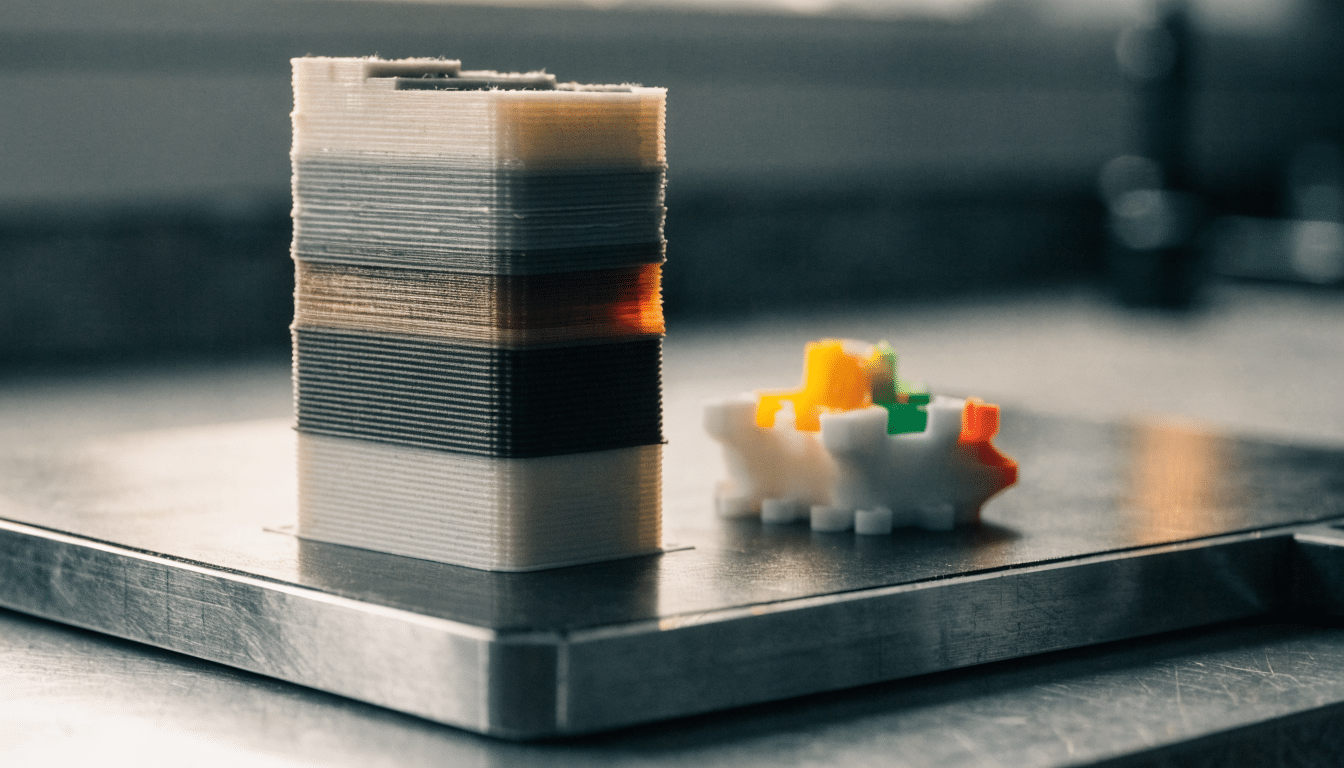
Prime Tower in 3D Printing: What It Does and Why PrusaSlicer Calls It a Wipe Tower
A prime tower gives the nozzle somewhere to purge and stabilize before it lays down a new color, and skipping it on a multi-material…
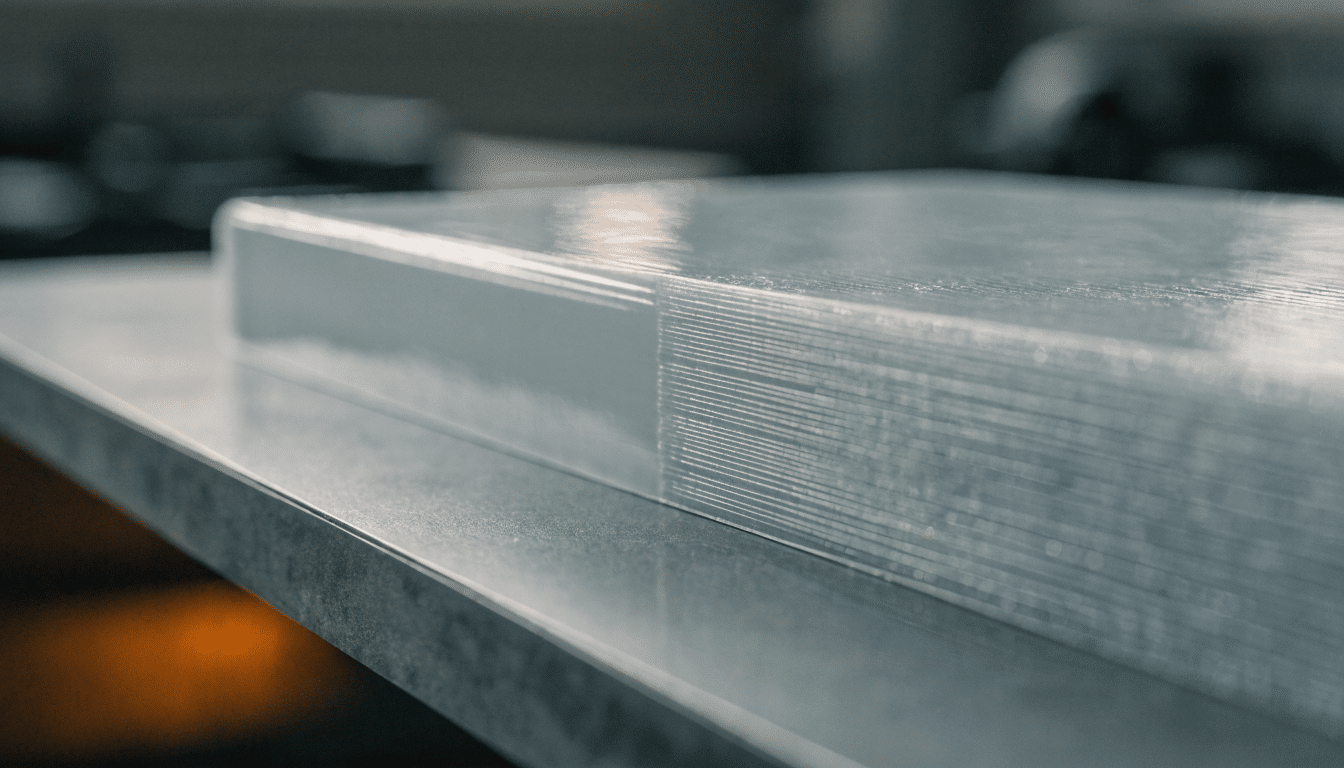
Ironing in 3D Printing: Smooth Top Surfaces Without Clogging the Nozzle
Ironing runs a second, nearly-empty pass over the top layer to melt down ridges into a smooth finish, and the same slow, thin extrusion…
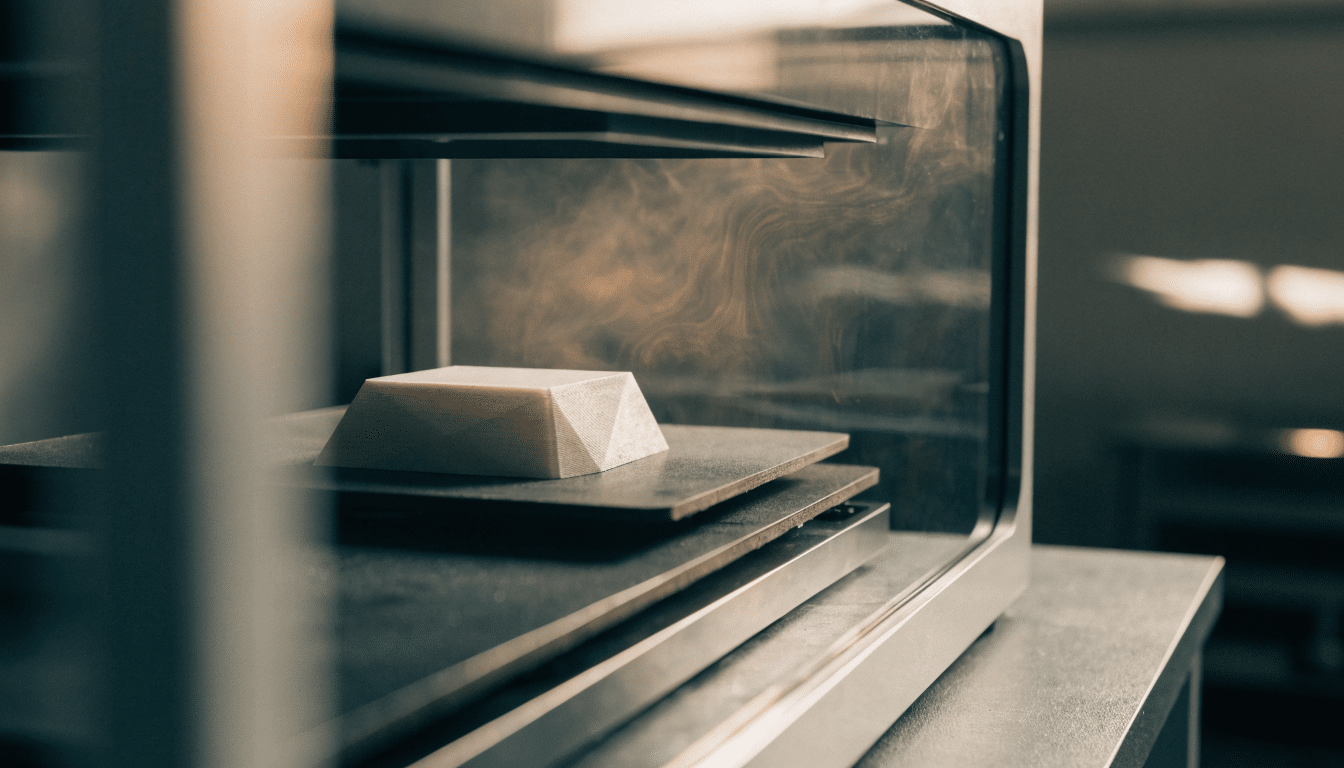
ASA Print Settings: Nozzle Temp, Bed Temp and Enclosure Needs
ASA print settings for nozzle temp, bed temp, cooling and enclosure use, based on Prusa, Polymaker, Overture and MatterHackers data, plus how ASA’s warping…
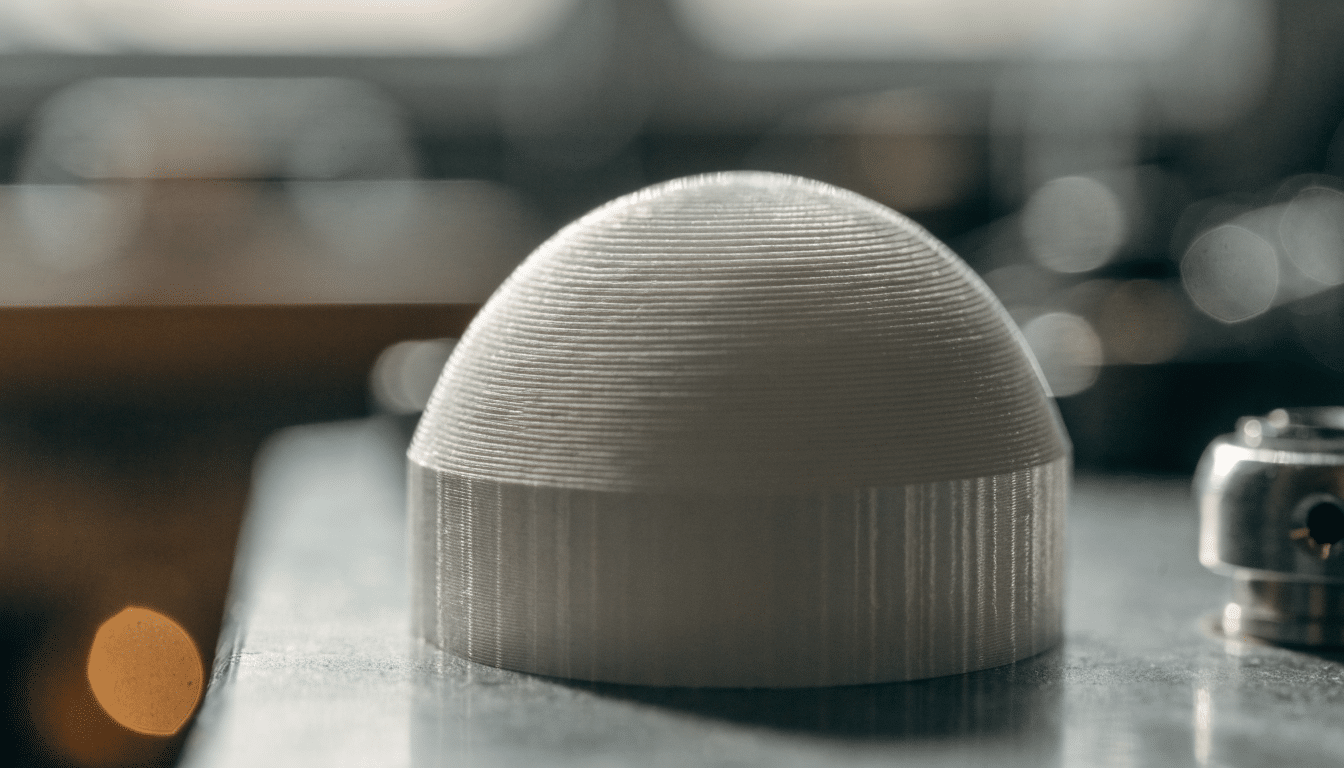
Adaptive Layer Height: Variable Layers Explained
Adaptive layer height lets a slicer print thin layers on curves and thicker layers on flat sections of the same model, trading some print…


