Prusa
Prusa guides built around the Core One: setup, first print, the calibration self-test, the PrusaSlicer profile, filament loading, maintenance and nozzle replacement. Error-code lookups cover the Core One, MK4, MK4S, MK3S+, MINI and XL. News pages follow the INDX tool changer and PrusaSlicer 3.0.

Prusa CORE One error code index
Decode Prusa CORE One QR errors by exact five-digit code and use the model-specific article for safe checks.
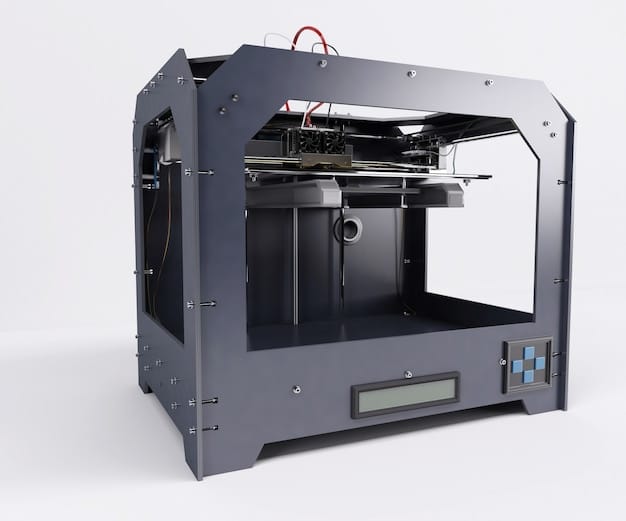
Prusa CORE One nozzle replacement
Replace a Prusa CORE One nozzle by removing the hotend assembly safely, routing its cables correctly and selecting the new diameter.
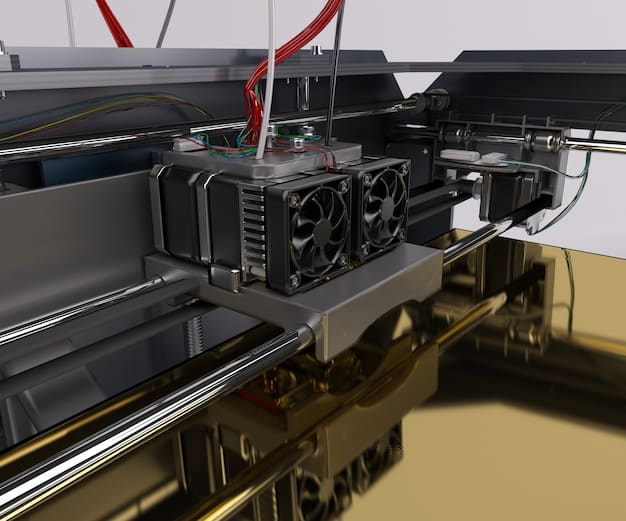
Prusa CORE One maintenance schedule
Maintain a Prusa CORE One with regular sheet, nozzle, fan and motion checks using Prusa’s model-specific service guidance.
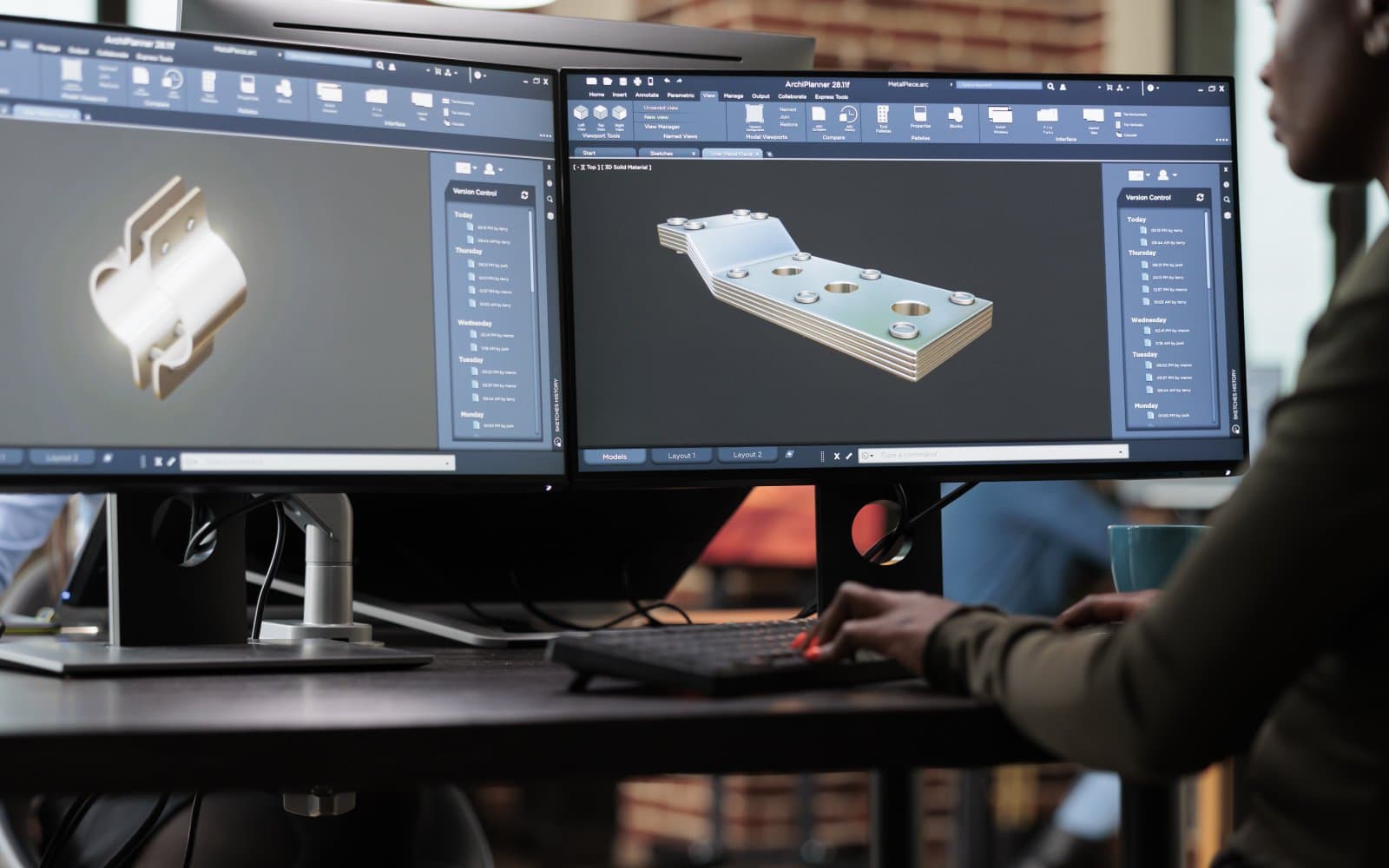
PrusaSlicer profile setup for the CORE One
Configure PrusaSlicer for the CORE One with the exact nozzle, sheet and filament profile, then inspect BG-code before printing.
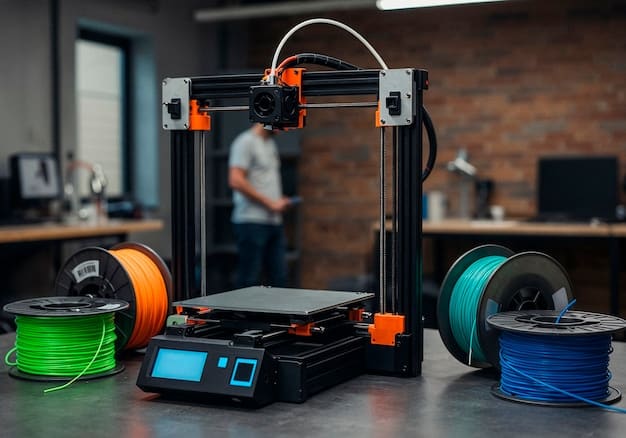
How to load and unload filament on the Prusa CORE One
Load and unload filament through the Prusa CORE One side PTFE path, with both filament sensors and the Nextruder handled correctly.
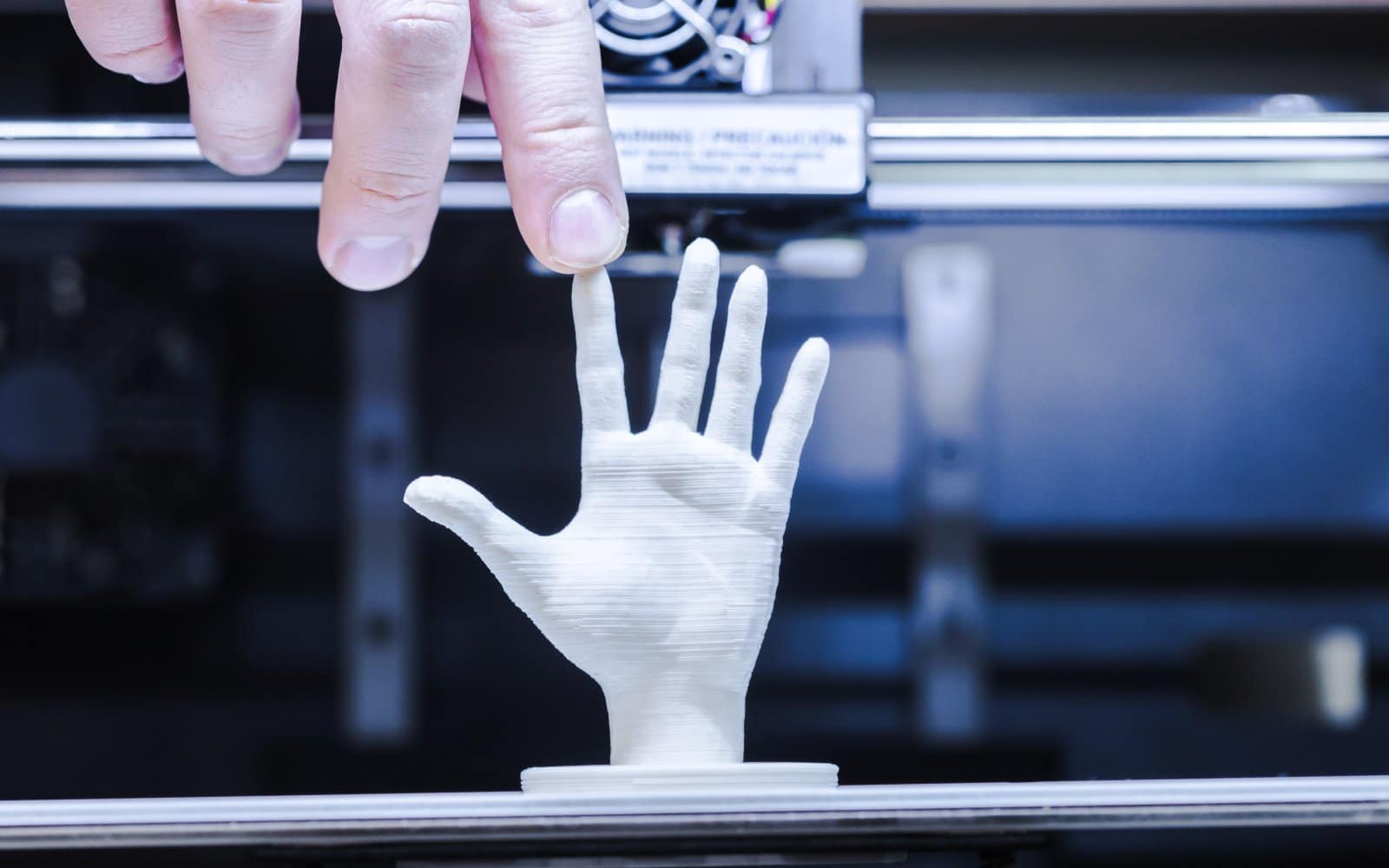
Prusa CORE One calibration and self-test
Understand Prusa CORE One calibration, including self-test, loadcell, filament sensors and the checks to make before rerunning a failed stage.
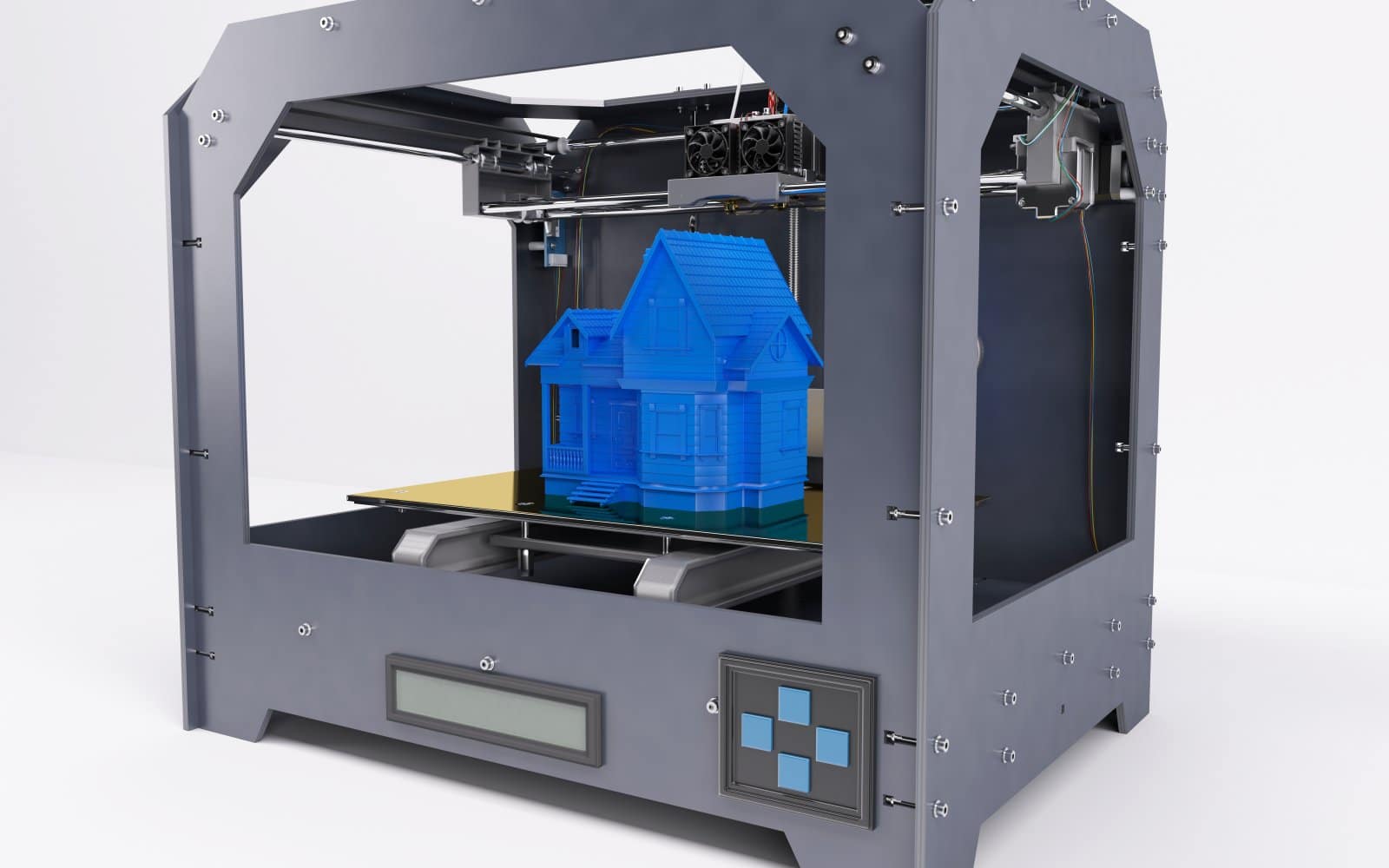
Prusa CORE One first print with PrusaSlicer
Prepare a Prusa CORE One first print in PrusaSlicer, select the exact sheet and filament, and check the first layer safely.

Prusa CORE One setup for the assembled printer
Set up an assembled Prusa CORE One, mount the xLCD, update firmware and complete the calibration wizard in the documented order.


