Printer setup
Model-by-model setup guides for Bambu Lab, Creality, Prusa, QIDI, Flashforge, Sovol, Anycubic and Elegoo printers. For most machines that means unboxing, first print, calibration, filament loading, slicer profile, maintenance schedule and nozzle replacement. If your printer arrived this week, find its setup page and work down the list.
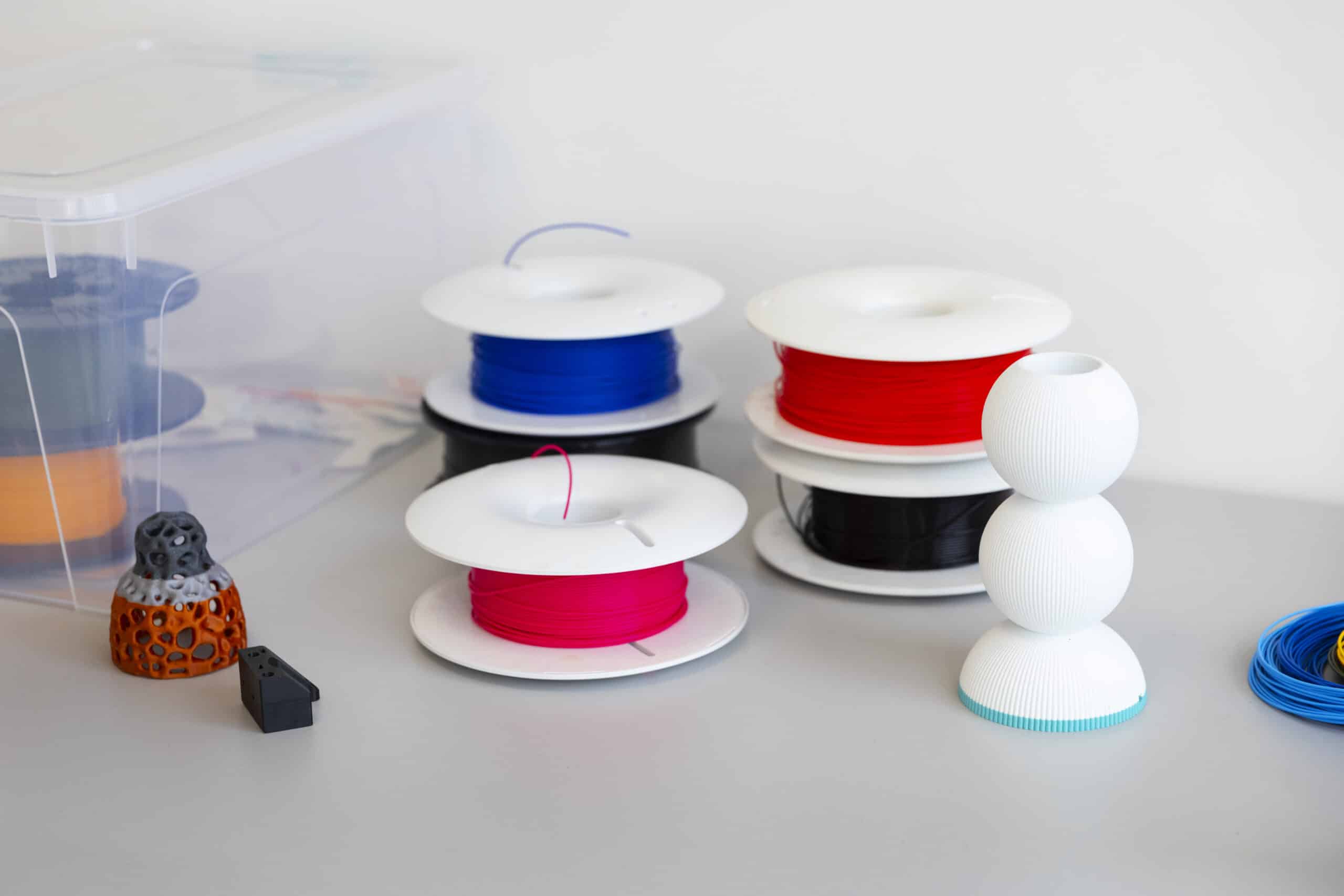
Flashforge AD5X setup: from the box to a ready printer
Unbox the Flashforge AD5X, mount the screen and IFS module, load four filament spools, and run the first auto-leveling cycle before printing.
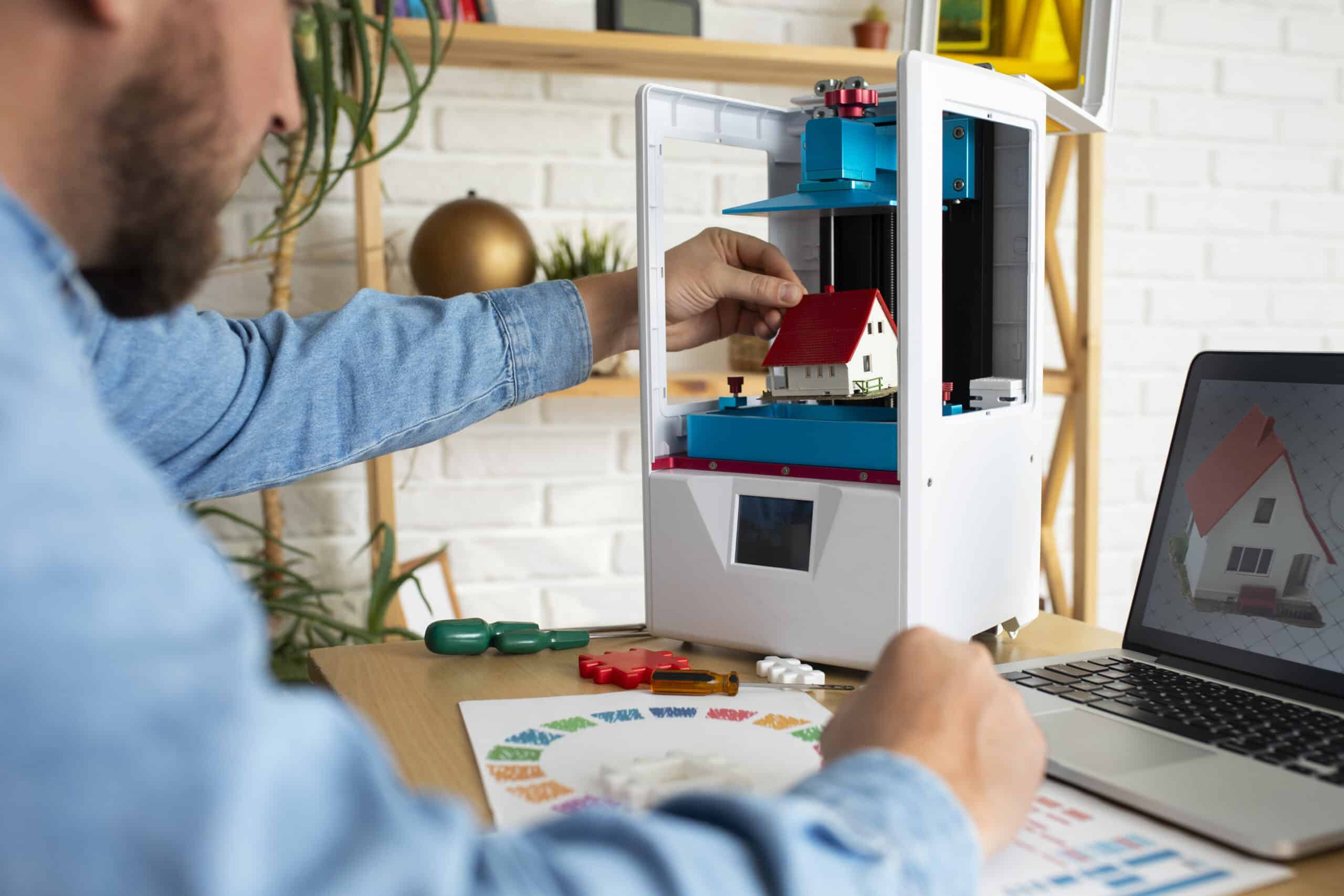
Flashforge Adventurer 5M setup: from the box to a ready printer
Unbox the Flashforge Adventurer 5M, clear its shipping protection, mount the screen and spool holder, and run the first ADM leveling pass.
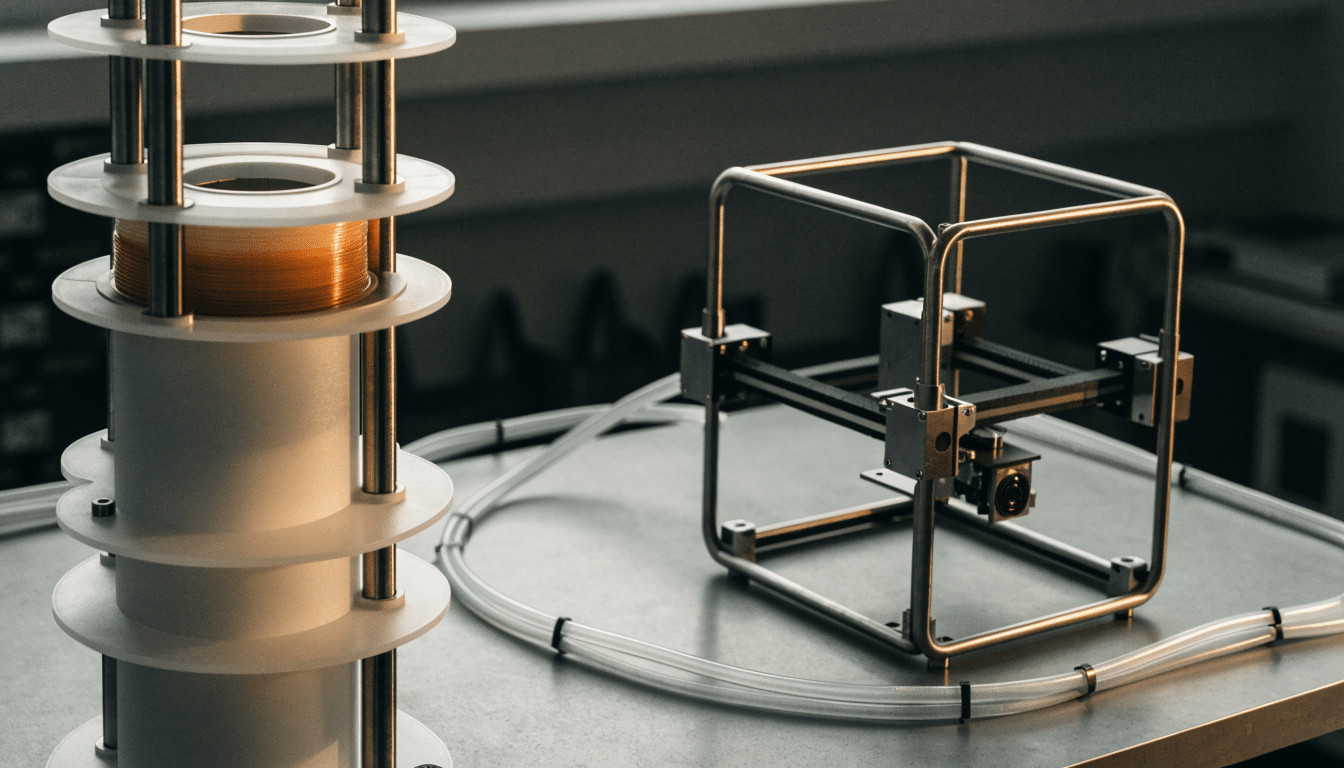
Anycubic ACE Pro setup: installing and connecting to the Kobra 3
Install the Anycubic ACE Pro next to a Kobra 3, connect it correctly, load a first spool and confirm the hub is recognized before…
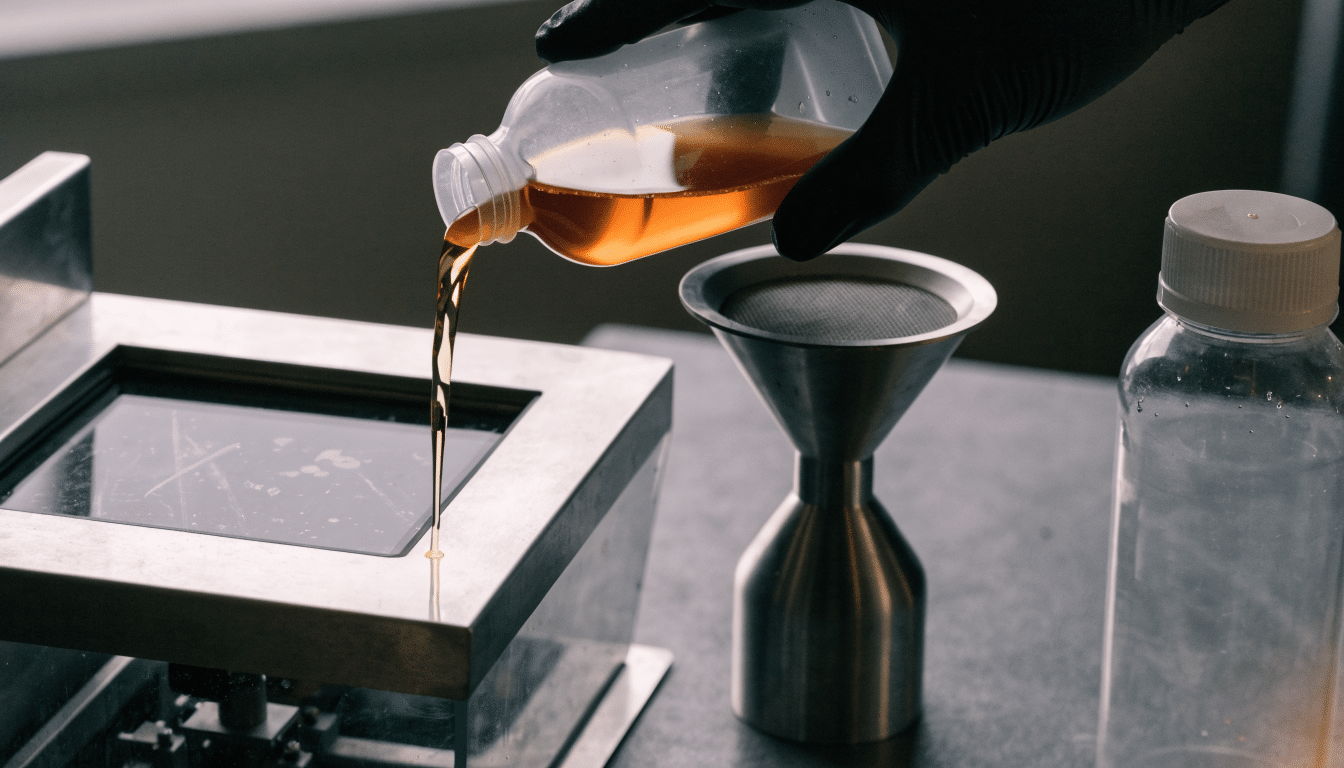
Filling, changing and storing resin on the Anycubic Photon Mono 4
Fill, change and store resin safely on the Anycubic Photon Mono 4, from pouring the vat to keeping leftover resin usable between prints.
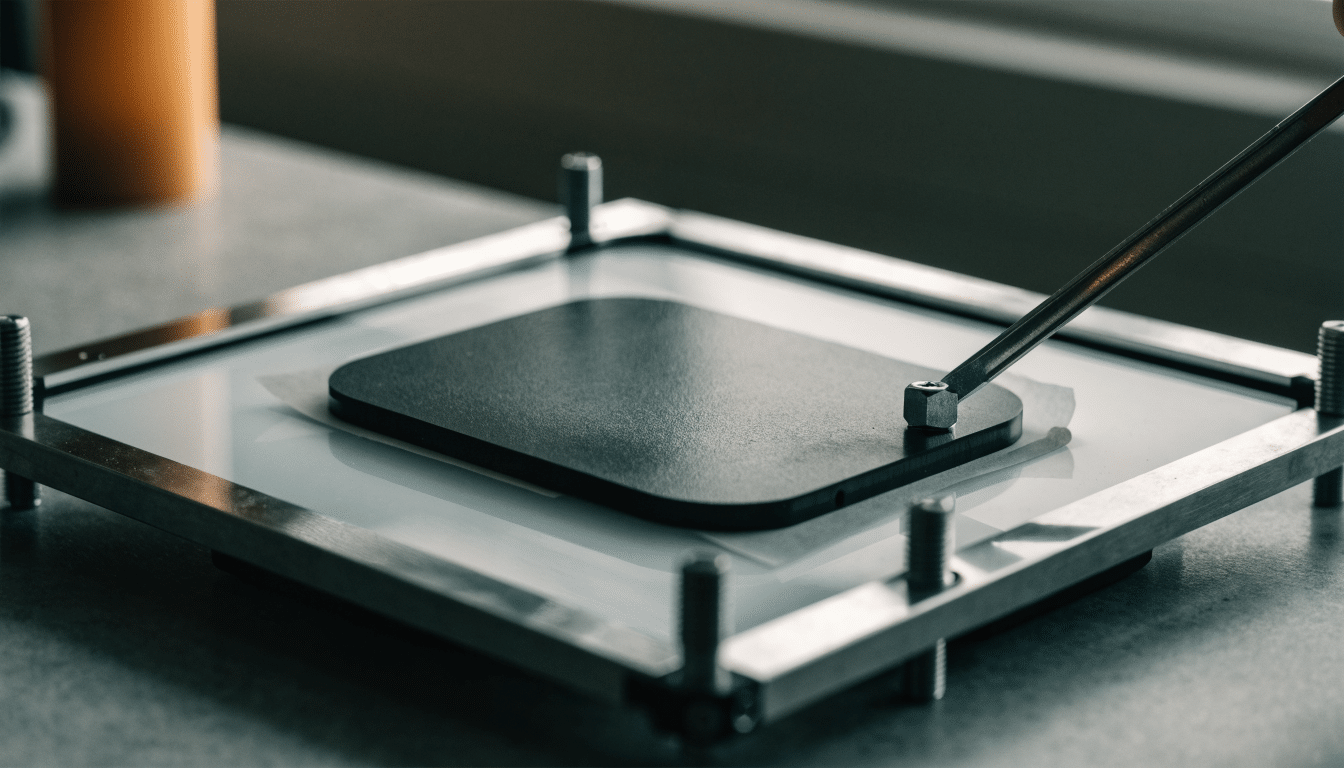
Anycubic Photon Mono 4 calibration: leveling and exposure basics
Calibrate the Anycubic Photon Mono 4 with correct plate leveling and exposure time settings, and know when to repeat the process.
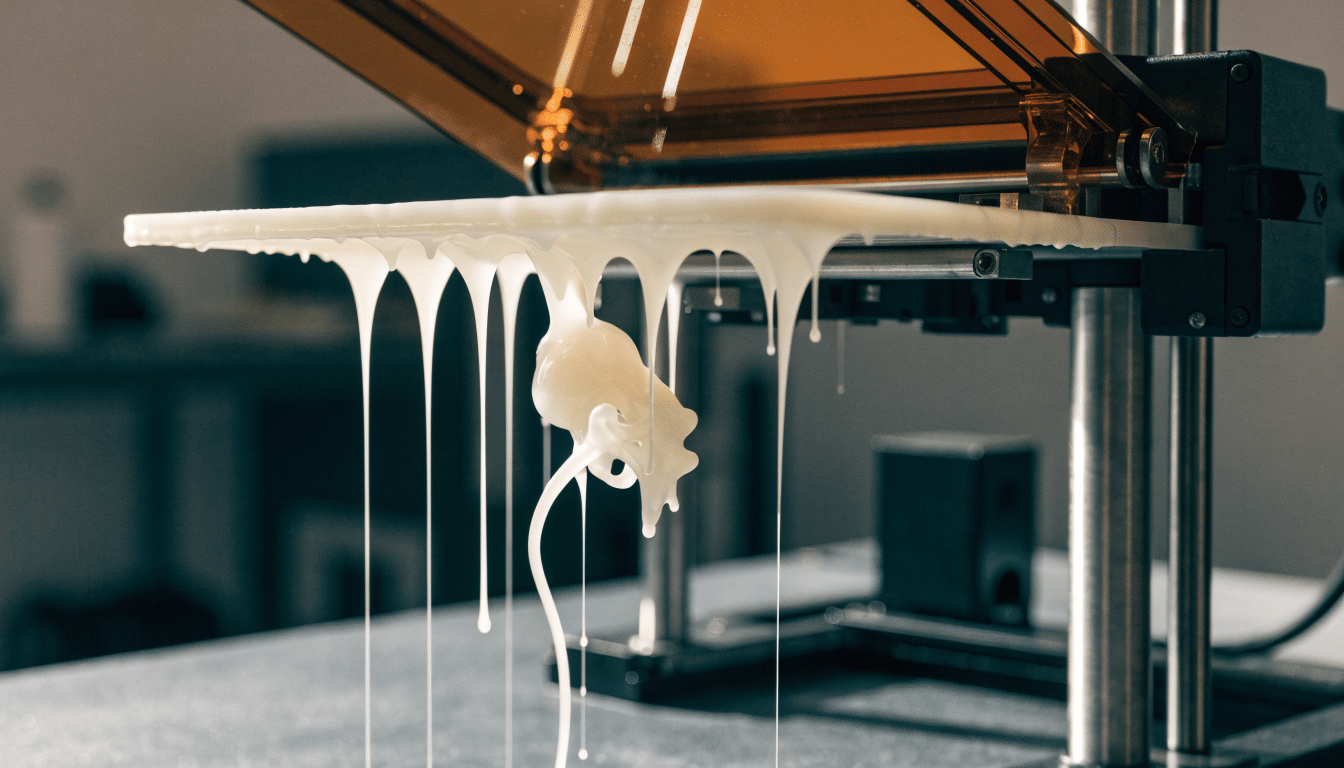
Anycubic Photon Mono 4 first print: a controlled first run
Run a controlled first print on the Anycubic Photon Mono 4, from pouring standard resin to safely removing the finished part.
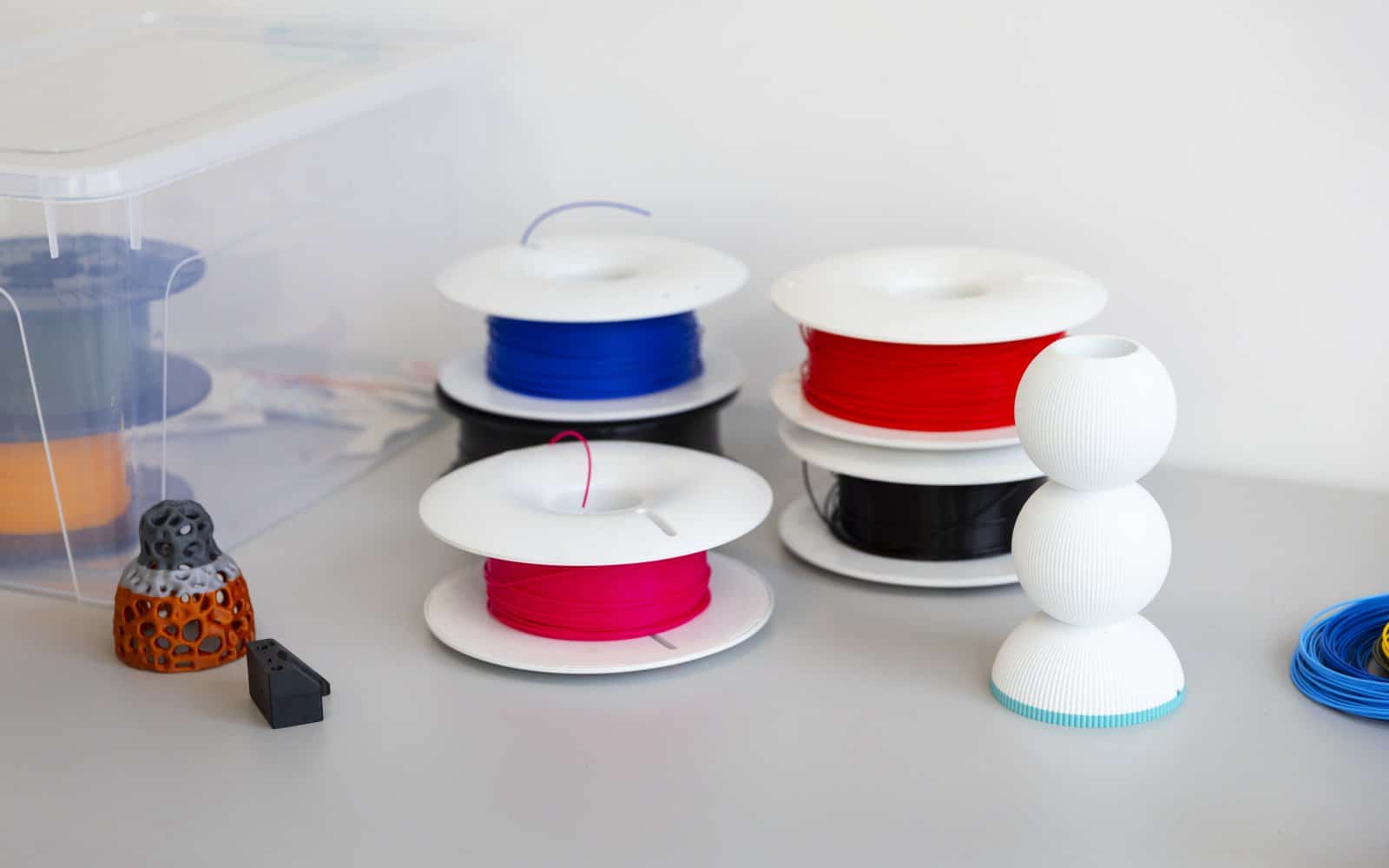
How to load and unload filament on the Anycubic Kobra 3
Load and unload filament on the Anycubic Kobra 3’s direct drive extruder, including spool sizing, ACE Pro multicolor setup and the on-screen preheat routine.
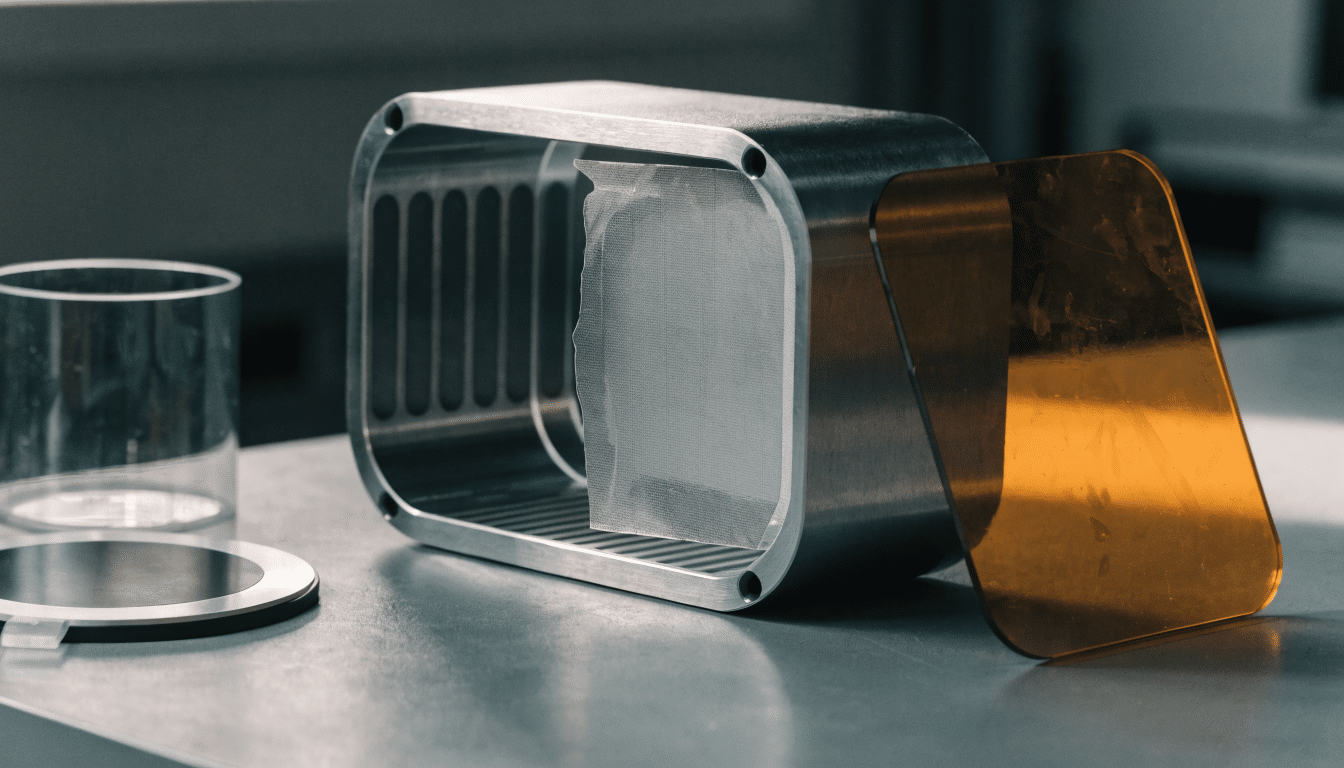
Anycubic Photon Mono 4 setup: from the box to a ready printer
Set up the Anycubic Photon Mono 4 safely, from unboxing and vat placement to your first resin-ready startup.

Anycubic Kobra 3 calibration: LeviQ 3.0 leveling and flow checks
Know which Anycubic Kobra 3 calibration routine to run: LeviQ 3.0 leveling, one-click vibration compensation, or flow and pressure advance checks.
Anycubic Kobra 3 first print: a controlled first run
Run a controlled first print on the Anycubic Kobra 3: pick a safe test file, confirm LeviQ 3.0 leveling, and watch the first layer…


