Printer setup
Model-by-model setup guides for Bambu Lab, Creality, Prusa, QIDI, Flashforge, Sovol, Anycubic and Elegoo printers. For most machines that means unboxing, first print, calibration, filament loading, slicer profile, maintenance schedule and nozzle replacement. If your printer arrived this week, find its setup page and work down the list.
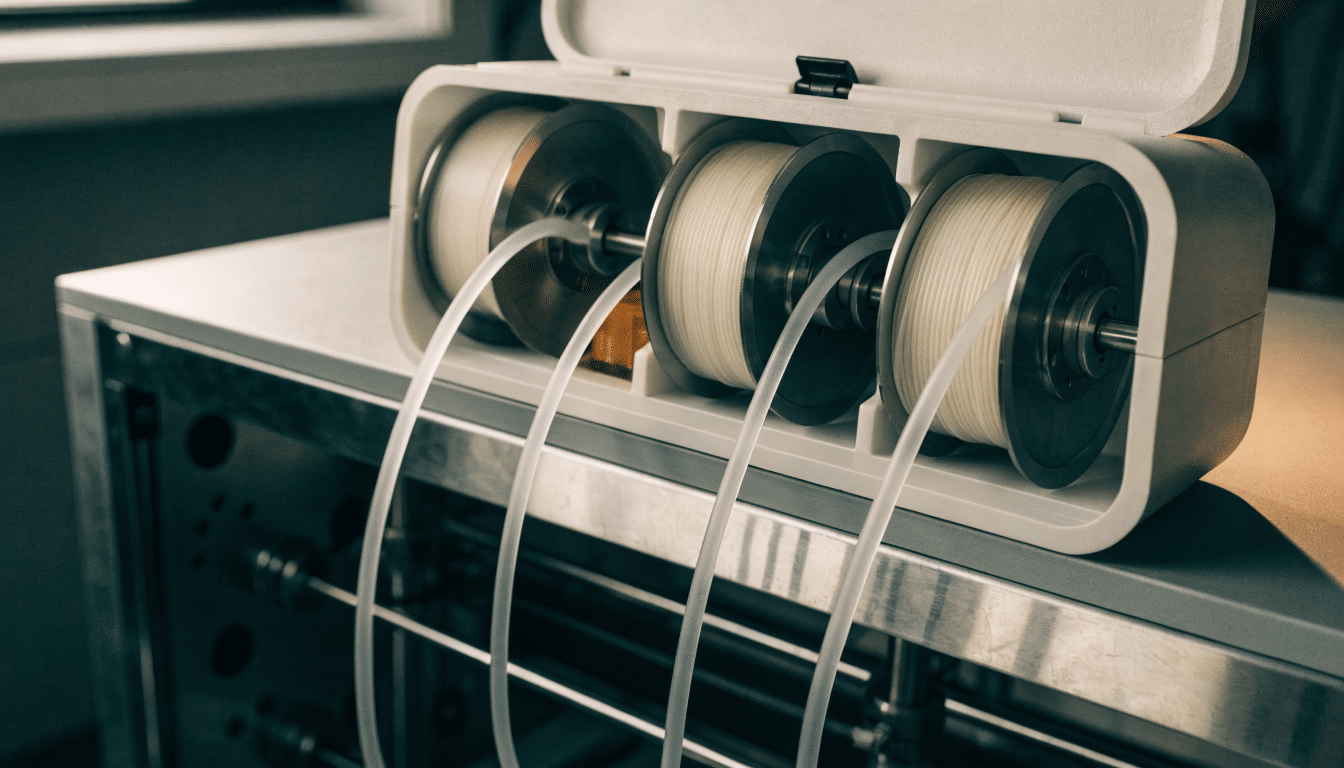
Bambu Lab AMS 2 Pro setup for the P2S
How to set up an AMS 2 Pro with a Bambu Lab P2S, including the separate buffer requirement, PTFE tube routing and desiccant checks.
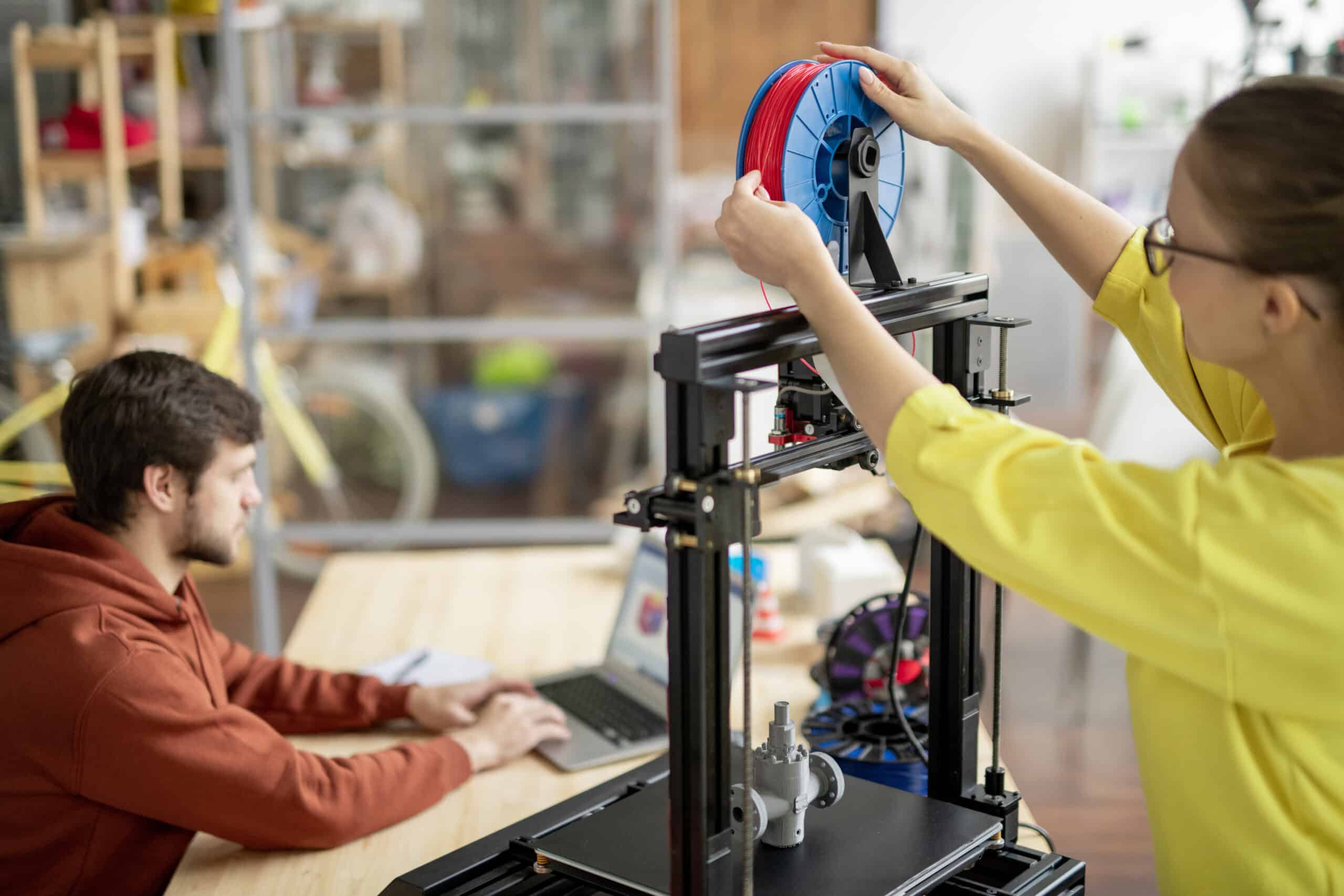
Loading and unloading filament on a Bambu Lab P2S
Load and unload filament on a Bambu Lab P2S from an external spool or AMS, with clean tips, correct mapping, and a full purge.
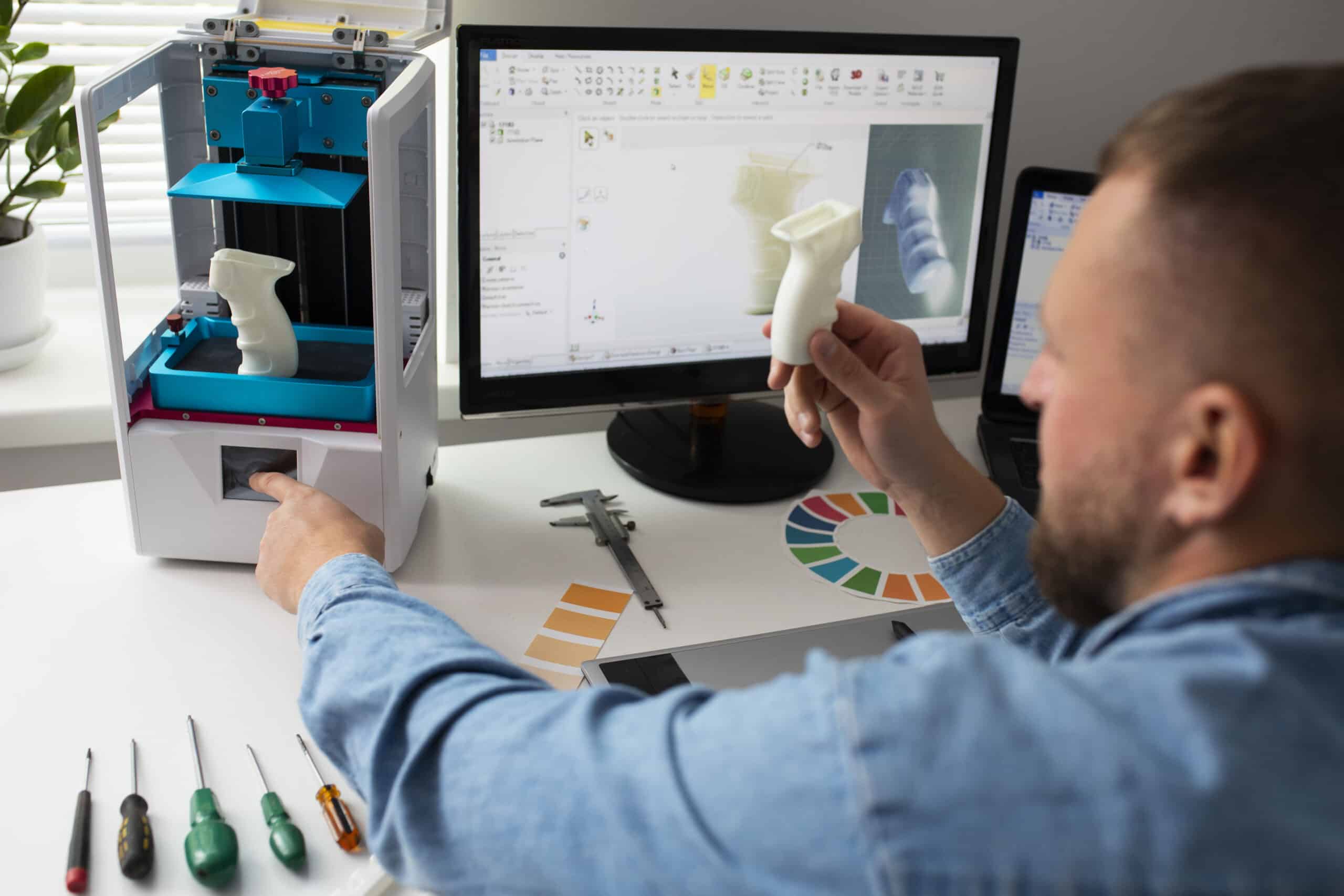
Bambu Lab P2S calibration: the useful routines
Run the right Bambu Lab P2S calibration routines, including bed leveling, flow tuning and the new eddy-current active flow calibration, without masking a hardware…
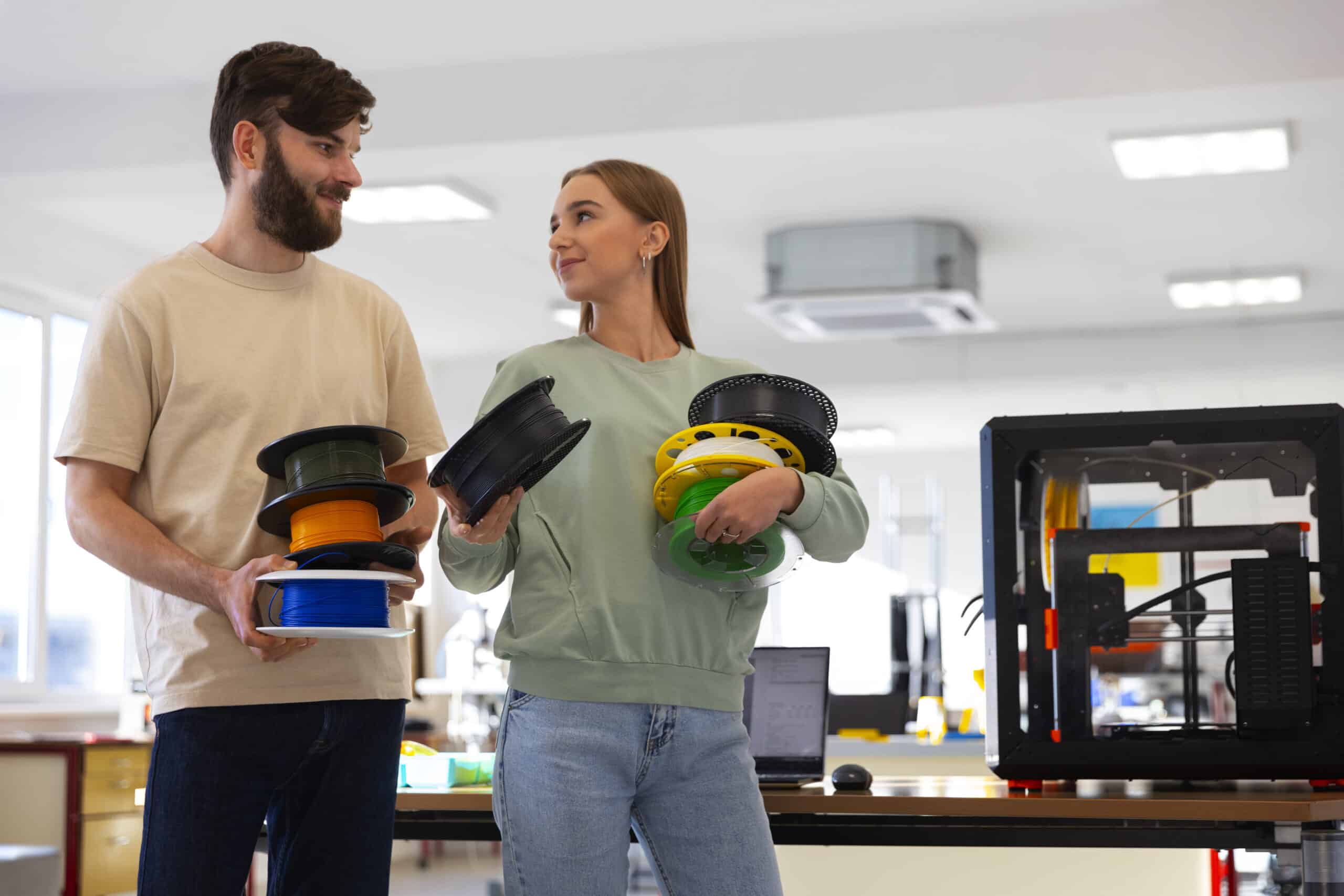
Bambu Lab P2S first print: settings worth checking
Check plate and filament settings in Bambu Studio, use the P2S live camera’s AI detection as a safety net, and judge the first layer…
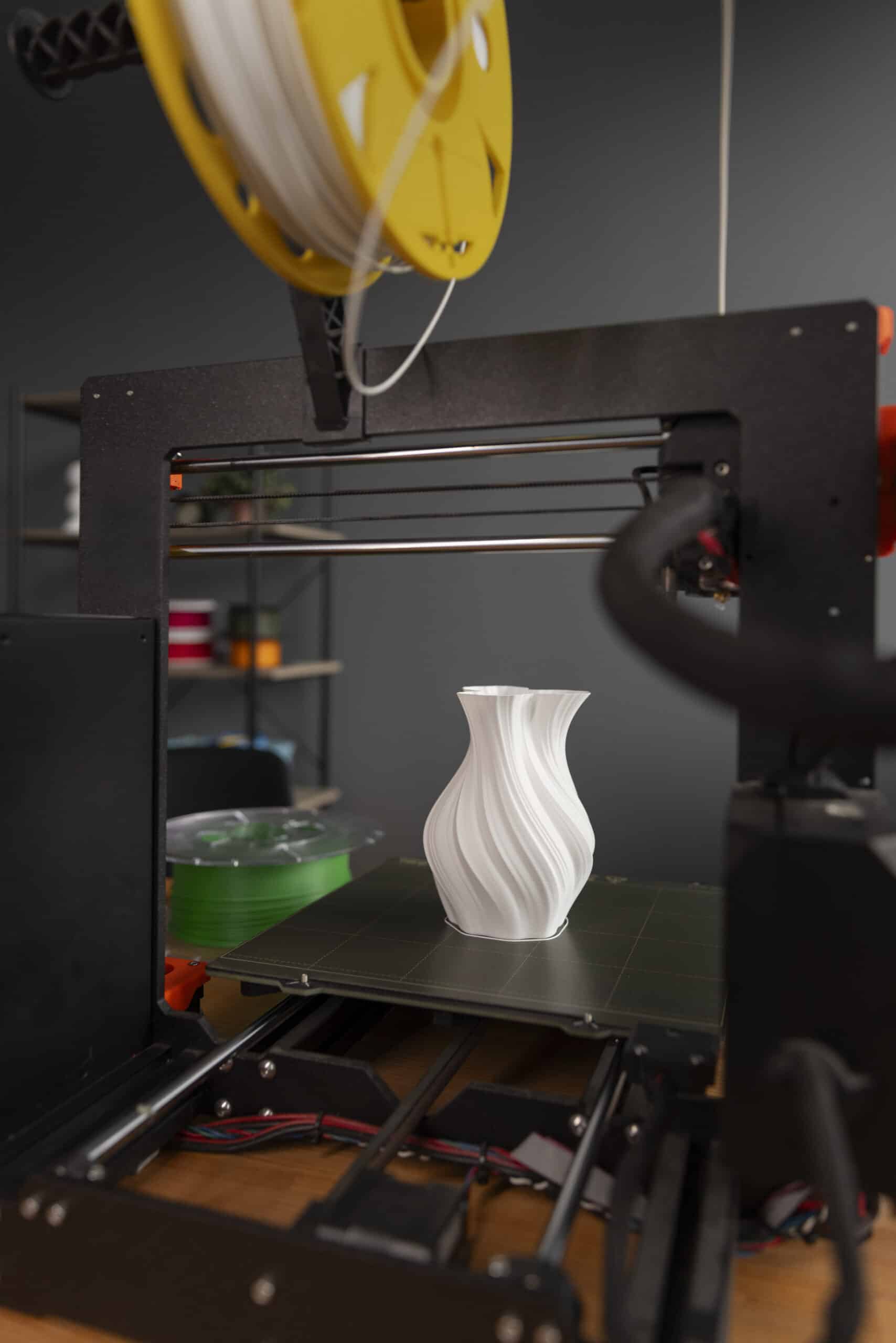
Bambu Lab P2S setup: unpacking without missing a restraint
Set up a Bambu Lab P2S, clear its internal shipping restraints, place it correctly, connect an AMS 2 Pro if fitted, and complete the…
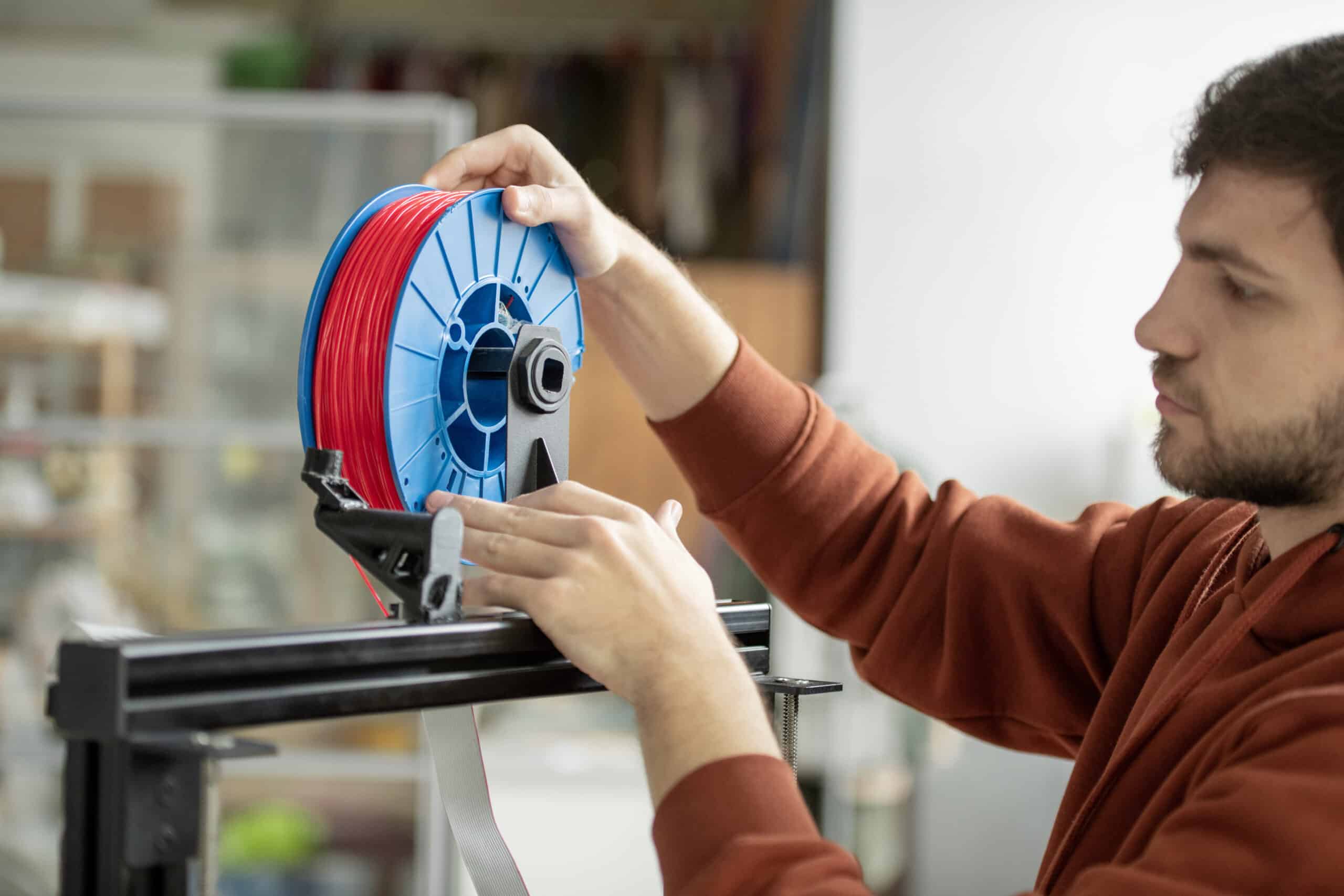
How to load, unload and change filament on the Sovol SV08
Load filament on the Sovol SV08 with the knob menu’s Load Fil function, and see what the manual does and does not document about…
Sovol SV08 bed and plate calibration: running the Z offset routine
Run the Sovol SV08’s automatic Z offset calibration from the knob screen, understand what the roughly six-minute process actually does, and know where to…
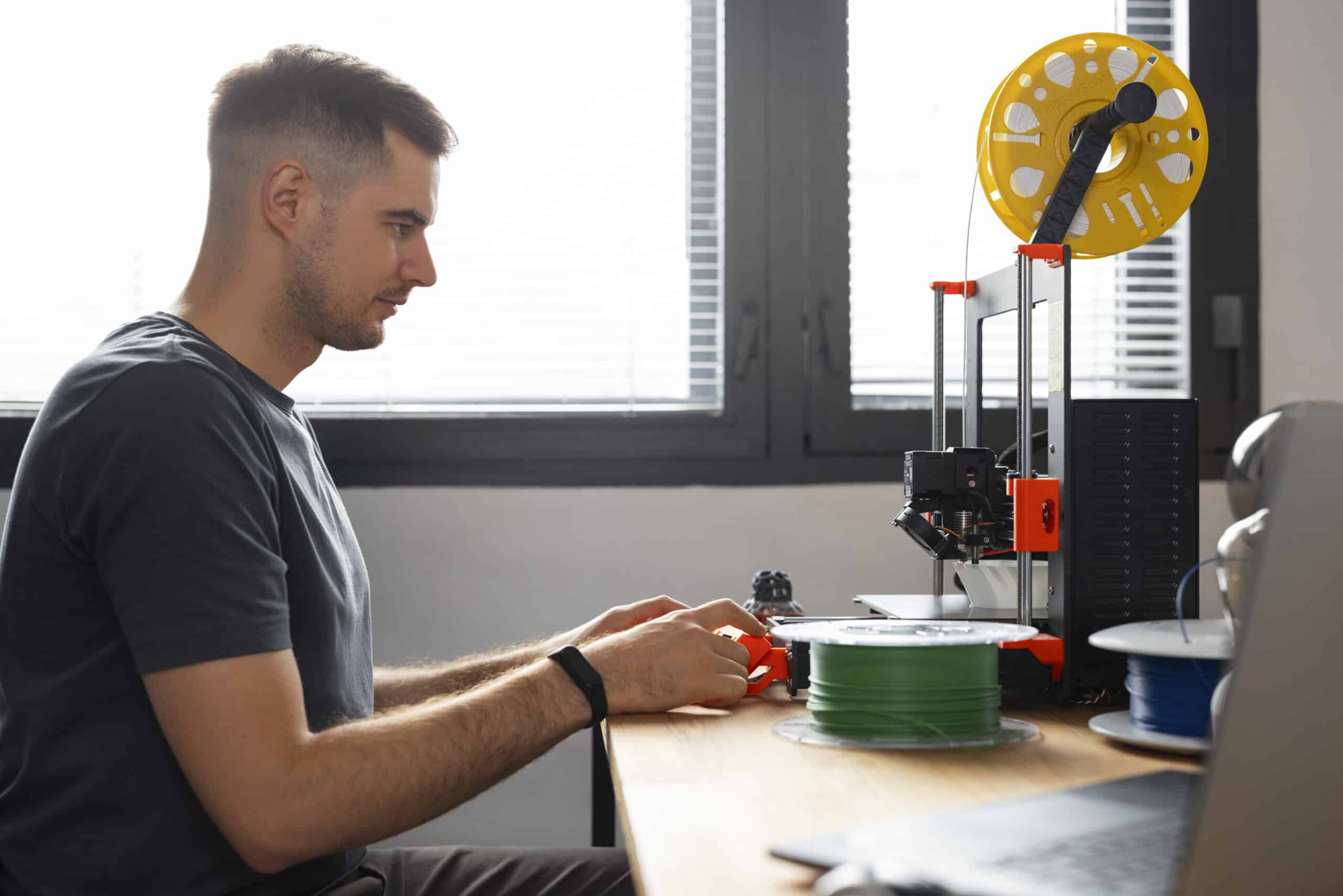
Sovol SV08 first print walkthrough: slicing and sending your first job
Install Sovol’s OrcaSlicer build for the SV08, pick the right printer and filament presets, and send your first print over the WiFi connection set…

Sovol SV08 unboxing and first setup: from crate to first connection
Position the Sovol SV08’s CoreXY flying gantry with room to move, power it on, check the firmware version, and connect to WiFi so Mainsail…
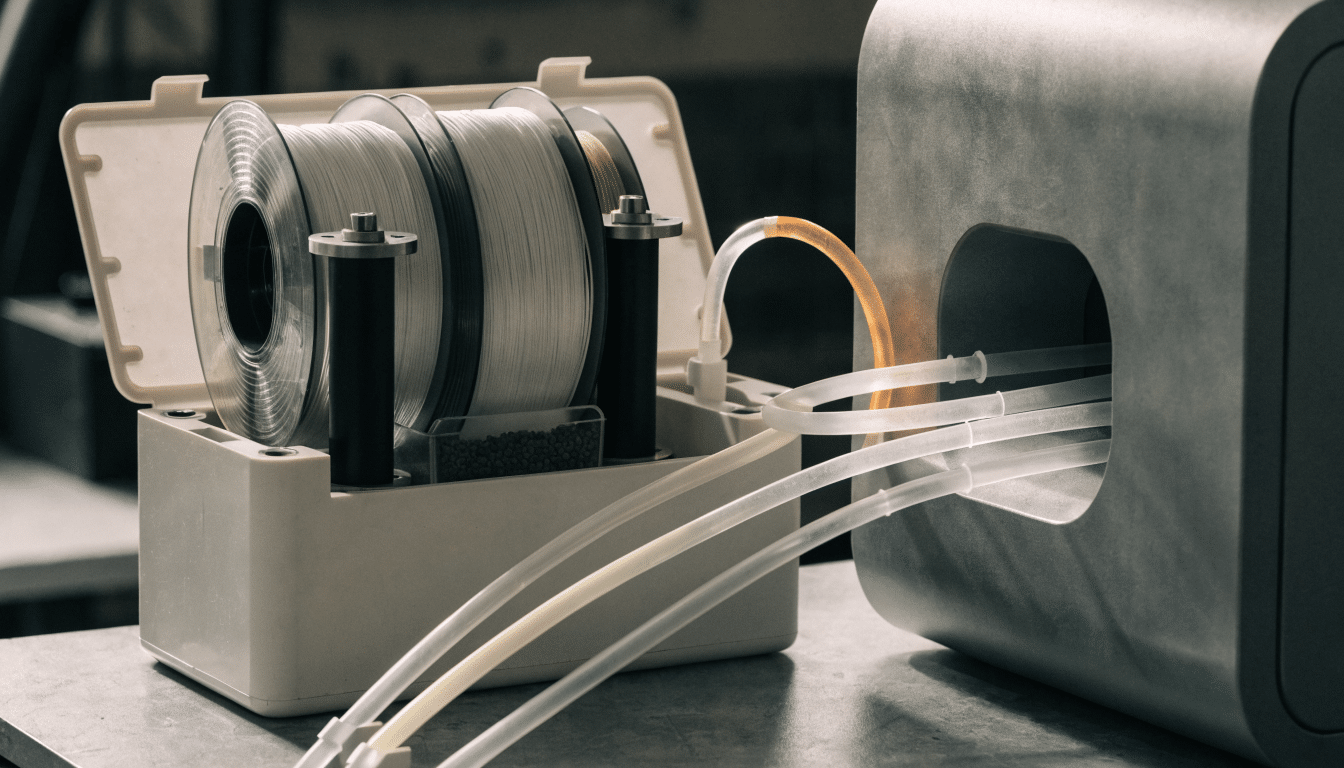
QIDI Box for the QIDI Q2, what it does and how to get started
What the QIDI Box adds to a Q2, which filaments it can and can’t run, and what to check before connecting one.


