Printer setup
Model-by-model setup guides for Bambu Lab, Creality, Prusa, QIDI, Flashforge, Sovol, Anycubic and Elegoo printers. For most machines that means unboxing, first print, calibration, filament loading, slicer profile, maintenance schedule and nozzle replacement. If your printer arrived this week, find its setup page and work down the list.
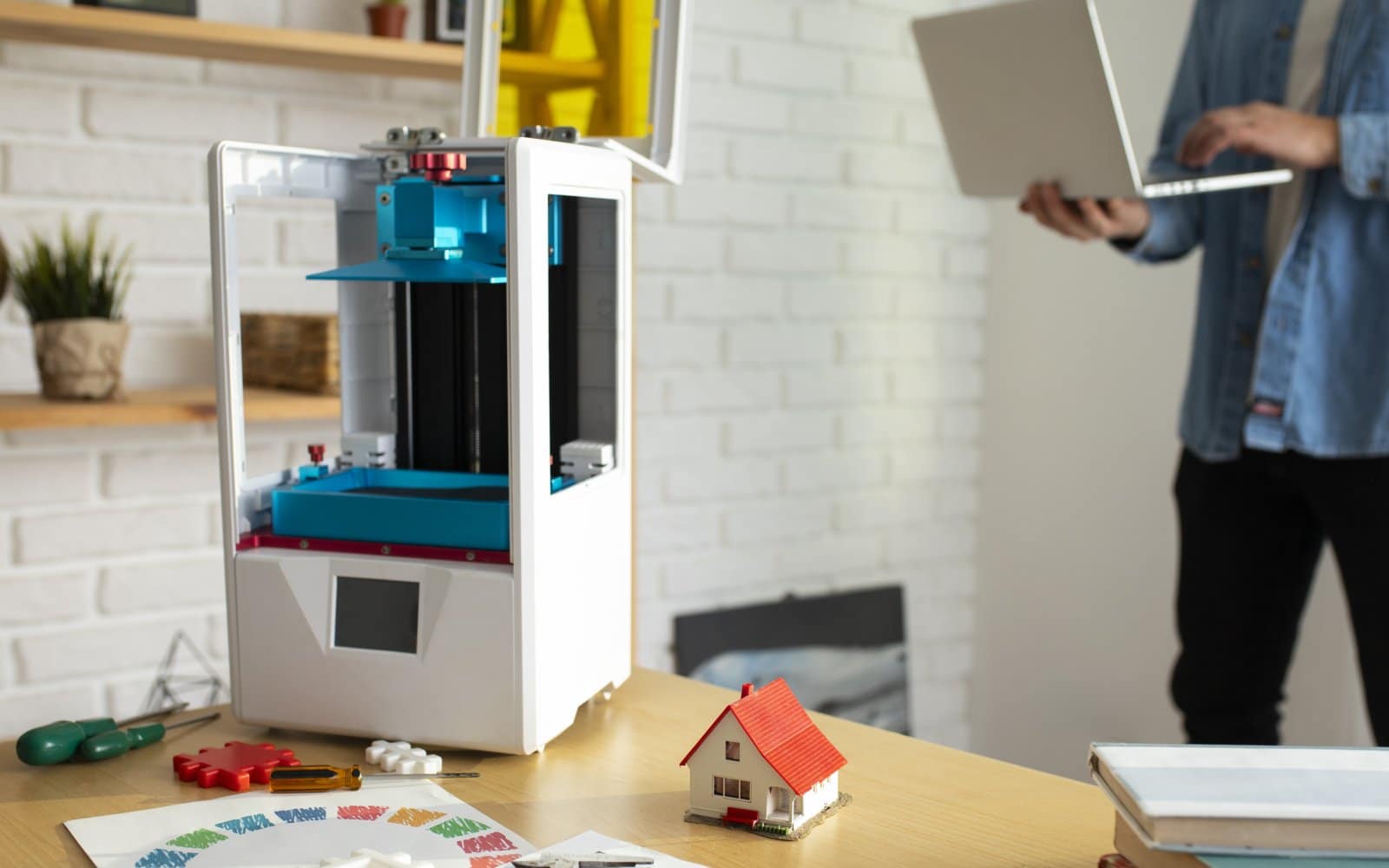
Anycubic Kobra 3 setup: from the box to a ready printer
Set up an Anycubic Kobra 3 step by step: clear every transport restraint, mount the spool holder, run LeviQ 3.0 leveling and check the…
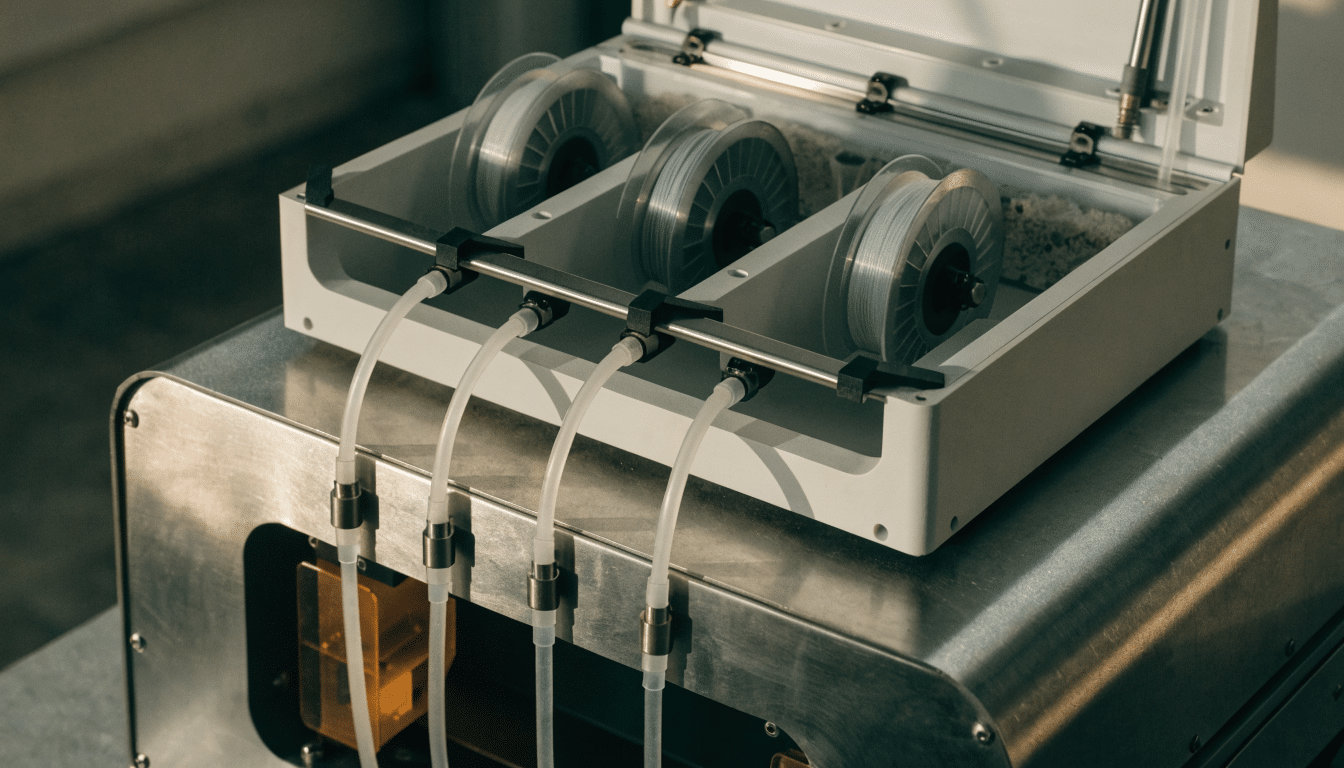
Bambu Lab AMS setup for the P1S
Connect and set up a Bambu Lab AMS with the P1S, install desiccant, route PTFE tubing and map four spool bays.
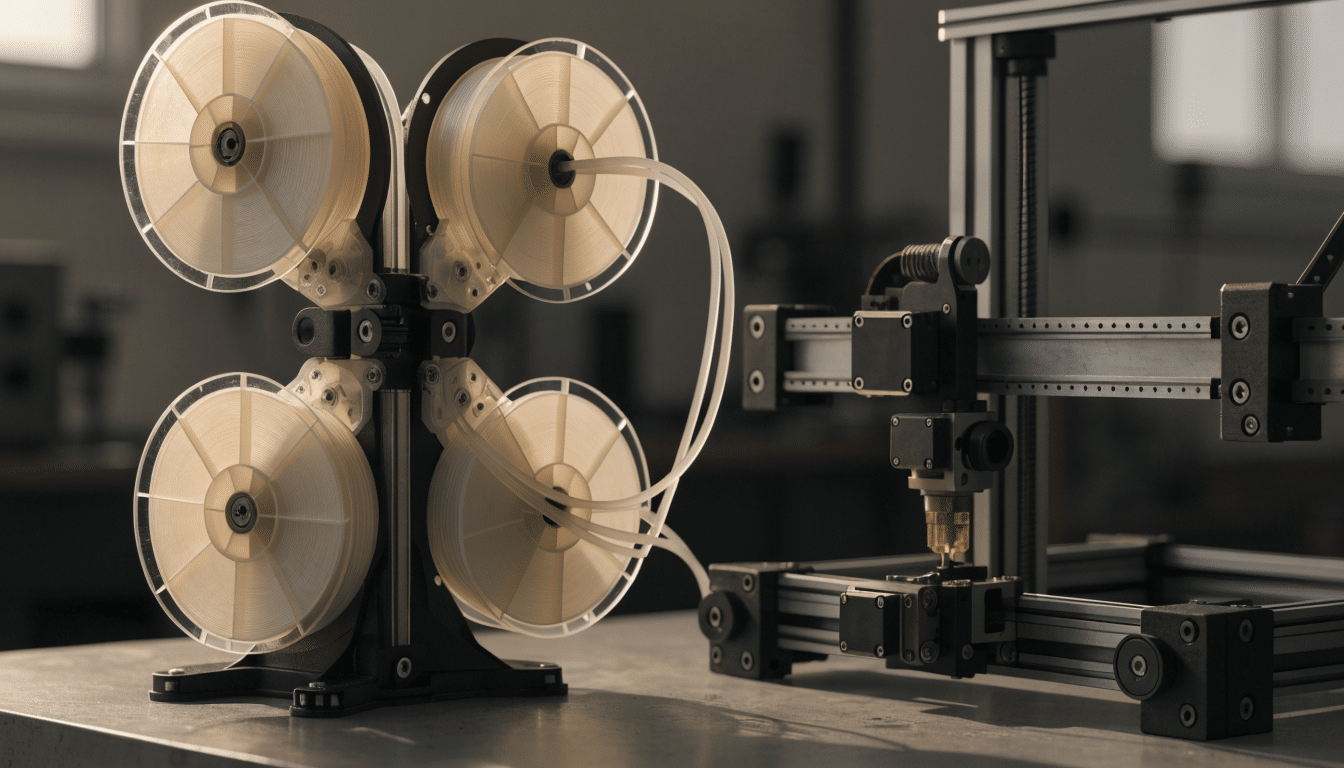
Bambu Lab AMS lite setup for the A1
Set up AMS lite for a Bambu Lab A1, route its four PTFE tubes, map spool slots and avoid bed-travel interference.
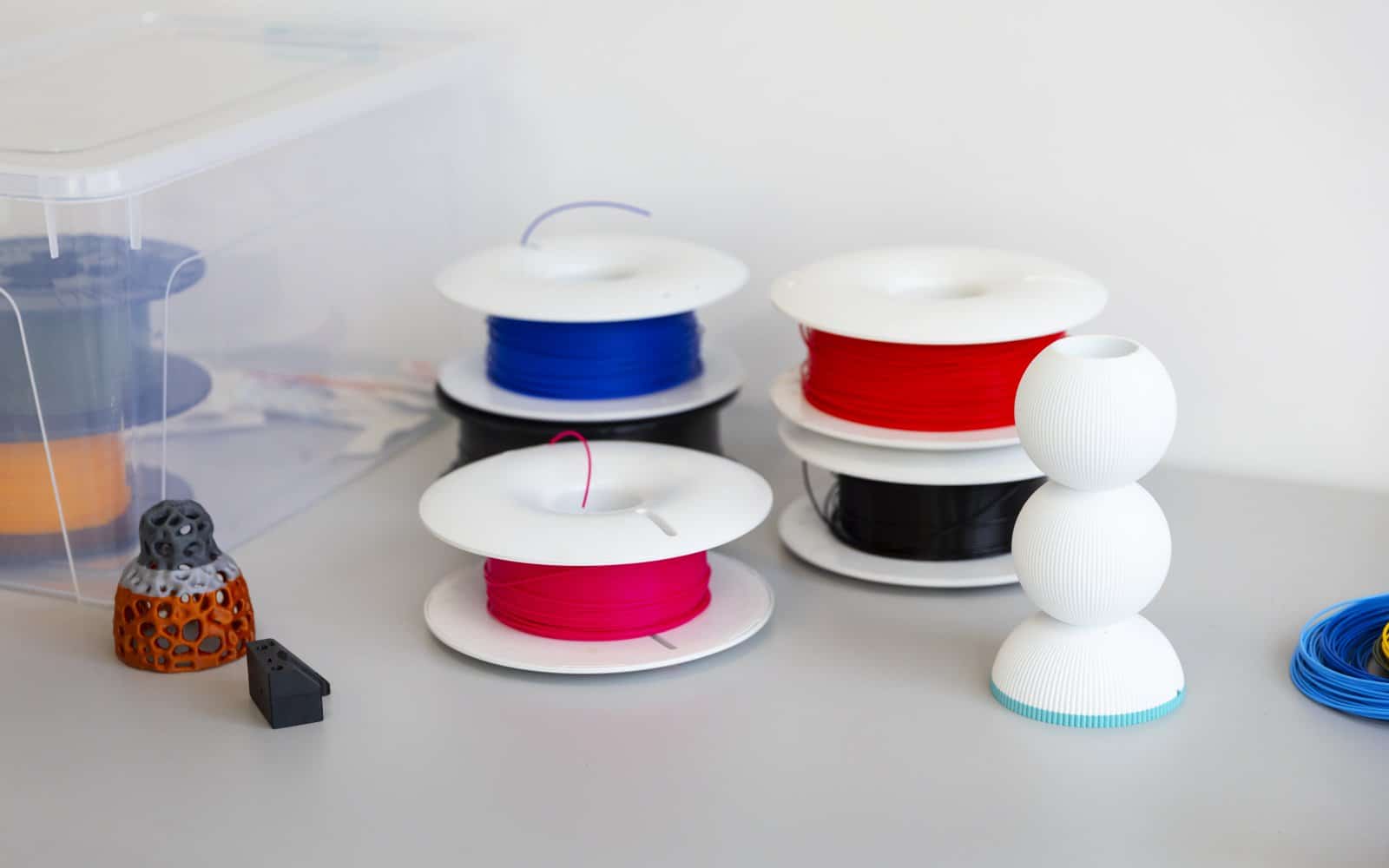
Loading and unloading filament on the Neptune 4 Pro
Load, unload and change filament on an Elegoo Neptune 4 Pro through its runout sensor and direct-drive extruder.
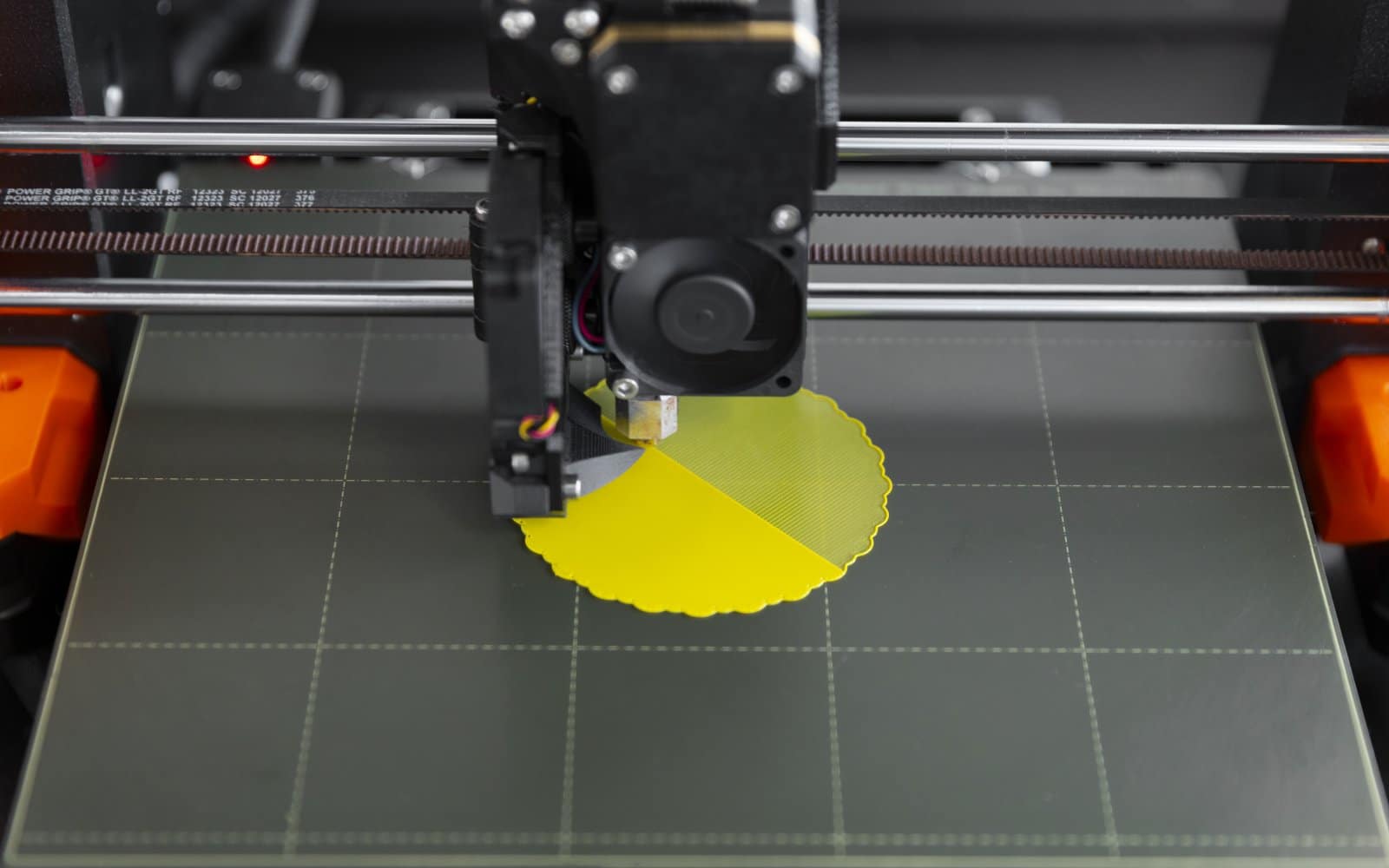
Creality K1C bed leveling and first-layer checks
Run Creality K1C automatic leveling with a clean nozzle and plate, then separate global first-layer errors from local hardware problems.
Loading and unloading filament on the Ender-3 V3 SE
Load, unload and change filament on an Ender-3 V3 SE with the correct preheat and extruder controls.
Bambu Lab P1S calibration: the useful routines
Run Bambu Lab P1S machine and filament calibration for the right reason, then save a known-good baseline.
Elegoo Neptune 4 Pro bed leveling and Z offset
Level the Elegoo Neptune 4 Pro bed with its four wheels, automatic mesh and live Z offset in a repeatable order.
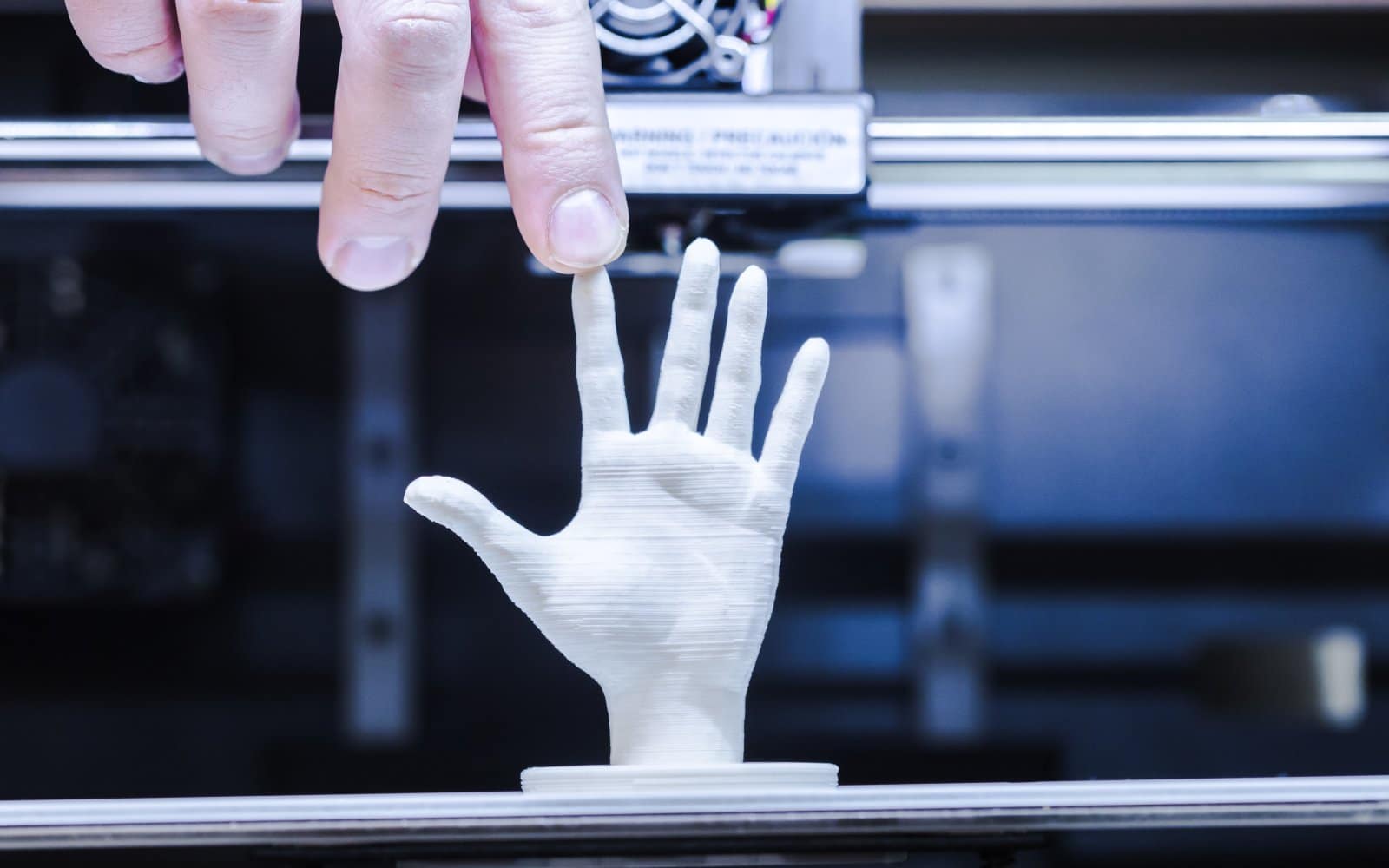
Elegoo Neptune 4 Pro first print
Run an Elegoo Neptune 4 Pro first print with PLA, verify Z offset and mesh behavior, and judge the first layer before increasing speed.
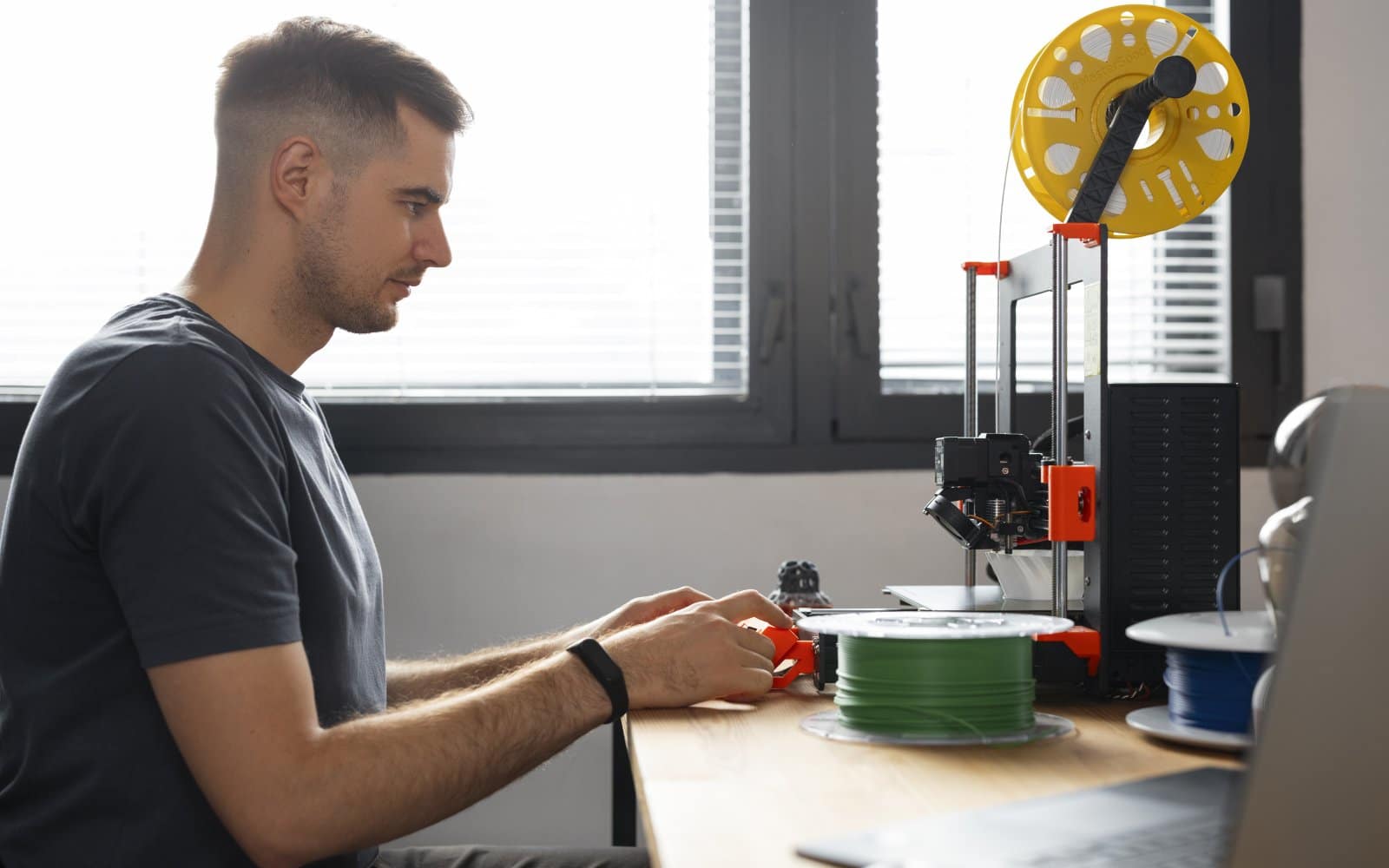
Elegoo Neptune 4 Pro setup: assembly and first leveling
Assemble an Elegoo Neptune 4 Pro, check voltage and cable routing, set the bed hardware and run the documented leveling sequence.


