Creality
Creality guides for the K1C, K1 Max, K2 Plus, K2 SE, Ender-3 V3 series, Ender-5, Hi, K3 and SparkX i7. The K1C has the most complete set, from setup and bed leveling to nozzle replacement and a maintenance schedule. Most other models have an error-code index, so you can look a code up before you start taking the printer apart.
Creality Ender-3 V3 KE Error Code Index
Read the exact Key error number on the Ender-3 V3 KE screen, check the setup causes Creality lists for that code, and know when…
Creality K2 Plus Error Code Index
Read the full alphanumeric code on a K2 Plus screen or CFS pop-up, find its dedicated page on Creality’s wiki, and tell a routine…
Creality SparkX i7 Error Code Index
Find and read Creality SparkX i7 error codes on Creality’s own wiki, check the CFS Lite feeding causes first, and know when a fault…

Creality K1C error code index
Look up a Creality K1C error by its exact key and separate safe owner checks from heater, sensor and mainboard service.
Creality K1C nozzle replacement
Replace the correct K1C nozzle revision using Creality’s hot procedure, support the assembly and verify extrusion before closing the toolhead.
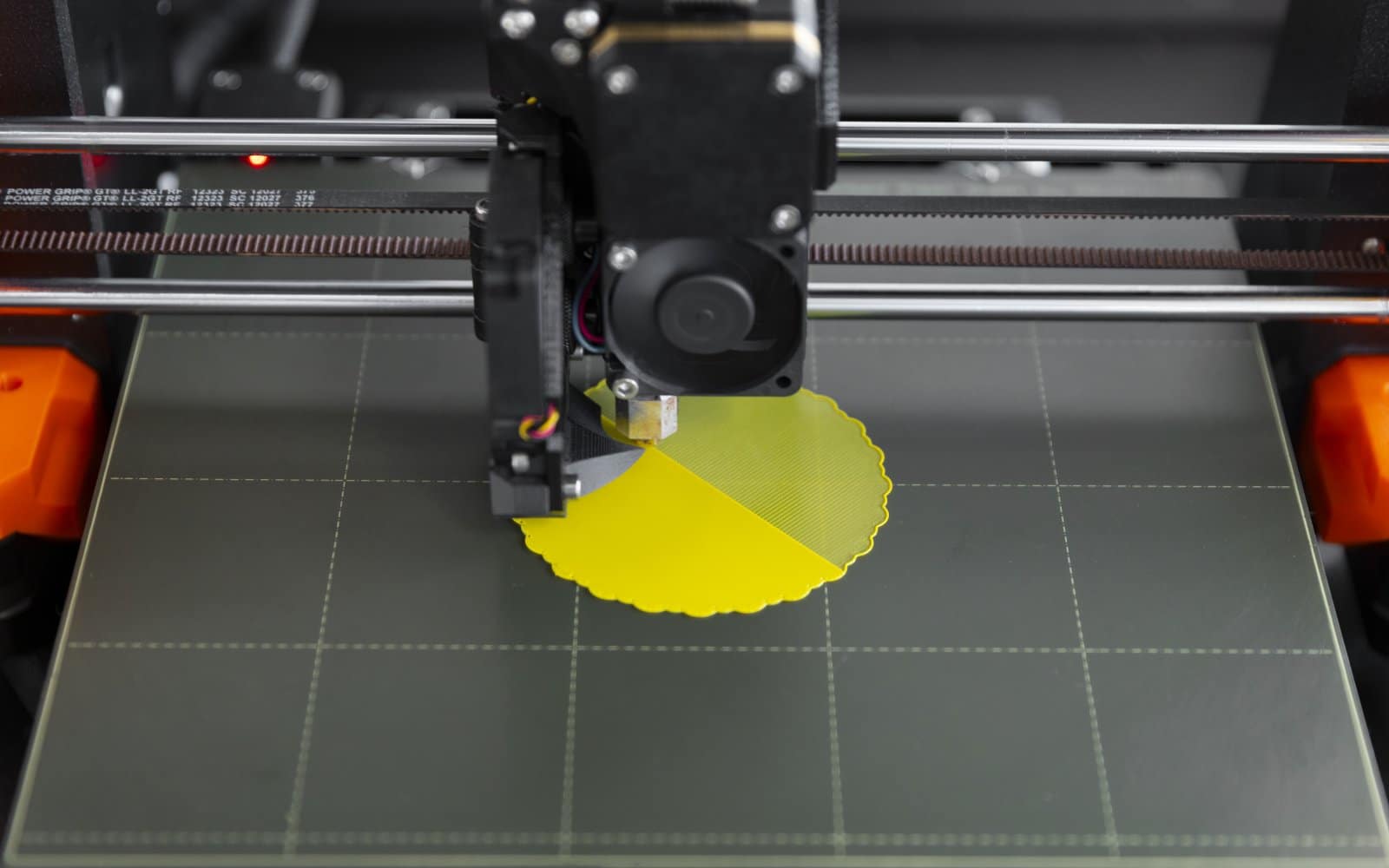
Creality K1C bed leveling and first-layer checks
Run Creality K1C automatic leveling with a clean nozzle and plate, then separate global first-layer errors from local hardware problems.
Creality Print and OrcaSlicer setup for the K1C
Set up a Creality K1C slicer profile with the exact machine revision, nozzle, plate and conservative material baseline.

Ender-3 V3 SE alerts and error messages
Diagnose Ender-3 V3 SE alerts for storage, heating, leveling and motion without borrowing codes from another Creality printer.
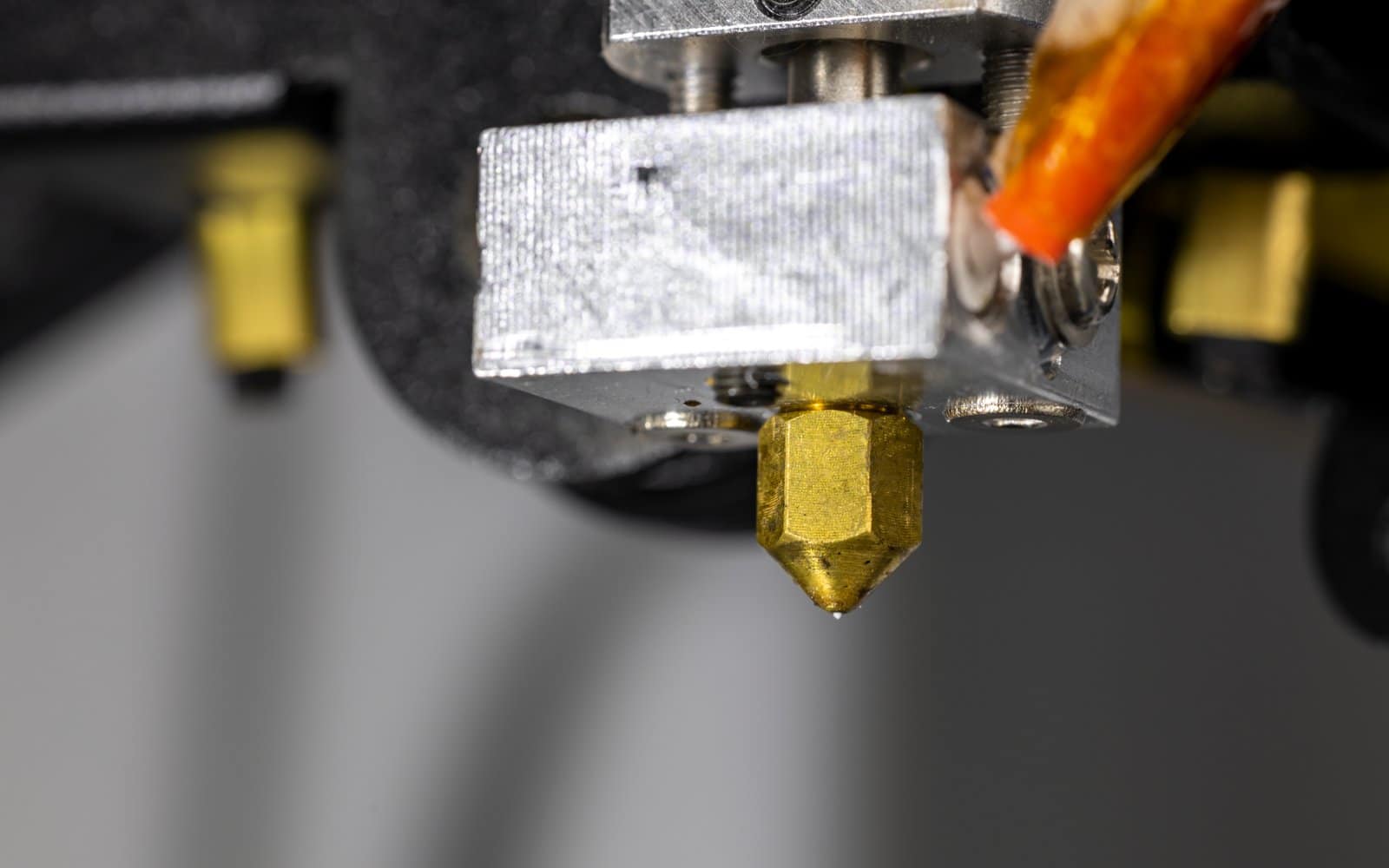
Ender-3 V3 SE nozzle replacement
Replace an Ender-3 V3 SE nozzle with the hotend supported correctly, then relevel and test for leaks.
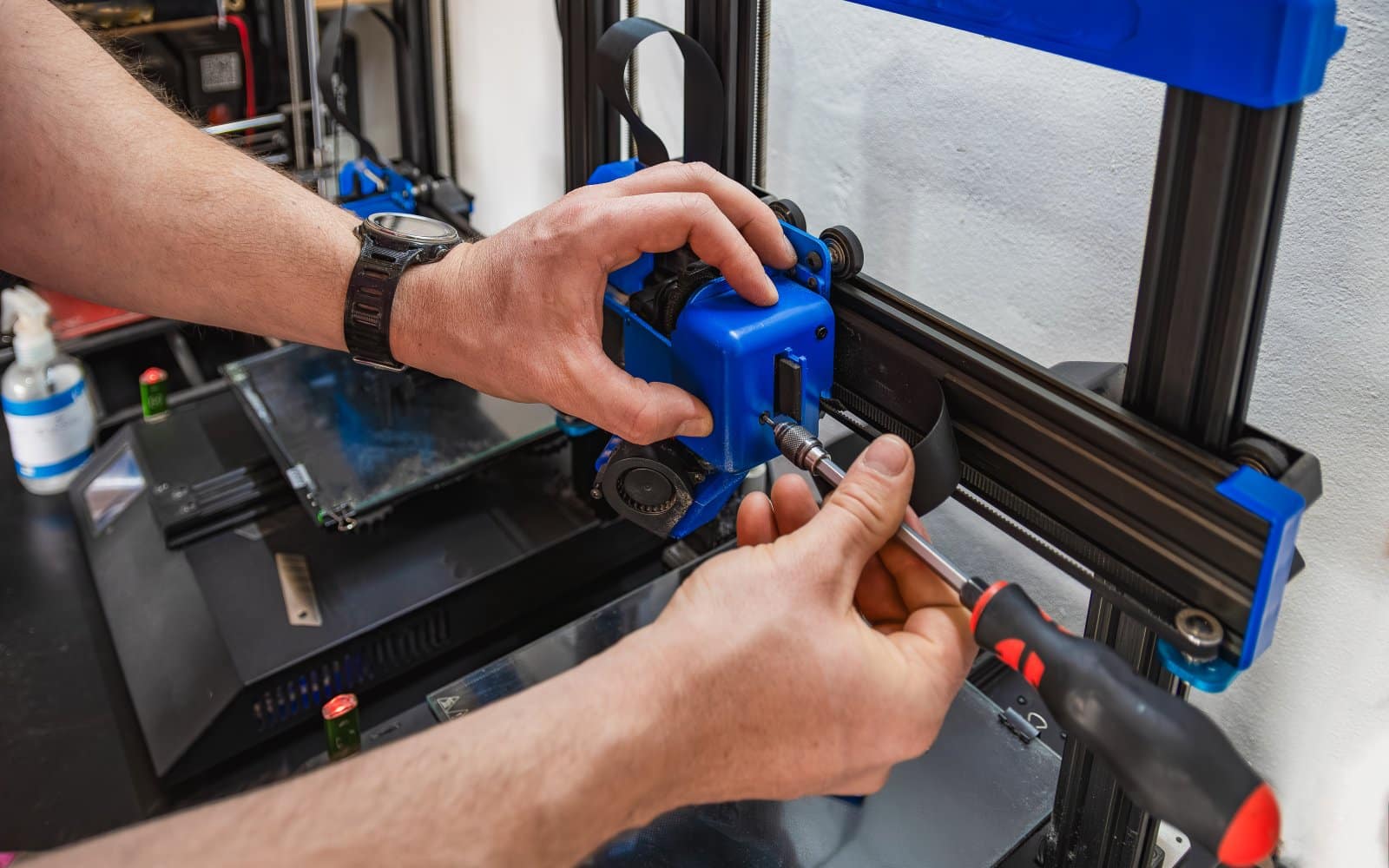
Ender-3 V3 SE maintenance schedule
Maintain an Ender-3 V3 SE by cleaning the plate and nozzle, inspecting wheels and belts, and lubricating only documented motion parts.


