Elegoo
Elegoo guides for the Neptune 4 Pro, Neptune 5 and Centauri Carbon filament printers, and the Saturn 4 and Mars 5 Ultra resin printers. You’ll find bed leveling and Z offset walkthroughs, maintenance schedules and an error or warning index for each model.
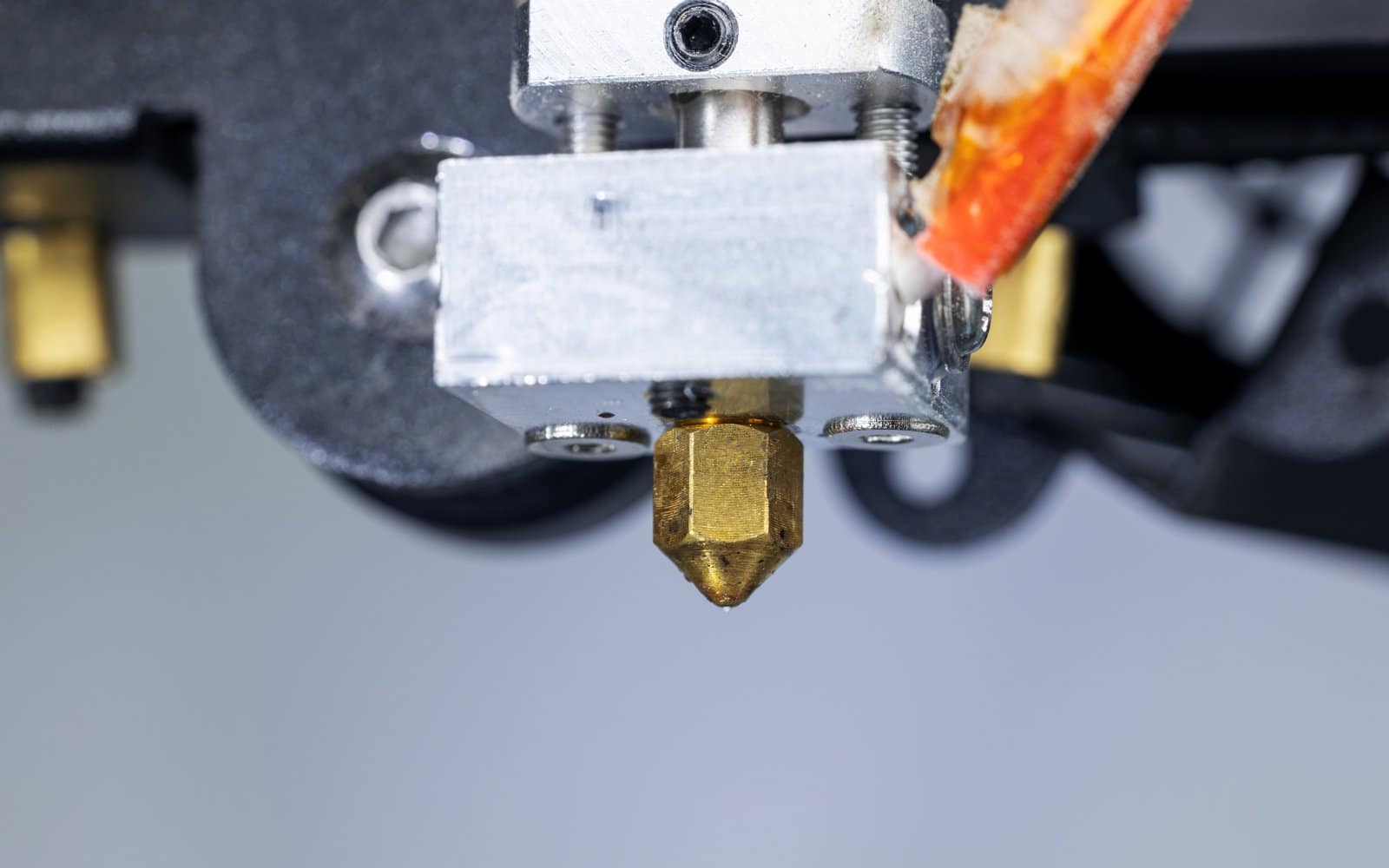
Neptune 4 Pro nozzle replacement
Replace a Neptune 4 Pro nozzle while supporting the heater block, protecting its cables and releveling afterward.
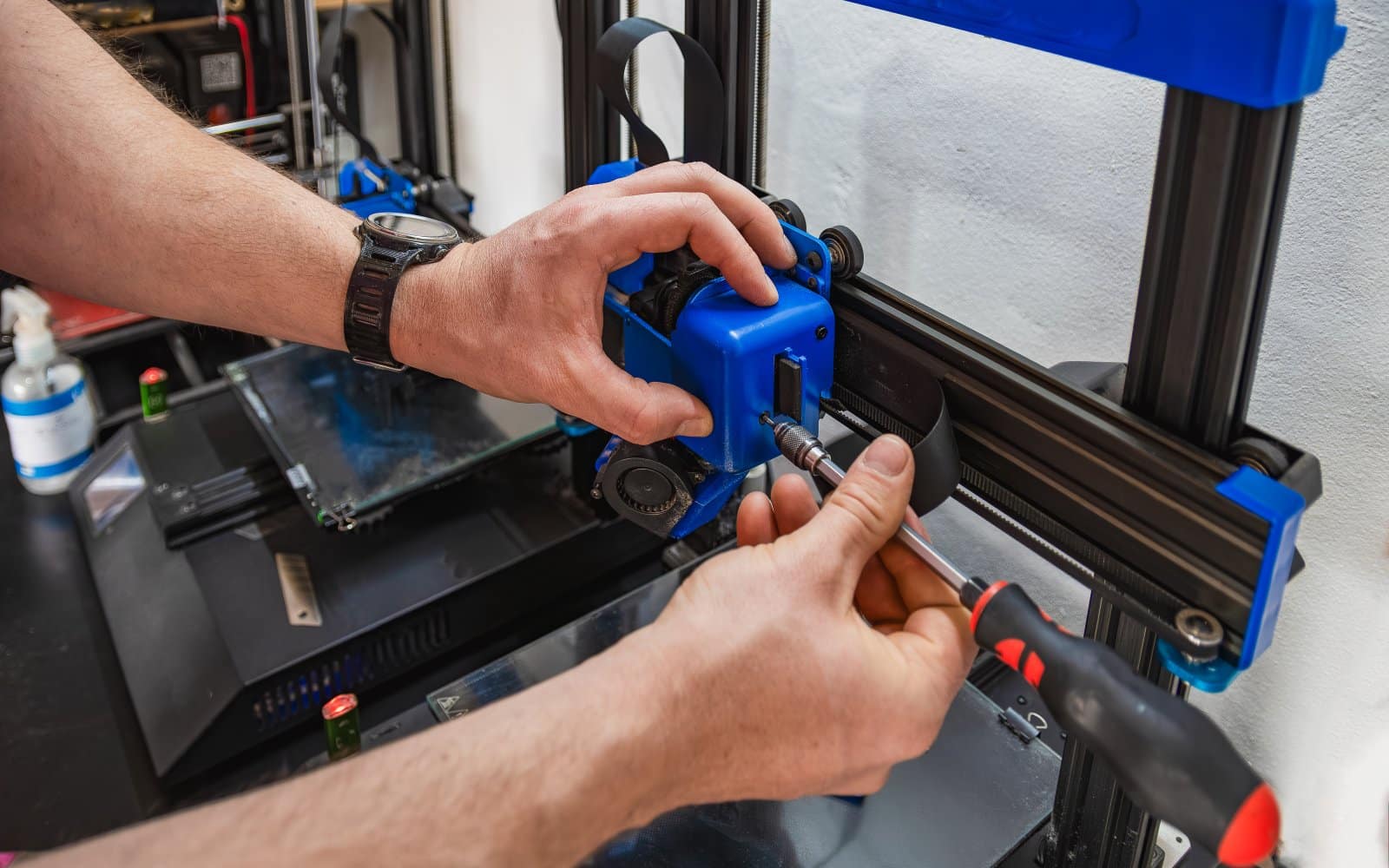
Neptune 4 Pro maintenance schedule
Maintain an Elegoo Neptune 4 Pro by cleaning the PEI plate, inspecting wheels and belts, and servicing lead screws without contaminating the bed.
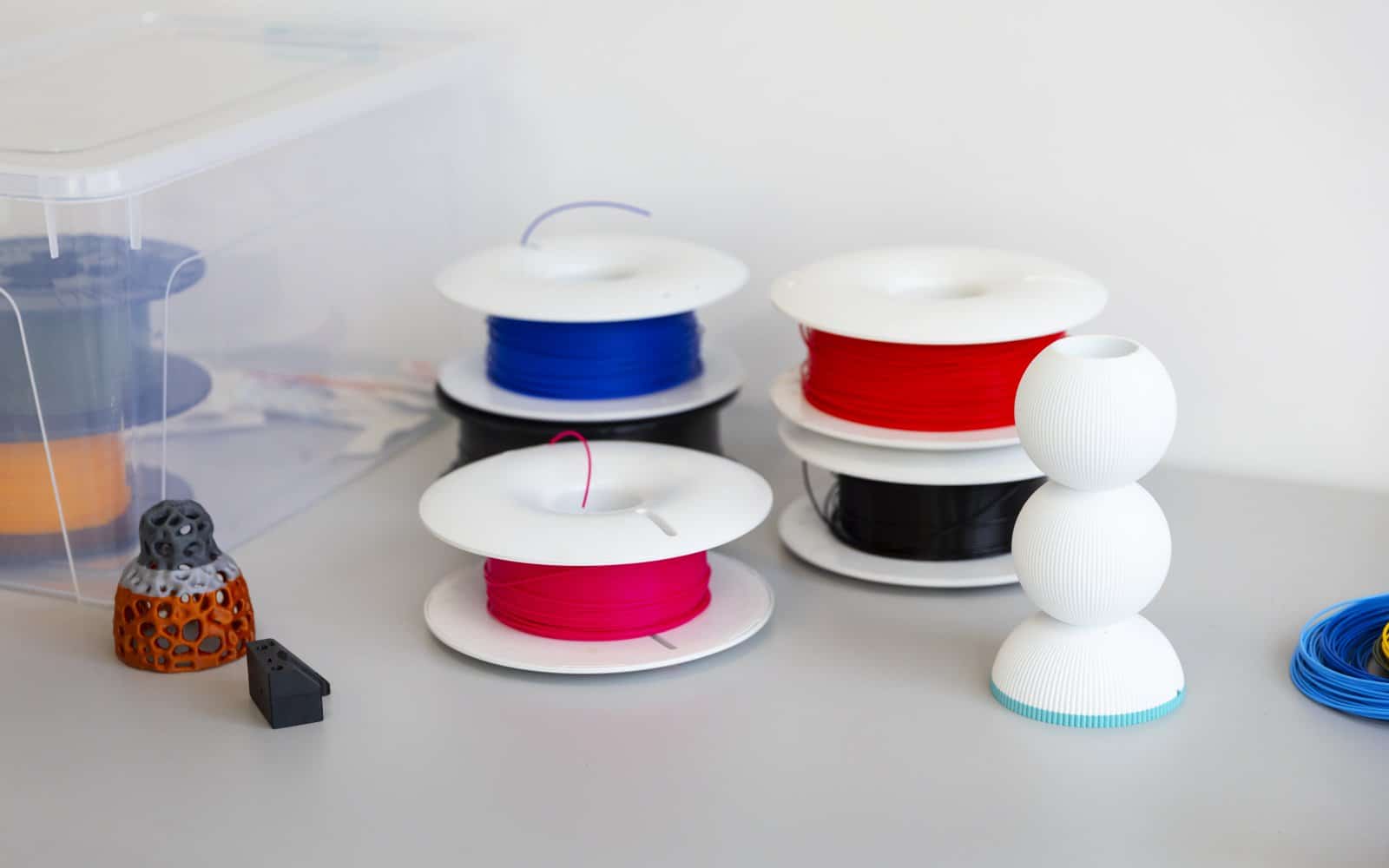
Loading and unloading filament on the Neptune 4 Pro
Load, unload and change filament on an Elegoo Neptune 4 Pro through its runout sensor and direct-drive extruder.
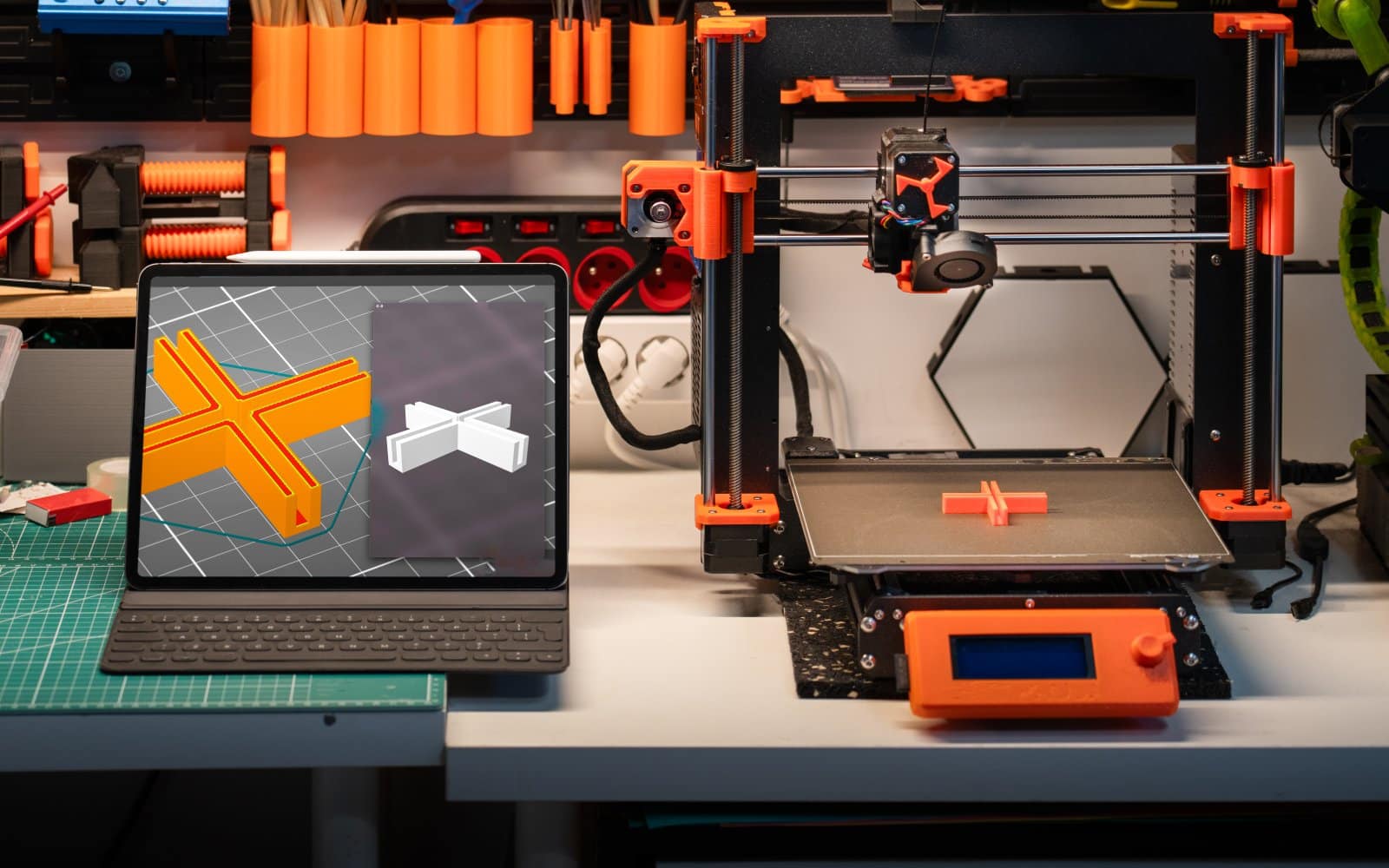
Cura profile setup for the Elegoo Neptune 4 Pro
Configure Cura for an Elegoo Neptune 4 Pro with the exact machine profile, correct dimensions, nozzle and start sequence.
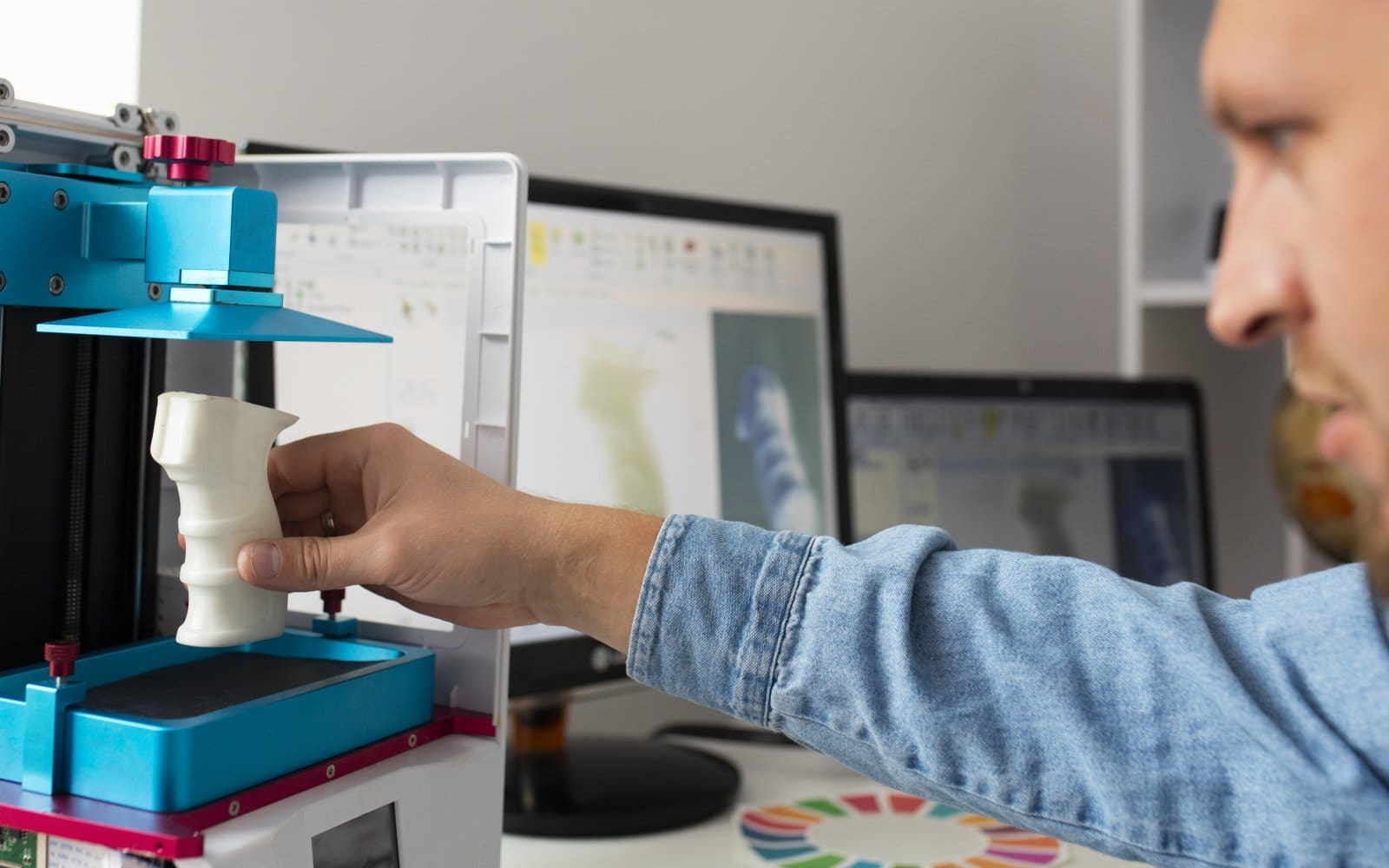
Elegoo Neptune 4 Pro bed leveling and Z offset
Level the Elegoo Neptune 4 Pro bed with its four wheels, automatic mesh and live Z offset in a repeatable order.
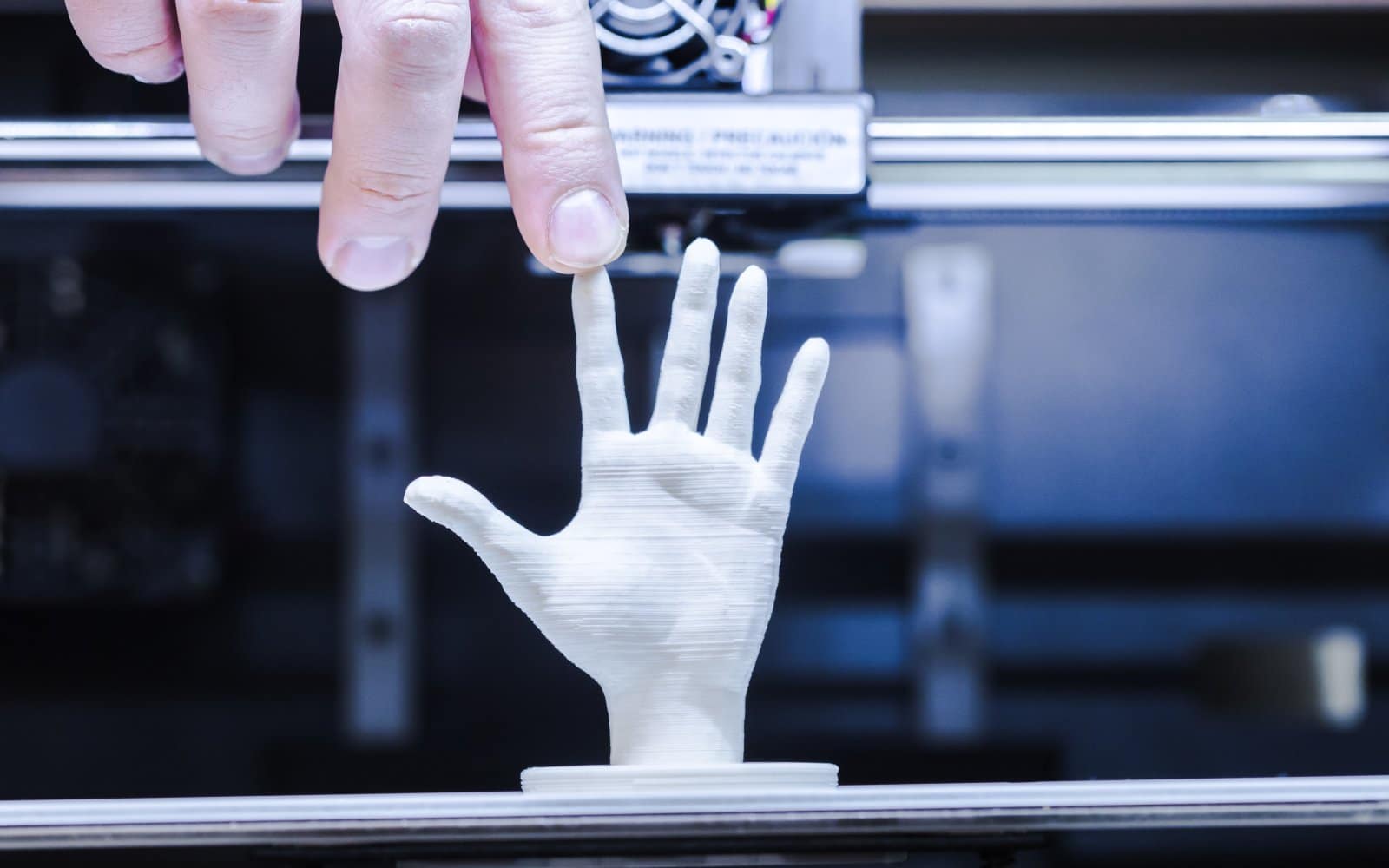
Elegoo Neptune 4 Pro first print
Run an Elegoo Neptune 4 Pro first print with PLA, verify Z offset and mesh behavior, and judge the first layer before increasing speed.
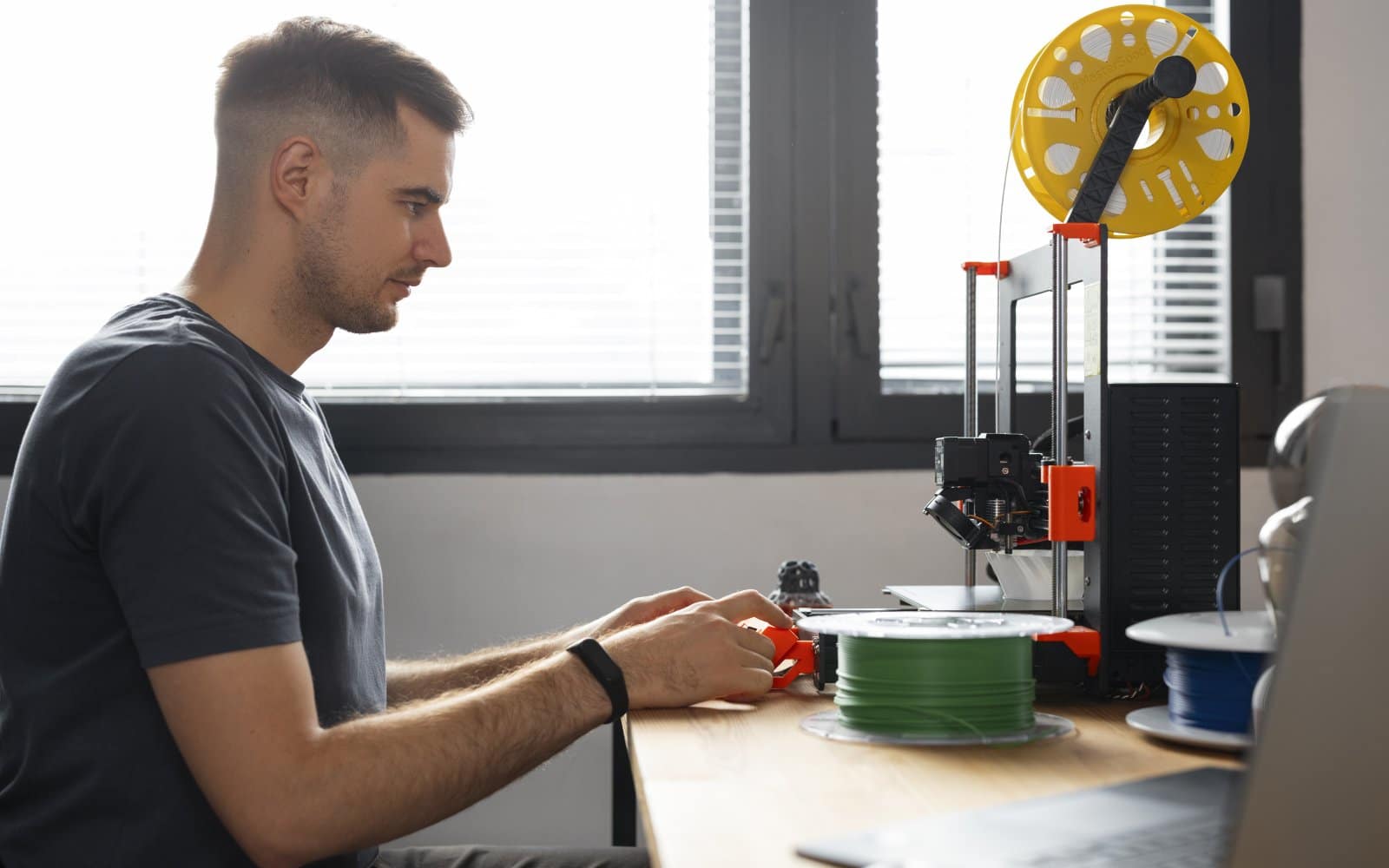
Elegoo Neptune 4 Pro setup: assembly and first leveling
Assemble an Elegoo Neptune 4 Pro, check voltage and cable routing, set the bed hardware and run the documented leveling sequence.


