QIDI
QIDI guides centered on the Q2: setup, first print, calibration, filament loading, Klipper settings, maintenance and nozzle replacement, plus the QIDI Box multicolor unit. The Q1 Pro, Plus4, X-Max 3, Q2C and MAX4 each have an error-code index.
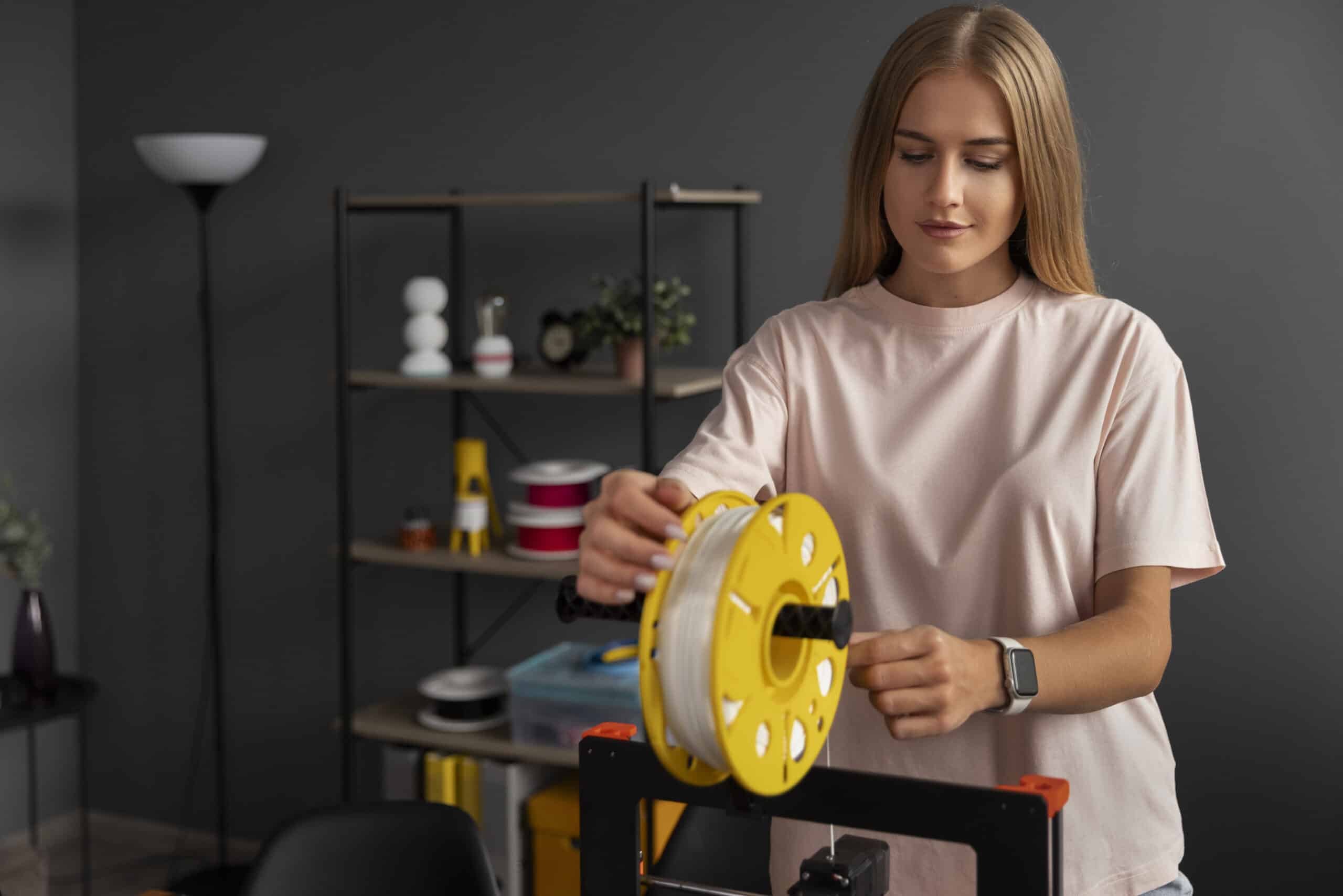
How to load, unload and change filament on the QIDI Q2
Load filament into the QIDI Q2 with the automatic or manual method, then unload it and swap in a new spool through the printer’s…
QIDI Q2 bed and plate calibration: when auto leveling needs help
Fix the two documented QIDI Q2 leveling problems: bed-to-Z-mount interference and a plate too far out of level for auto leveling to correct alone.

QIDI Q2 first print walkthrough: from QIDI Studio to a finished plate
Set up QIDI Studio for the Q2, load a model, match the printer, filament and process presets, and slice and send your first print.

QIDI Q2 unboxing and setup: from the box to a leveled bed
Unbox the QIDI Q2, clear its transport screws and foam, connect the touchscreen and filament tubes, and let the printer run its first automatic…


