Beginner
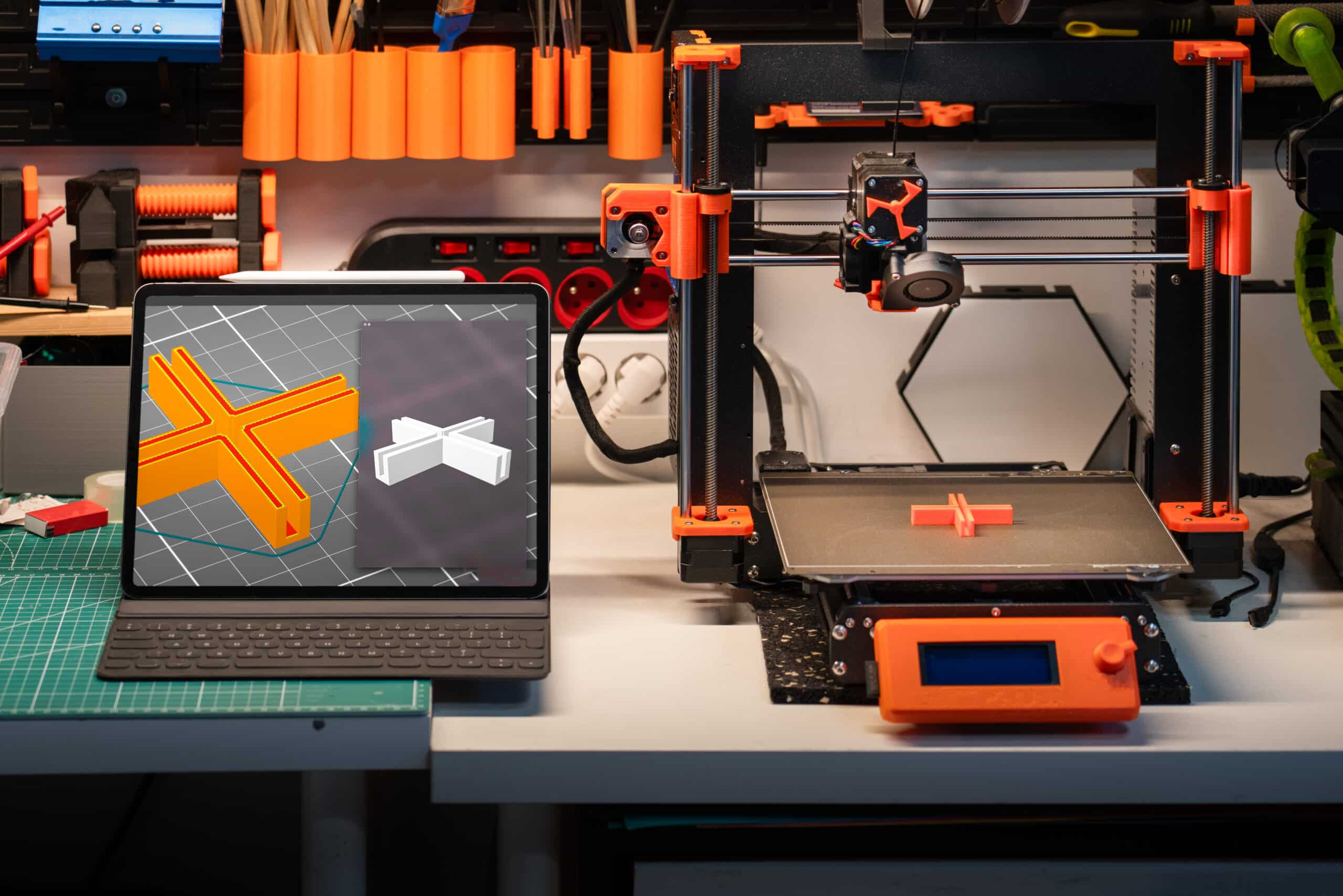
Orca-Flashforge slicer setup for the Adventurer 5M
How to set up Orca-Flashforge for the Adventurer 5M, including the right printer profile, build volume, nozzle size, and safe starting speeds.
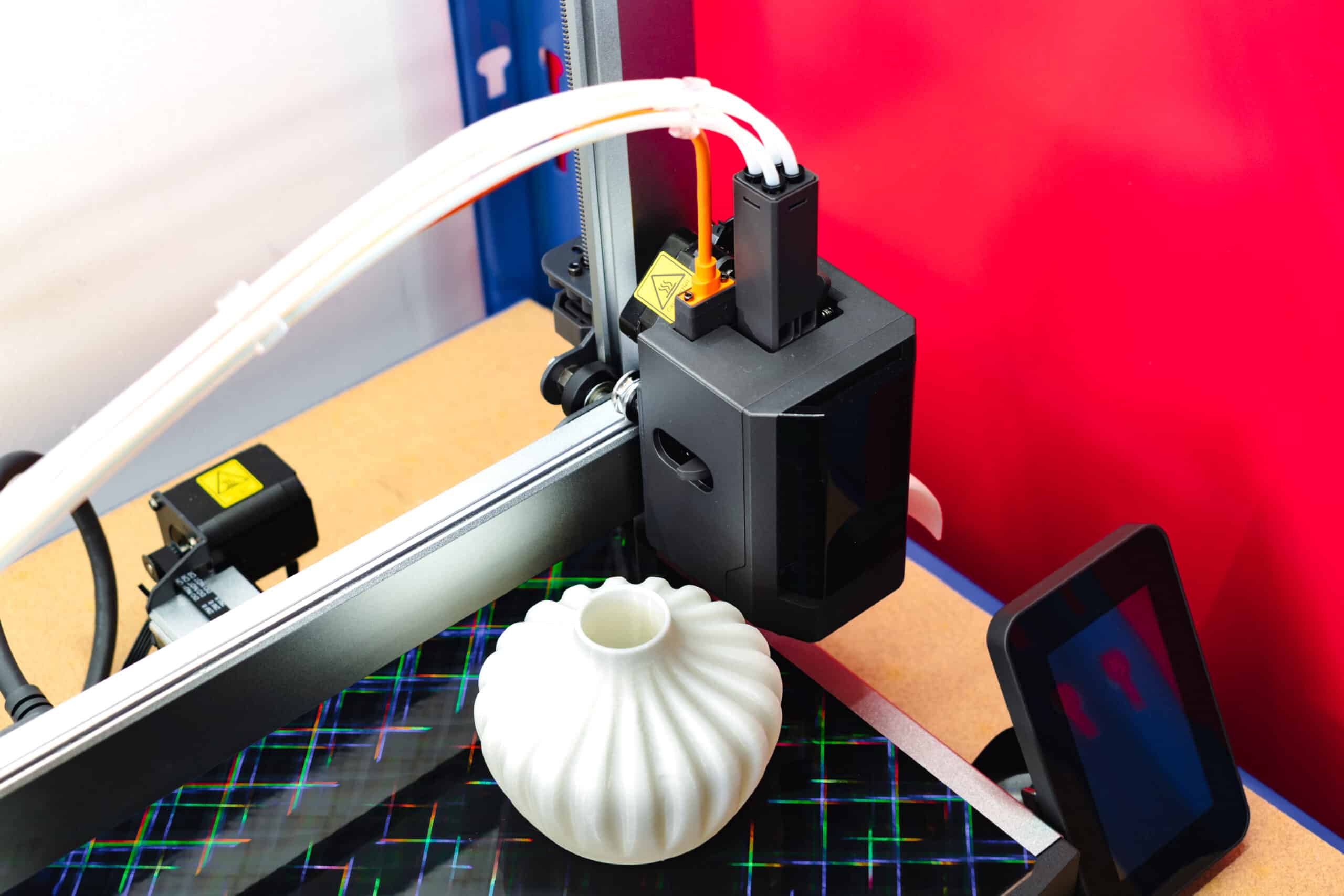
How to load, switch and manage filament on the Flashforge AD5X IFS
Load four spools into the Flashforge AD5X IFS, understand automatic filament switching, and know when to check on longer prints.
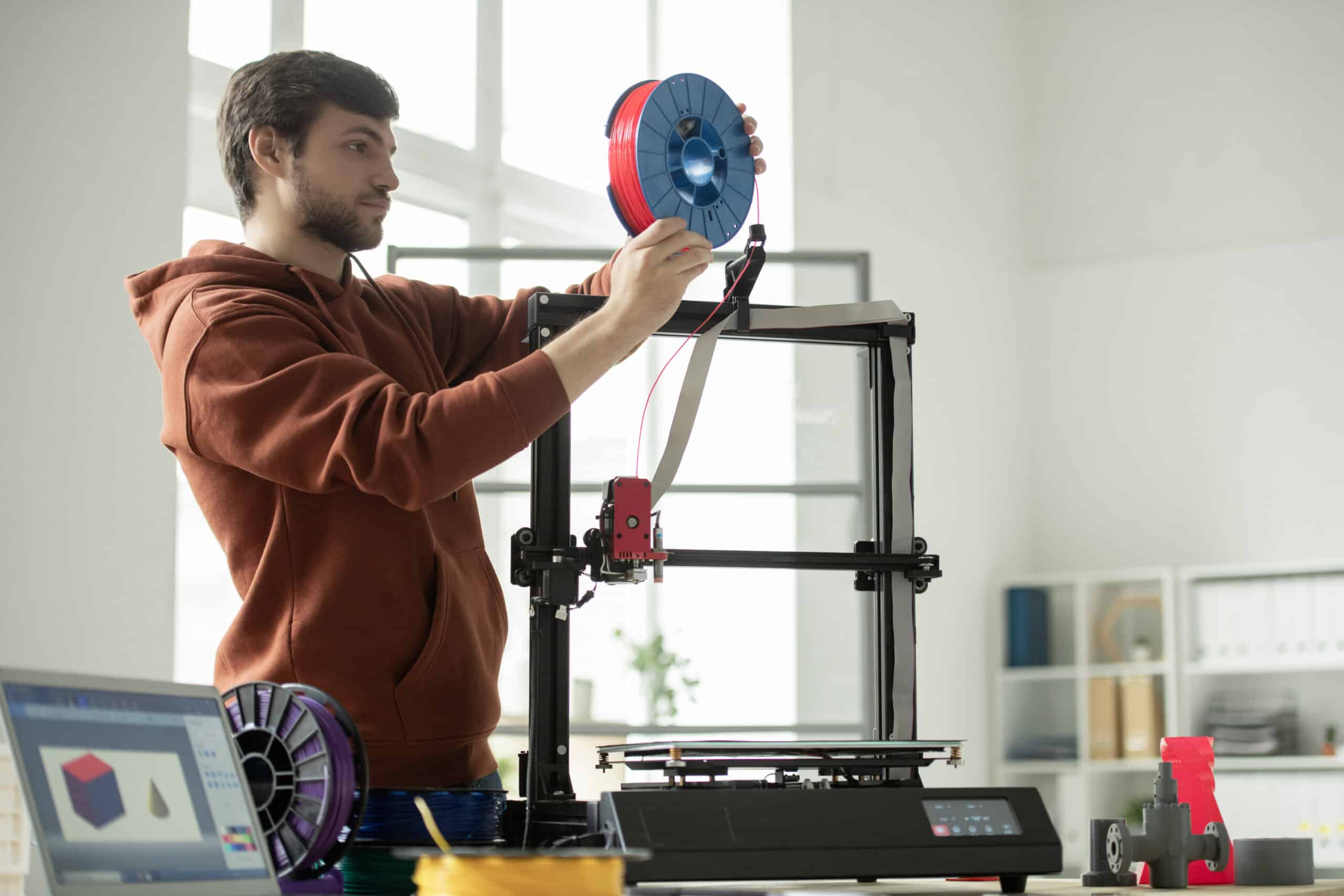
How to load and unload filament on the Flashforge Adventurer 5M
How to load and unload filament on the Flashforge Adventurer 5M’s direct drive extruder, plus which nozzle size fits which material.
Flashforge AD5X first print: a controlled first run
Run a safe first print on the Flashforge AD5X: a single-color test, sensible print speeds, and a first layer worth watching in person.
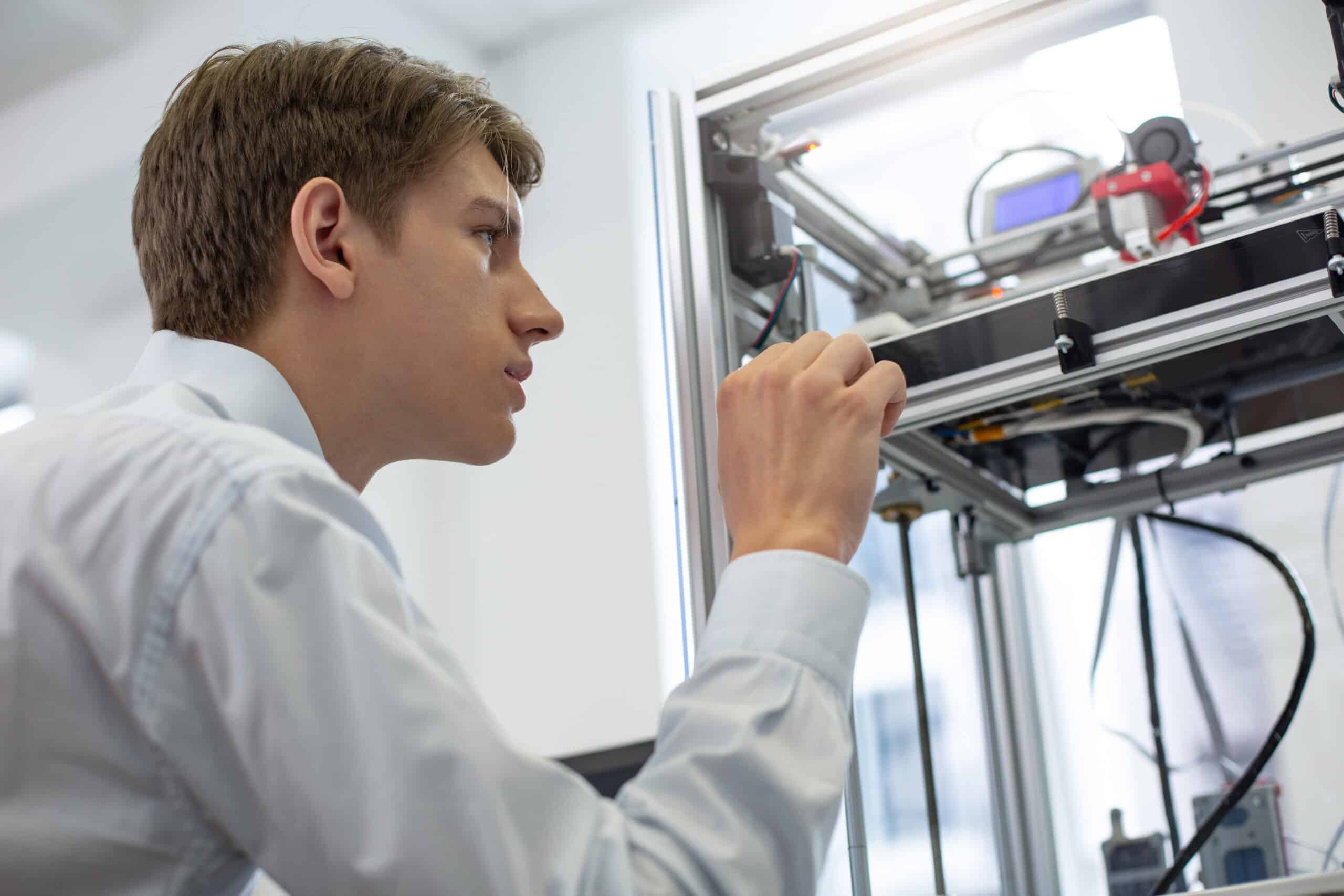
Flashforge Adventurer 5M first print: a controlled first run
How to run a controlled first print on the Flashforge Adventurer 5M: pick a simple file, confirm ADM leveling, and watch the first layer…
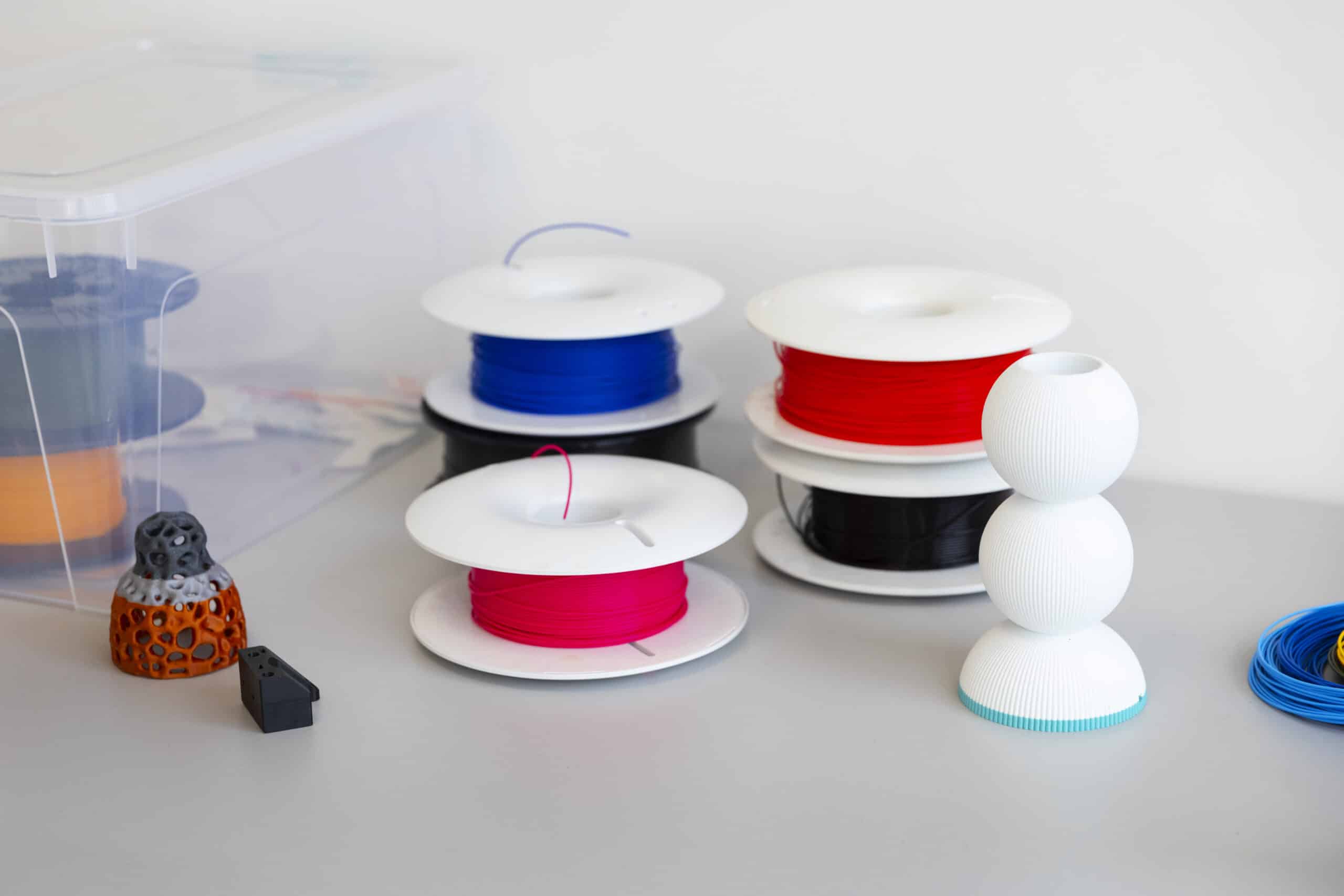
Flashforge AD5X setup: from the box to a ready printer
Unbox the Flashforge AD5X, mount the screen and IFS module, load four filament spools, and run the first auto-leveling cycle before printing.
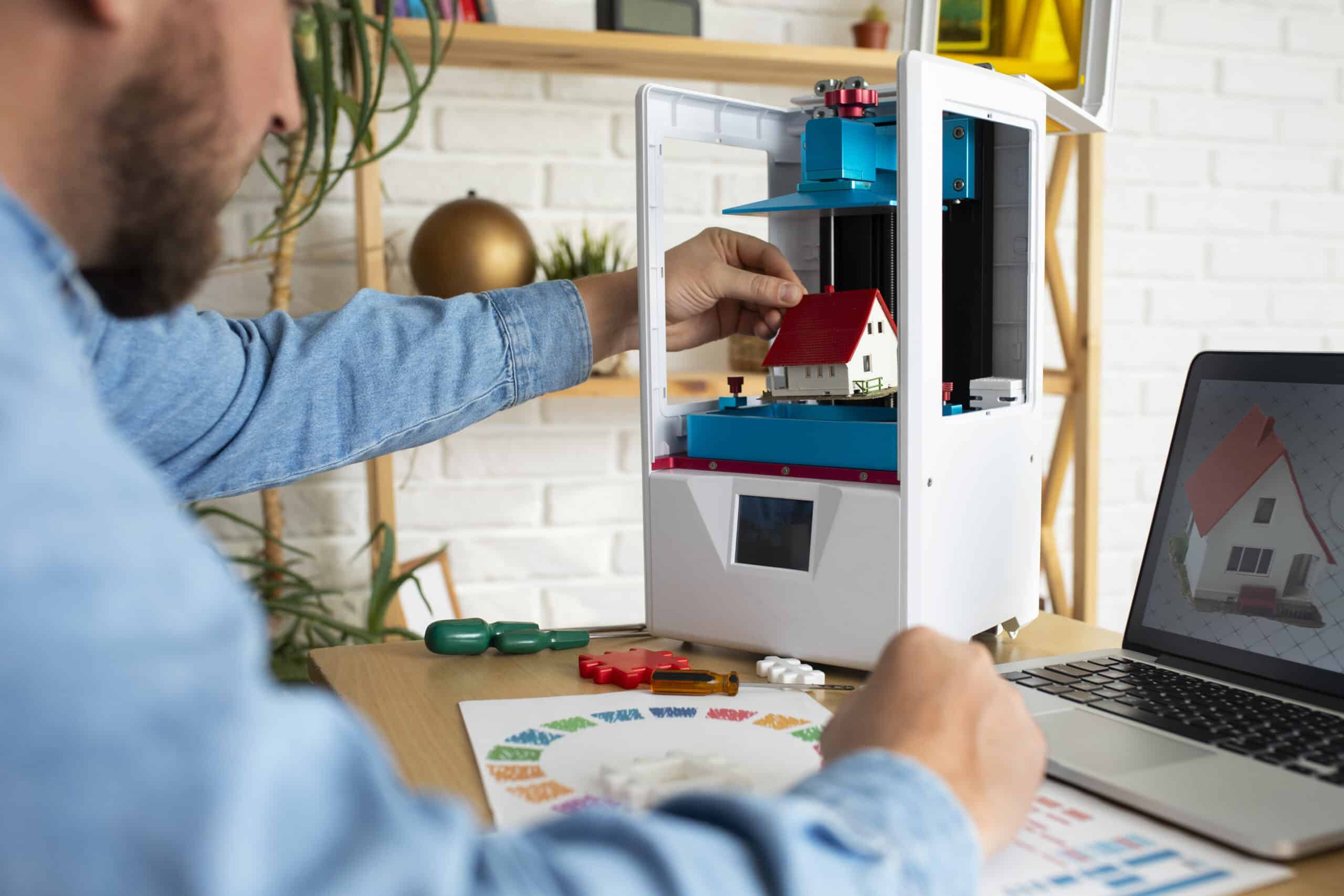
Flashforge Adventurer 5M setup: from the box to a ready printer
Unbox the Flashforge Adventurer 5M, clear its shipping protection, mount the screen and spool holder, and run the first ADM leveling pass.
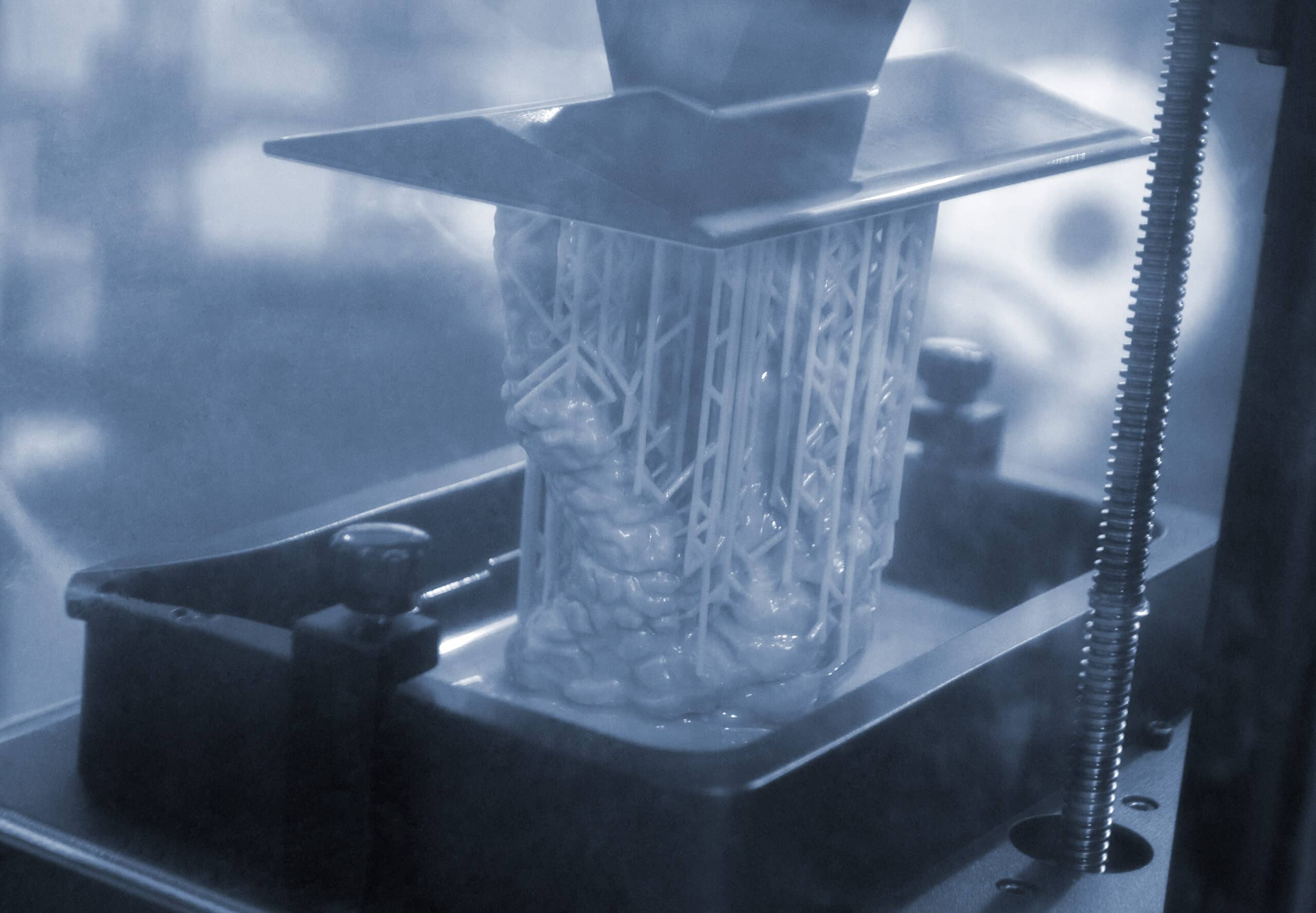
Anycubic Photon Mono 4 error code index
Use the exact message shown on an Anycubic Photon Mono 4 to find the right official fix, and know which faults call for a…
Anycubic Kobra 3 error code index
Find and read Anycubic Kobra 3 error codes correctly, check the obvious causes first, and know when a fault needs manufacturer support.
Photon Workshop setup for the Anycubic Photon Mono 4
Install Anycubic Photon Workshop, add the Photon Mono 4 printer profile and set the basic exposure values before slicing a first resin file.


